What are motion graphics?
Motion graphics are animated design elements—such as text, logos, icons, charts and interfaces—used to communicate a message. Marketers and creators use motion design to explain processes, demonstrate products and make short messages memorable. The most useful style is the one that makes the idea easy to follow.
This guide compares 16 types of motion graphics with five-second animated GIF examples and copy-ready prompts for Codex or Claude Code. Every example uses one gold coin being set aside in one blue savings jar, so you can compare the visual treatment without changing the subject.
Animation can combine moving titles, logos, layered objects and effects, as illustrated in Adobe’s introduction to motion graphics. This guide applies those ideas to original examples made for marketers and creators.
These 16 categories overlap. Some describe depth, others describe perspective, purpose or technique. An isometric view can be drawn in 2D or rendered in 3D. An explainer can use kinetic typography. Treat the names as useful ways to write a brief, rather than a universal classification of every animation style.
How do these animation examples compare?
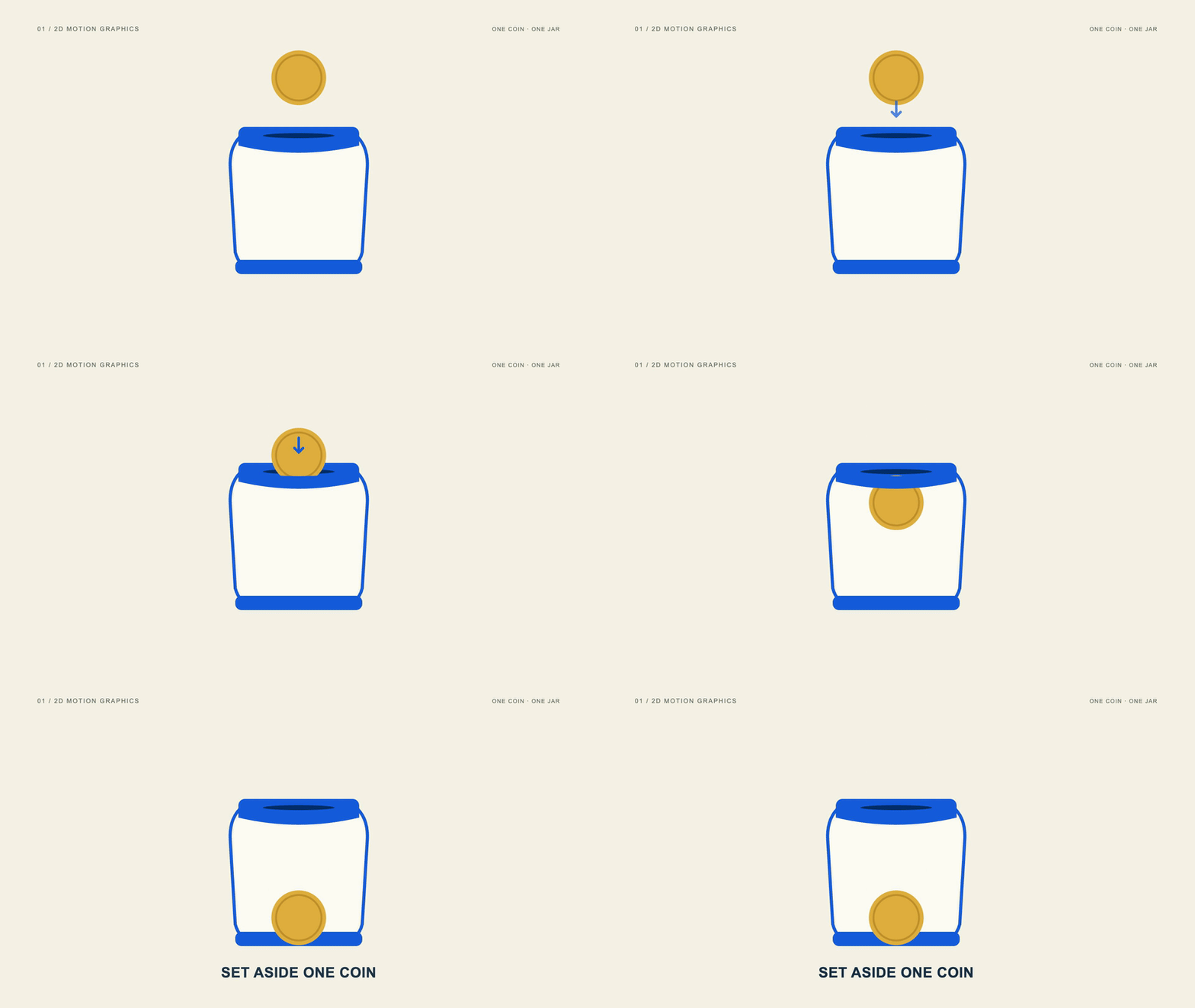
Each GIF repeats a five-second action: establish the coin and jar, guide the coin toward the slot, place it inside, then hold the result. The subject stays consistent while the materials, projection, text and movement change. Use the pause button below an example to stop its motion.
Created for this guide: the animated examples were rendered in Remotion, then converted to 800 × 450 GIFs at 20 frames per second. The 3D example uses modeled WebGL geometry; collage and compositing use separate photographic assets and masks. Optional AI-generated concept images show the earlier art direction. The money action is illustrative and makes no claim of returns or a real transaction.
Download all 16 motion graphics prompts for Codex or Claude Code ↗
Which motion graphics style fits your marketing goal?
| Communication goal | Useful starting styles |
|---|---|
| Explain a process or service | 2D, explainer, isometric, hand-drawn |
| Show an object or software feature | 3D, UI/product, VFX/compositing |
| Emphasize a short phrase or identity | Kinetic typography, logo animation |
| Make information easier to follow | Infographic, broadcast graphics |
| Establish a distinctive visual mood | Collage, liquid/morphing, abstract/generative, HUD |
How to use a motion graphics prompt in Codex or Claude Code
- Choose one example. Pick a style based on the message and copy its complete production prompt.
- Open a local project. Ask the coding agent to check the instructions and compatible Remotion runtime before rendering.
- Build the five-second test. Keep the specified subject, text and timing so the result is easy to evaluate.
- Adapt it to your brand. Change the copy and colors after reviewing the test; provide accurate assets for any real logo or product.
- Inspect the exported animation. Check readability, object continuity and transitions at phone width before public use.
The prompts request editable source, a full-resolution MP4 and a web GIF. For Reels, ask for a separate 1080 × 1920 composition; stretching this landscape layout will distort it. Remotion provides the video framework, while Codex or Claude Code writes and runs the project.
01. What are 2D motion graphics?
Clear ideas, drawn flat.
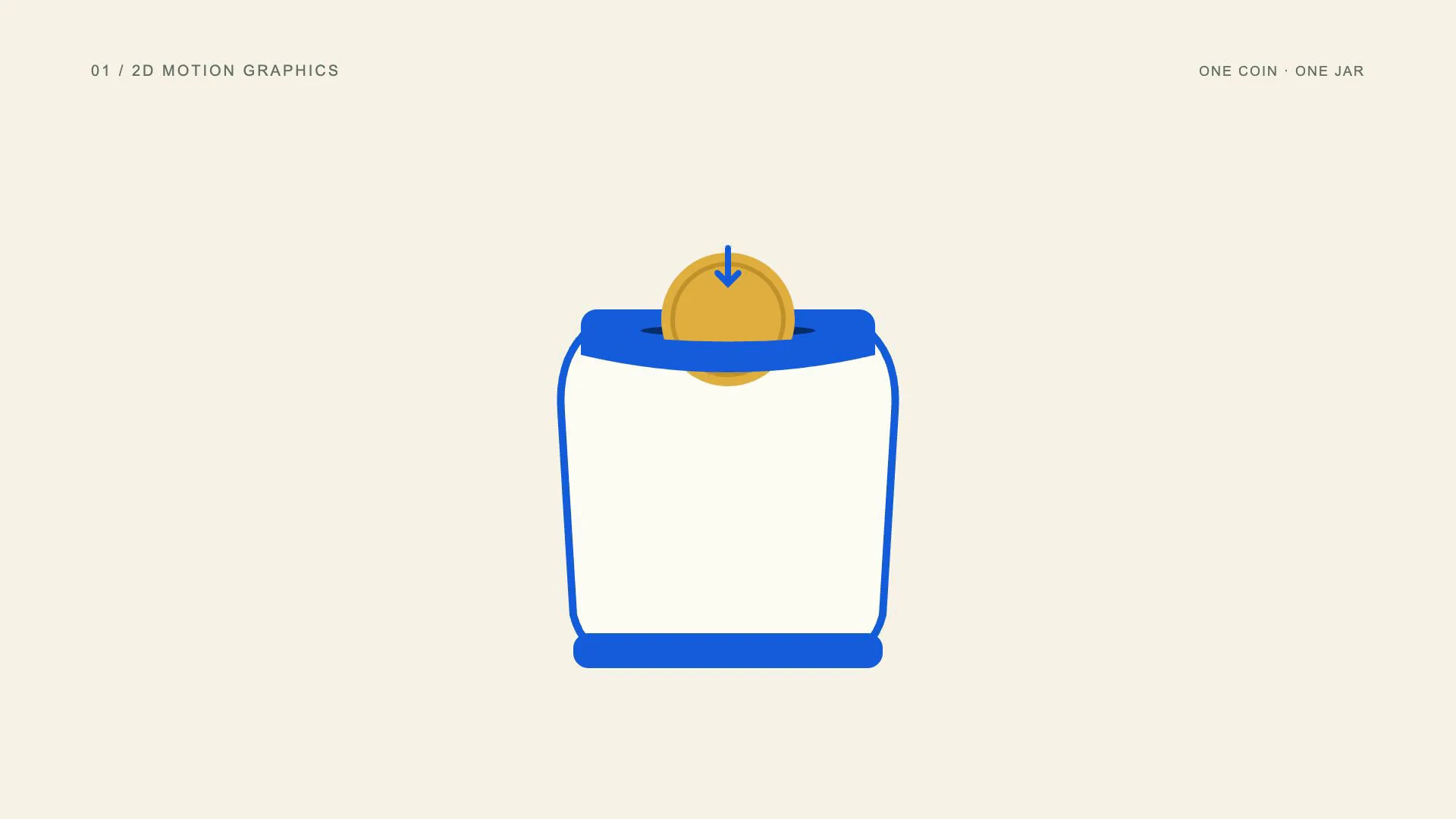
2D motion graphics animate flat elements such as text, icons, shapes and illustrations. Their meaning comes from position, timing, color and overlap rather than modeled depth. A simple flat animation can explain an action clearly when the viewer needs to understand the message quickly.
View the original AI-generated concept image
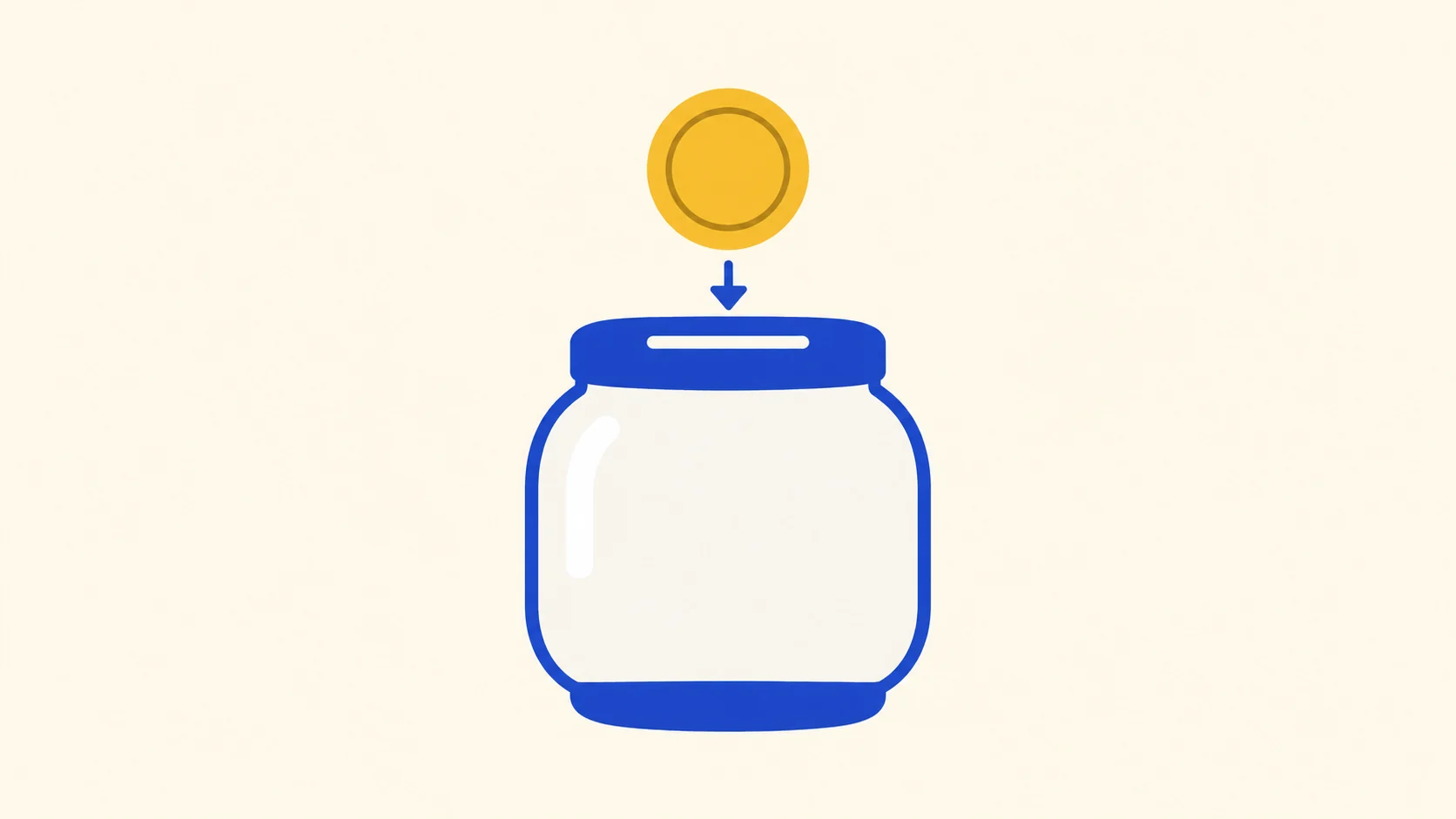
The same coin and savings jar, shown with flat shapes and a clear downward direction.
In this money example, a flat gold circle moves through the blue jar slot and remains visible inside. A short arrow directs attention to the saving action. The outline, arrow and coin share a simple graphic language, making the sequence readable without reflections or camera movement.
Use 2D animation for service explainers, onboarding and educational social posts. It works especially well when you can show one action with a few objects. Keep the movement purposeful: if every icon bounces at the same time, the viewer has no clear place to look.
- Best uses
- Service explainers, onboarding, short educational posts and simple campaign diagrams.
- What makes the motion work
- Establish the objects, move one object for a reason, then let the viewer read the result.
- Watch out for
- Making every element move at once, or adding shadows that blur the intended flat style.
Read the full production prompt
Create a 5-second Remotion example of flat 2D motion graphics using the SAME subject as the other examples: exactly one coin being set aside in one savings jar. This is an illustrative saving action, with no investment return, currency denomination or actual transaction claim.

VISUAL SYSTEM
Use 1920x1080 at 30fps. One plain round gold-colored coin starts at (960,280), about 180px in diameter. One savings jar is centered around (960,650), about 440px wide and 480px high, with a cobalt #165DDE lid/base and visible horizontal slot centered around (960,430). Its front is pale or clear enough to show the coin inside after entry. Adapt these coordinates coherently to the specified projection and style. Draw a flat mustard #E2B544 circular coin and cobalt #165DDE jar silhouette on cream #F7F3E9. Use a 10px jar outline, one clearly visible lid slot and a pale flat front. No gradients, shadows or perspective. Supporting arrow is simple and flat.

TIMELINE
0-1s: reveal the empty savings jar and one coin above it. 1-2.5s: draw a short down arrow, then lower the coin from y=280 to the lid slot at y=430 over 0.8s using cubic easing. 2.5-4s: retain the same coin and pass it behind the front rim into the jar at y=800; show Set aside one coin after it settles. 4-5s: hold the jar with exactly one visible coin inside.

IMPLEMENTATION
Build editable SVG Coin and SavingsJar components. Use an explicit rim mask so the coin passes into the jar rather than across the lid. Keep the visible coin count exactly one.

Read this project's instructions first. Work in a clearly named local project folder and preserve existing files and exports. Reuse a compatible Remotion runtime if present. Keep this example silent unless I supply audio. Do not use the article image as a flattened video: create editable components and expose copy, colors, geometry and timing in configuration.

Drive every animation from useCurrentFrame(), interpolate() or spring(); do not use CSS animation clocks, timers or unseeded randomness. Keep opacity and sizes bounded, and text inside a 120px landscape safe margin. Reuse objects between beats and use a readable final hold.

Deliver editable source, a registered composition, local render instructions and a versioned H.264 MP4 and a looping five-second web GIF (800x450, 20fps, 100 frames). Preserve the MP4 as the source. Use palette generation for GIF conversion, verify its full decode, and confirm that one loop lasts 5.000 seconds. Render the video, extract a contact sheet including transition boundaries, inspect it at full resolution and at phone width, and correct visible defects. Verify dimensions, frame rate, duration and full video decode. Report any unperformed checks or missing dependencies honestly. Follow project permissions for installs, paid tools and publication; do not delete files, change credentials or publish without authorization. Do not claim the video is finished merely because the source compiles.02. What are 2.5D motion graphics?
Depth without a full 3D world.
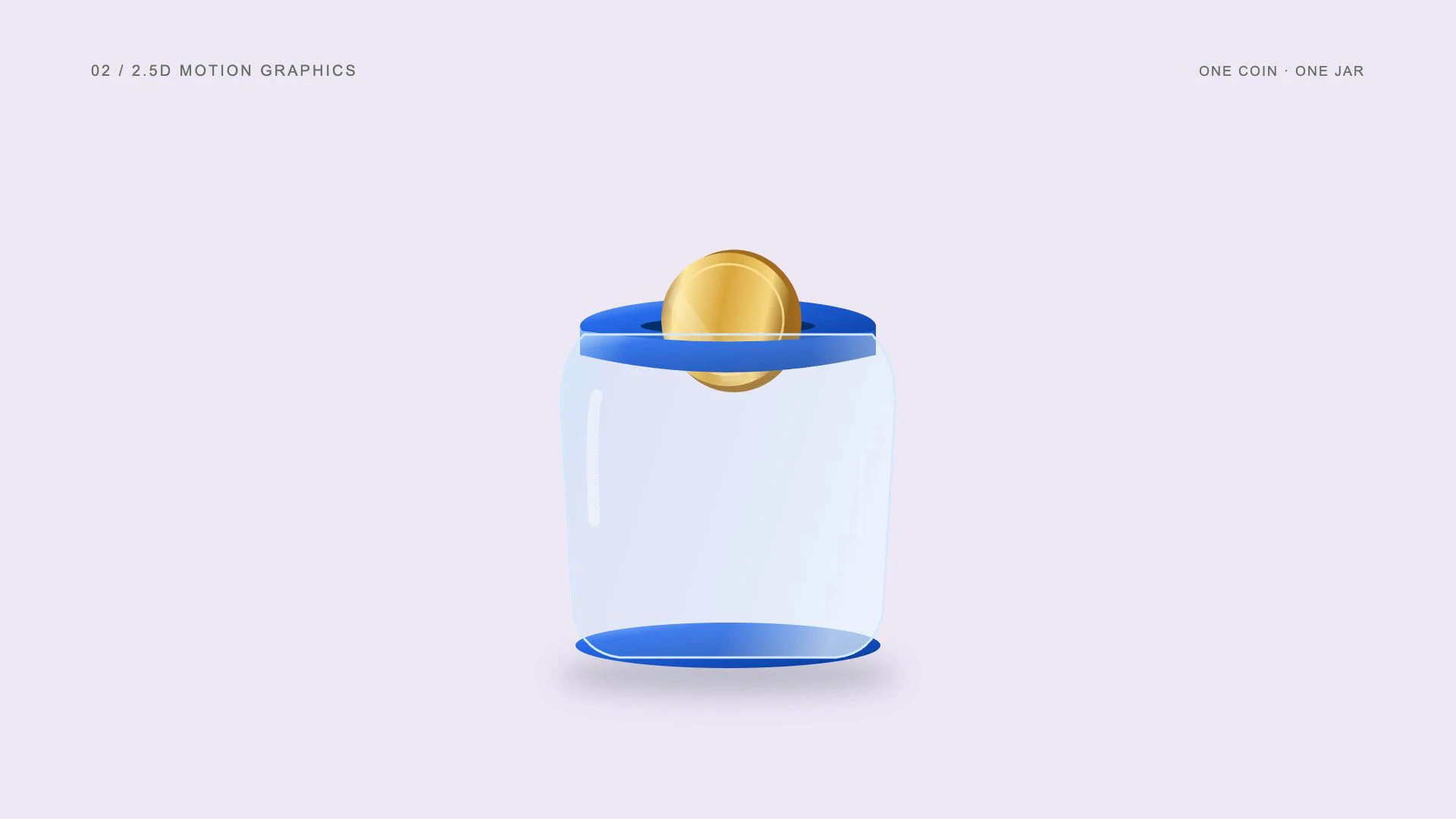
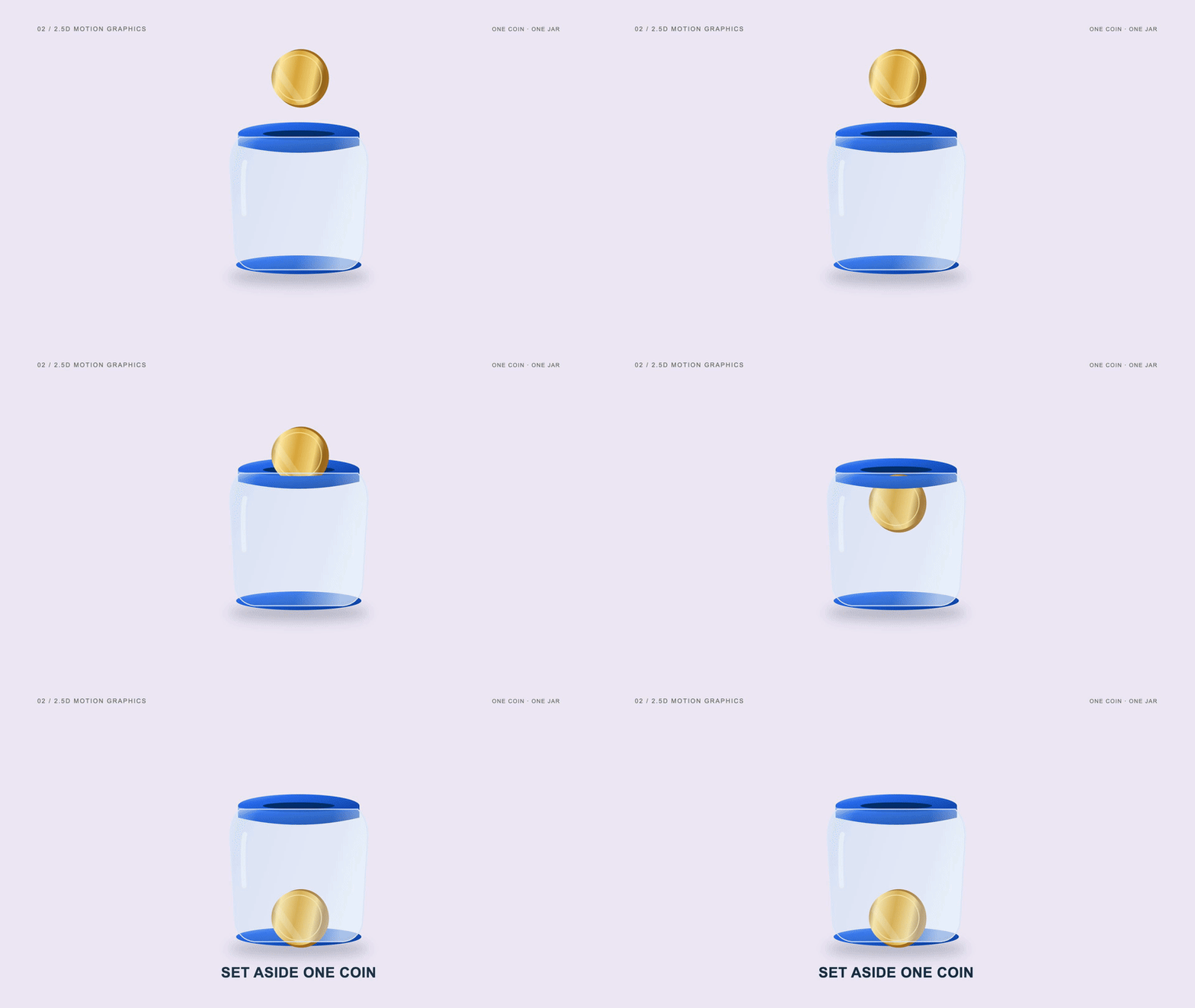
2.5D motion graphics create a sense of depth using layered artwork, shaded faces, perspective cues and shadows. The scene looks dimensional, but its objects do not necessarily have complete 3D geometry. The technique suits a controlled view where the camera does not need to reveal every side.
View the original AI-generated concept image
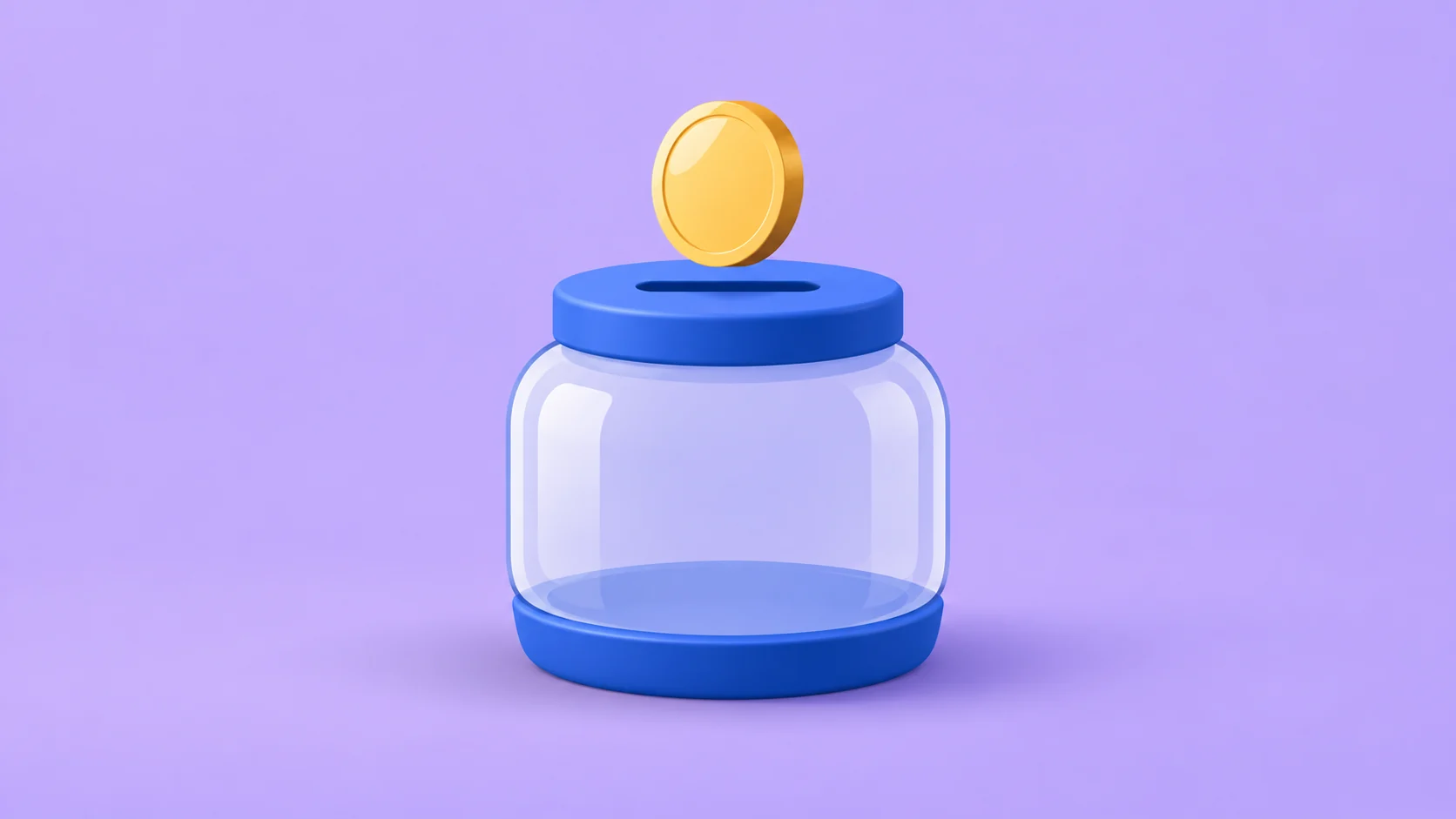
The coin and savings jar use layered depth, highlights and soft shadows in a 2.5D treatment.
The coin gains a visible edge and a moving highlight, while the jar uses overlapping surfaces and a soft contact shadow. The coin follows the same saving action as the flat example. Richer material cues give the objects weight without changing what the viewer needs to understand.
Choose 2.5D animation for financial education, resource diagrams and product concepts that benefit from depth. Plan the camera movement before production: a dramatic orbit can reveal the limitations of layered artwork. Dimensional coin diagrams often use this appearance, although the look alone does not identify the original production method.
- Best uses
- Financial explainers, pricing, storage, token transfers and resource diagrams.
- What makes the motion work
- Keep the same object identity as it accumulates, moves or becomes part of a larger diagram.
- Watch out for
- Treating 2.5D as a guarantee of a particular tool, or using dramatic camera turns that expose flat geometry.
Read the full production prompt
Create a 5-second Remotion example of 2.5D motion graphics using the SAME subject as the other examples: exactly one coin being set aside in one savings jar. This is an illustrative saving action, with no investment return, currency denomination or actual transaction claim.

VISUAL SYSTEM
Use 1920x1080 at 30fps. One plain round gold-colored coin starts at (960,280), about 180px in diameter. One savings jar is centered around (960,650), about 440px wide and 480px high, with a cobalt #165DDE lid/base and visible horizontal slot centered around (960,430). Its front is pale or clear enough to show the coin inside after entry. Adapt these coordinates coherently to the specified projection and style. Construct a shallow dimensional gold #D6A548 coin from an elliptical face and a narrow side extrusion. Use layered jar faces, cobalt-blue lid/base, a pale transparent-looking front, upper-left edge highlights and a soft contact shadow on lilac #EEEAF5. Keep the camera fixed; depth is drawn from layered artwork.

TIMELINE
0-1s: establish the empty jar and coin with restrained spring settling. 1-2.5s: move the coin downward to the slot over 1s while shifting its clipped highlight subtly. 2.5-4s: pass the retained coin behind the front rim and show it through the pale jar panel; settle it at the base and reveal Set aside one coin. 4-5s: hold the complete scene.

IMPLEMENTATION
Use editable SVG geometry and stable unique gradient/mask IDs. Expand blur bounds so shadows do not clip into rectangles. Simulate depth without claiming that the scene uses full 3D meshes.

Read this project's instructions first. Work in a clearly named local project folder and preserve existing files and exports. Reuse a compatible Remotion runtime if present. Keep this example silent unless I supply audio. Do not use the article image as a flattened video: create editable components and expose copy, colors, geometry and timing in configuration.

Drive every animation from useCurrentFrame(), interpolate() or spring(); do not use CSS animation clocks, timers or unseeded randomness. Keep opacity and sizes bounded, and text inside a 120px landscape safe margin. Reuse objects between beats and use a readable final hold.

Deliver editable source, a registered composition, local render instructions and a versioned H.264 MP4 and a looping five-second web GIF (800x450, 20fps, 100 frames). Preserve the MP4 as the source. Use palette generation for GIF conversion, verify its full decode, and confirm that one loop lasts 5.000 seconds. Render the video, extract a contact sheet including transition boundaries, inspect it at full resolution and at phone width, and correct visible defects. Verify dimensions, frame rate, duration and full video decode. Report any unperformed checks or missing dependencies honestly. Follow project permissions for installs, paid tools and publication; do not delete files, change credentials or publish without authorization. Do not claim the video is finished merely because the source compiles.03. What are 3D motion graphics?
Make the object the hero.
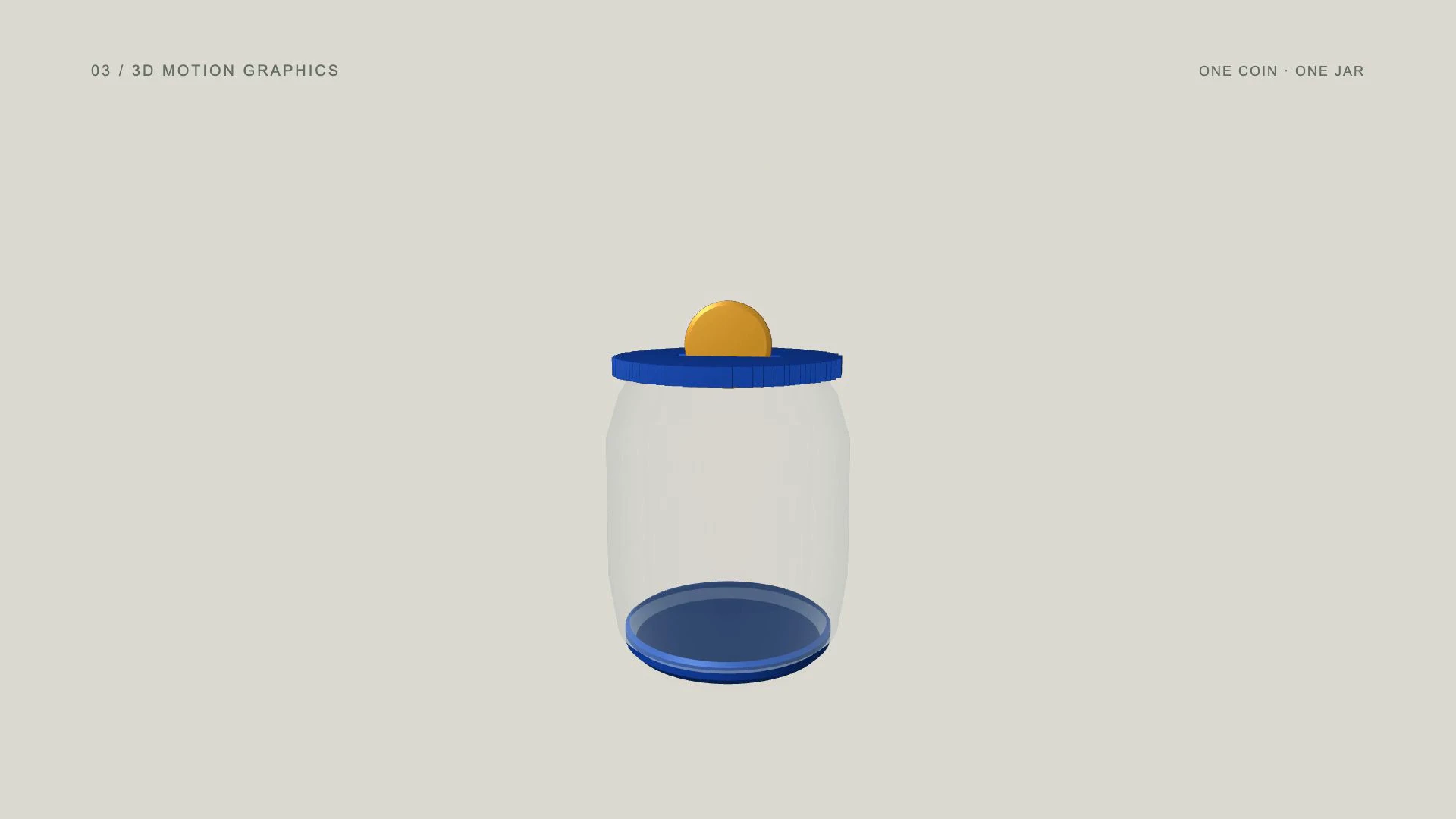
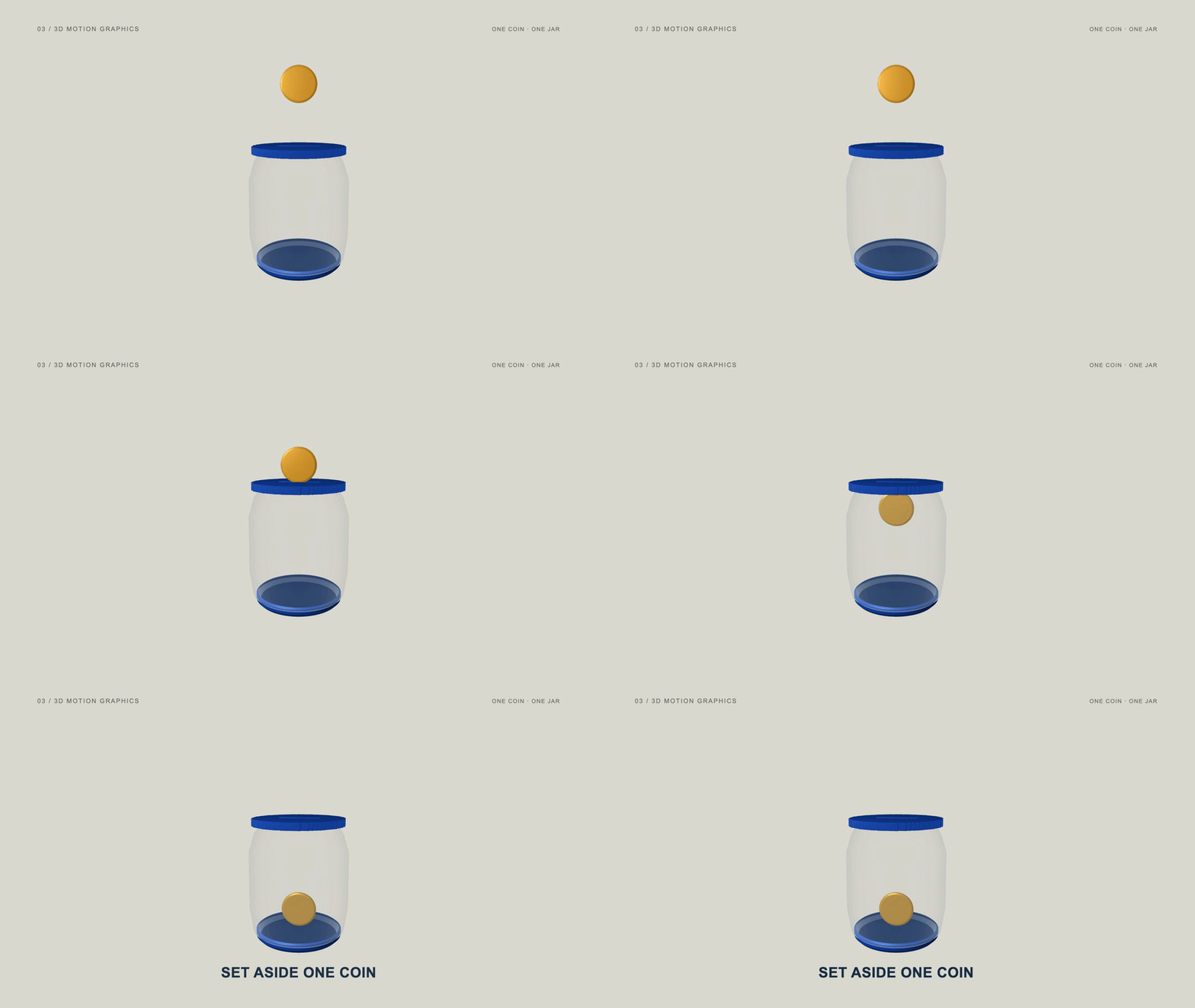
3D motion graphics animate objects with actual modeled depth inside a scene. A camera can reveal different surfaces, while lighting and materials define their appearance. This makes 3D useful when the shape, finish or spatial relationship of an object is part of the message.
View the original AI-generated concept image
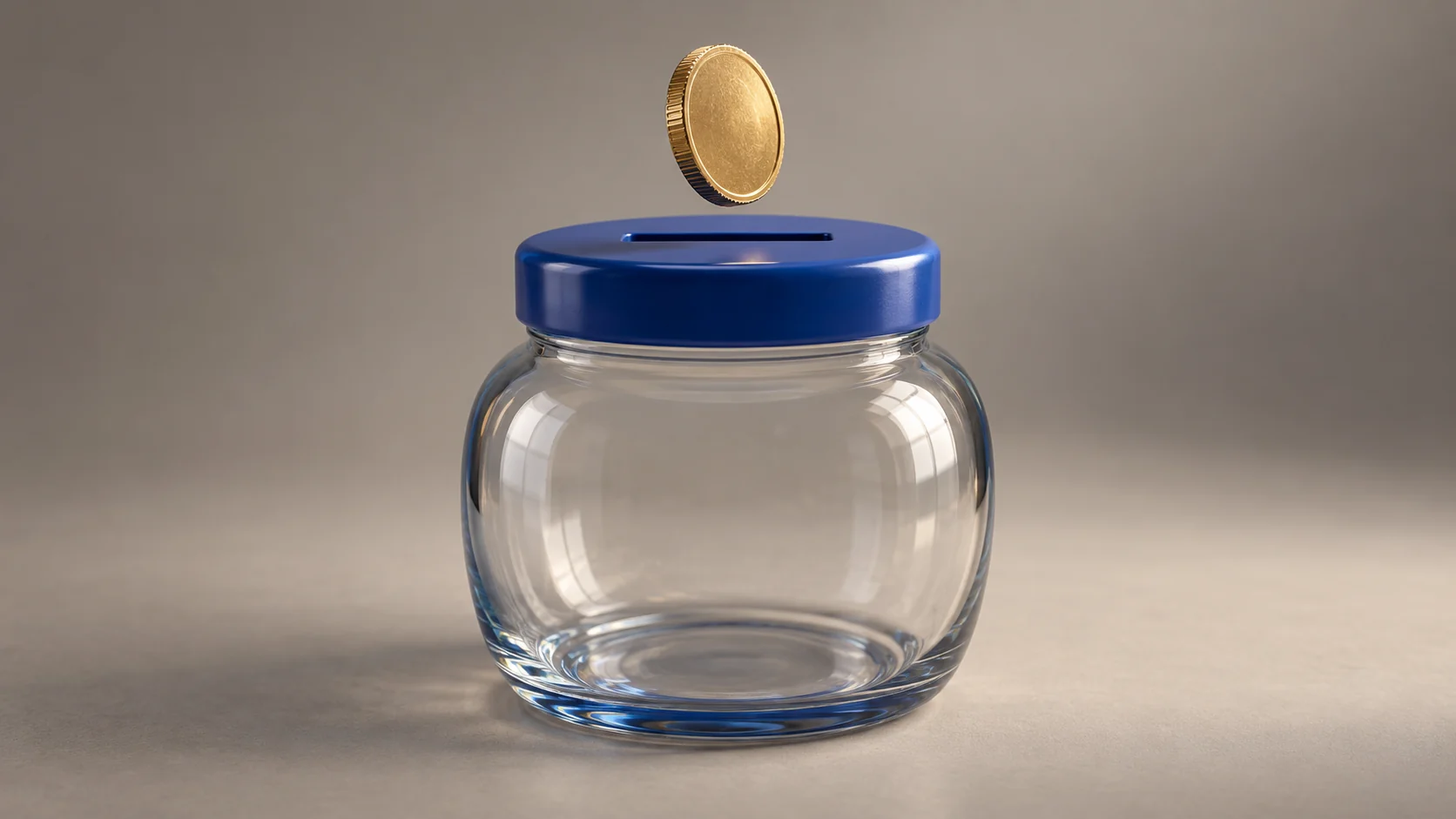
A CGI-style coin and glass savings jar show the real-3D material and camera language.
The example uses modeled coin, jar and lid geometry in a native WebGL scene. A small perspective camera move reveals depth before the coin enters the opening. The jar front allows the saved coin to remain visible. The optional concept image is an illustration, while the animated example uses real meshes.
Use 3D animation for packaging, product launches and objects whose construction matters. A restrained camera move usually explains more than an arbitrary full rotation. Check that glass, reflections and shadows support the silhouette; decorative lighting should not make the action harder to follow.
Implementation reference: Remotion ThreeCanvas integrates Three.js scenes and requires animation to follow Remotion frames.
- Best uses
- Product launches, packaging, technology hardware and dimensional brand films.
- What makes the motion work
- Use a controlled camera move or object turn to reveal something useful about its form.
- Watch out for
- Spending the whole clip on an arbitrary spin, or describing a flat image rotation as true 3D.
Read the full production prompt
Create a 5-second Remotion example of true 3D motion graphics using the SAME subject as the other examples: exactly one coin being set aside in one savings jar. This is an illustrative saving action, with no investment return, currency denomination or actual transaction claim.

VISUAL SYSTEM
Use 1920x1080 at 30fps. One plain round gold-colored coin starts at (960,280), about 180px in diameter. One savings jar is centered around (960,650), about 440px wide and 480px high, with a cobalt #165DDE lid/base and visible horizontal slot centered around (960,430). Its front is pale or clear enough to show the coin inside after entry. Adapt these coordinates coherently to the specified projection and style. Create actual modeled 3D meshes for a thin brass coin, a rounded translucent jar and a cobalt slotted lid. Use a warm gray studio floor, upper-left area-style light and soft coherent shadows. Keep the slot genuinely open or build explicit lid geometry around it. Align the thin coin edge with the slot before insertion.

TIMELINE
0-1s: establish the jar and coin in a three-quarter camera view. 1-2.5s: make a restrained 10-degree camera orbit while rotating the coin only enough to align with the slot; lower it to the opening. 2.5-4s: move that real mesh inside the jar and settle it on the base; place Set aside one coin as a readable 2D overlay. 4-5s: hold the settled coin and jar.

IMPLEMENTATION
Use actual modeled meshes, a depth buffer and a perspective camera. Use compatible Three.js/Remotion integration if installed, or a deterministic native WebGL renderer like this example; do not substitute a rotating flat photograph. Set explicit canvas dimensions and drive all mesh/camera positions from Remotion frames. Inspect local dependency availability without changing shared or global installations.

Read this project's instructions first. Work in a clearly named local project folder and preserve existing files and exports. Reuse a compatible Remotion runtime if present. Keep this example silent unless I supply audio. Do not use the article image as a flattened video: create editable components and expose copy, colors, geometry and timing in configuration.

Drive every animation from useCurrentFrame(), interpolate() or spring(); do not use CSS animation clocks, timers or unseeded randomness. Keep opacity and sizes bounded, and text inside a 120px landscape safe margin. Reuse objects between beats and use a readable final hold.

Deliver editable source, a registered composition, local render instructions and a versioned H.264 MP4 and a looping five-second web GIF (800x450, 20fps, 100 frames). Preserve the MP4 as the source. Use palette generation for GIF conversion, verify its full decode, and confirm that one loop lasts 5.000 seconds. Render the video, extract a contact sheet including transition boundaries, inspect it at full resolution and at phone width, and correct visible defects. Verify dimensions, frame rate, duration and full video decode. Report any unperformed checks or missing dependencies honestly. Follow project permissions for installs, paid tools and publication; do not delete files, change credentials or publish without authorization. Do not claim the video is finished merely because the source compiles.04. What is isometric animation?
Show how a system connects.
Isometric animation uses an angled parallel projection to show height, width and depth in a consistent view. Objects do not shrink toward a perspective vanishing point. It can be drawn with flat graphic faces or built with an orthographic 3D camera, so isometric describes the view rather than one production tool.
View the original AI-generated concept image
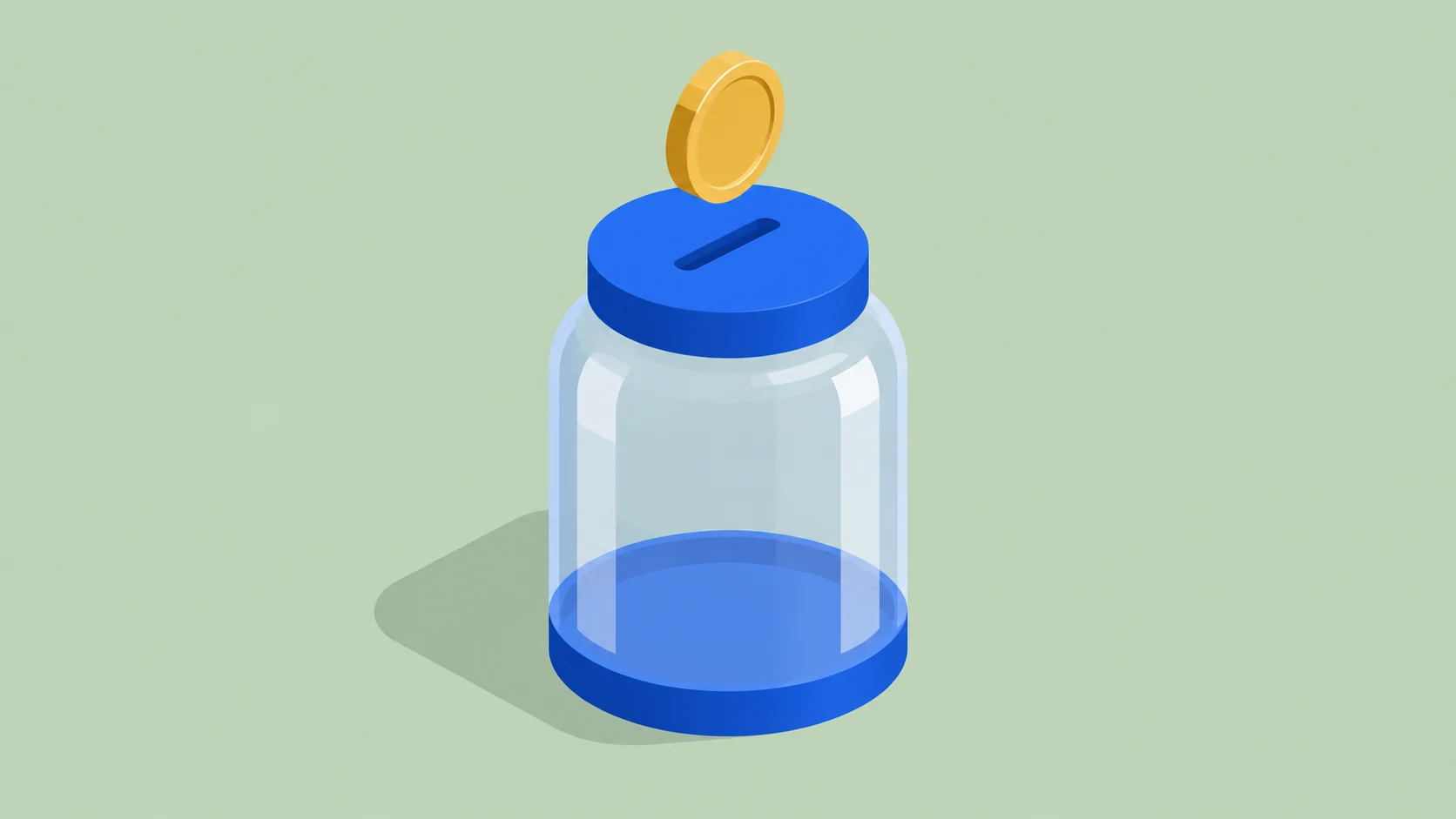
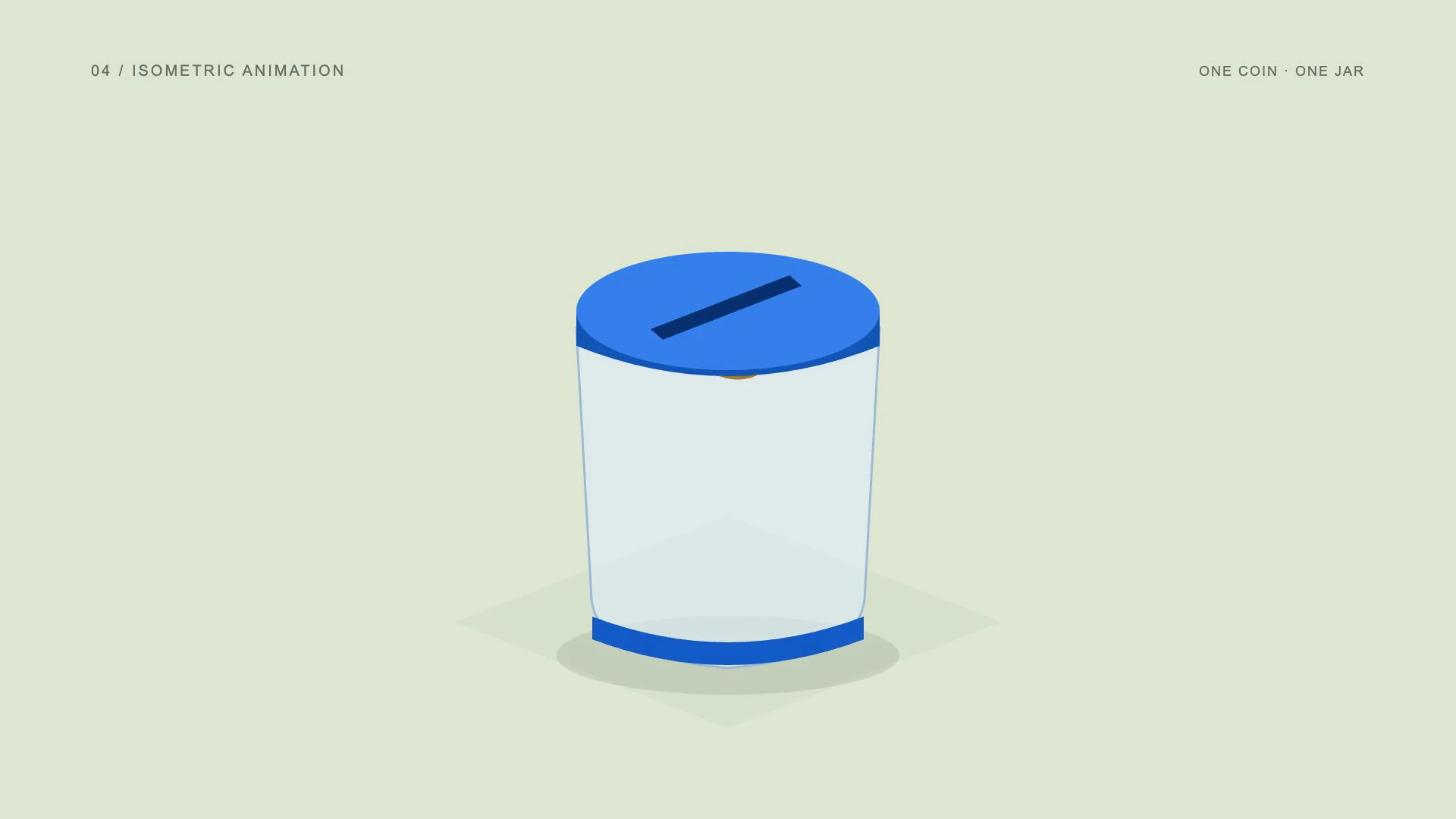
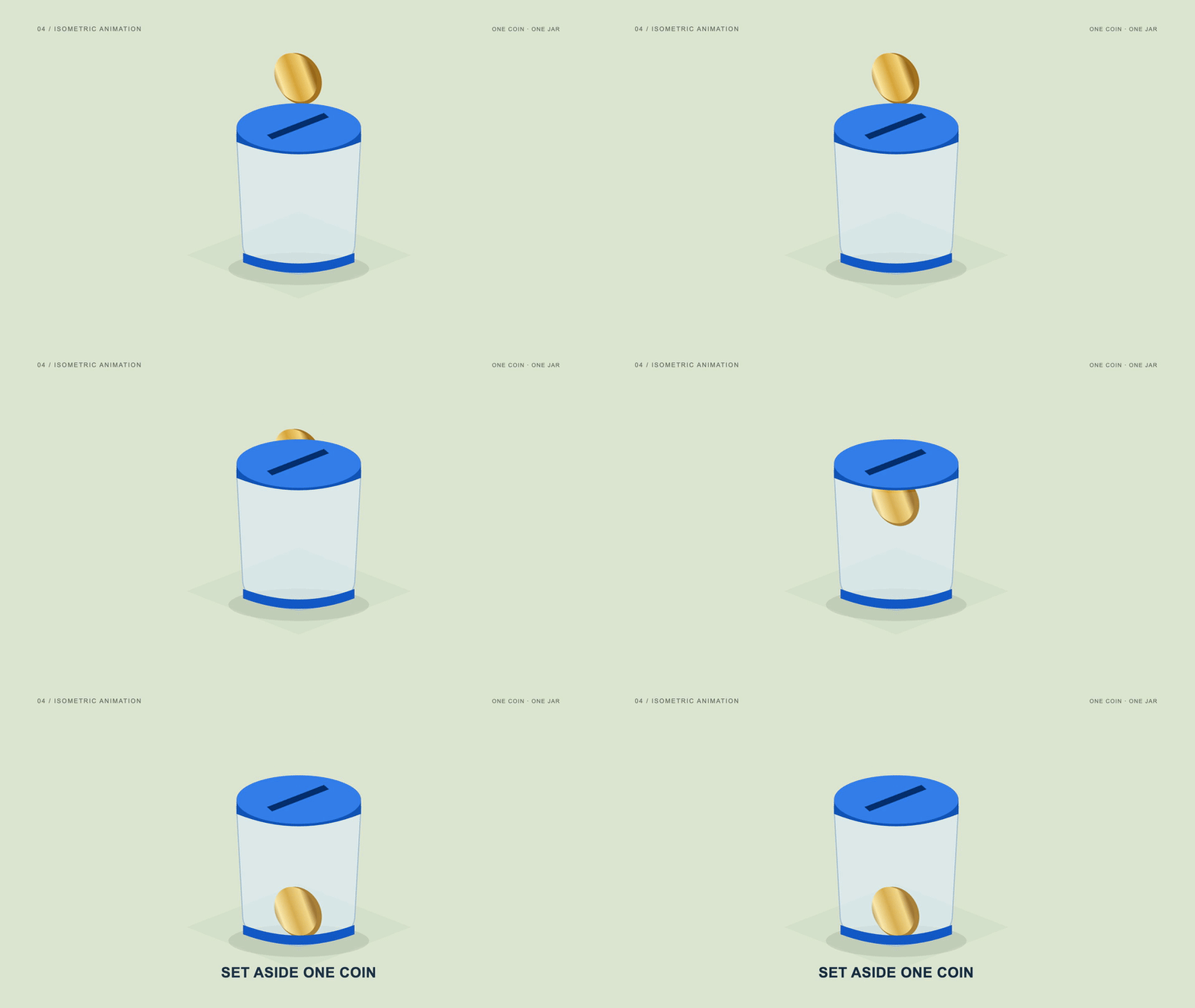
An isometric view of the same coin and jar keeps the projection and parallel axes consistent.
The jar and lid keep a fixed angled projection as the coin drops into the slot. The lid ellipse, diagonal opening and coin orientation follow the same visual system. A steady camera makes the movement easy to compare with the other examples and avoids mixing incompatible angles.
Use isometric motion graphics for logistics, infrastructure and business systems. Its practical strength is showing several connected parts in one readable diagram. For a single money object, the view demonstrates spatial organization; in a larger explainer, it can show how items or information move between stages.
- Best uses
- Logistics, business systems, infrastructure, software architecture and operational stories.
- What makes the motion work
- Keep the camera steady while a package or signal travels through the system.
- Watch out for
- Mixing incompatible angles or shrinking distant objects as if the view were perspective.
Read the full production prompt
Create a 5-second Remotion example of isometric animation using the SAME subject as the other examples: exactly one coin being set aside in one savings jar. This is an illustrative saving action, with no investment return, currency denomination or actual transaction claim.

VISUAL SYSTEM
Use 1920x1080 at 30fps. One plain round gold-colored coin starts at (960,280), about 180px in diameter. One savings jar is centered around (960,650), about 440px wide and 480px high, with a cobalt #165DDE lid/base and visible horizontal slot centered around (960,430). Its front is pale or clear enough to show the coin inside after entry. Adapt these coordinates coherently to the specified projection and style. Use a fixed orthographic isometric projection with parallel screen axes at plus/minus 30 degrees and vertical uprights. Keep the same gold coin and cobalt-lidded jar. Pale sage ground plane, matte graphic faces, consistent projected coin and slot orientation. No vanishing point or camera orbit.

TIMELINE
0-1s: draw the isometric jar faces and establish the coin above the projected slot. 1-2.5s: move the coin along the scene vertical axis to the lid while keeping the projection fixed. 2.5-4s: continue through the opening, reveal the retained coin at the jar base and show Set aside one coin. 4-5s: hold the isometric arrangement.

IMPLEMENTATION
Build one projection helper for the jar, slot and coin. Keep scale consistent across the scene and use correctly layered rim/front faces. Do not mix perspective transforms with the isometric view.

Read this project's instructions first. Work in a clearly named local project folder and preserve existing files and exports. Reuse a compatible Remotion runtime if present. Keep this example silent unless I supply audio. Do not use the article image as a flattened video: create editable components and expose copy, colors, geometry and timing in configuration.

Drive every animation from useCurrentFrame(), interpolate() or spring(); do not use CSS animation clocks, timers or unseeded randomness. Keep opacity and sizes bounded, and text inside a 120px landscape safe margin. Reuse objects between beats and use a readable final hold.

Deliver editable source, a registered composition, local render instructions and a versioned H.264 MP4 and a looping five-second web GIF (800x450, 20fps, 100 frames). Preserve the MP4 as the source. Use palette generation for GIF conversion, verify its full decode, and confirm that one loop lasts 5.000 seconds. Render the video, extract a contact sheet including transition boundaries, inspect it at full resolution and at phone width, and correct visible defects. Verify dimensions, frame rate, duration and full video decode. Report any unperformed checks or missing dependencies honestly. Follow project permissions for installs, paid tools and publication; do not delete files, change credentials or publish without authorization. Do not claim the video is finished merely because the source compiles.05. What is kinetic typography?
Let the words perform.
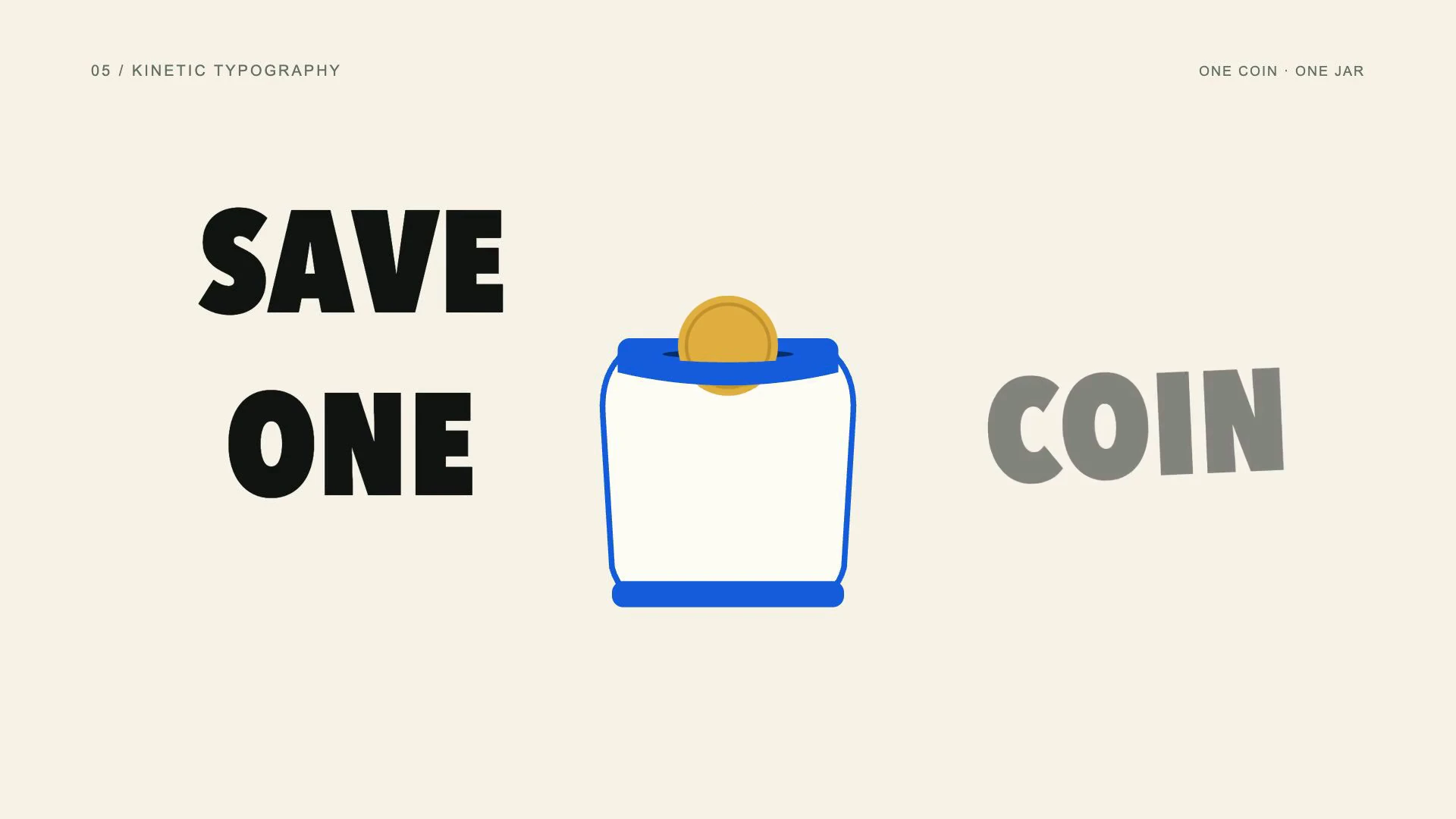
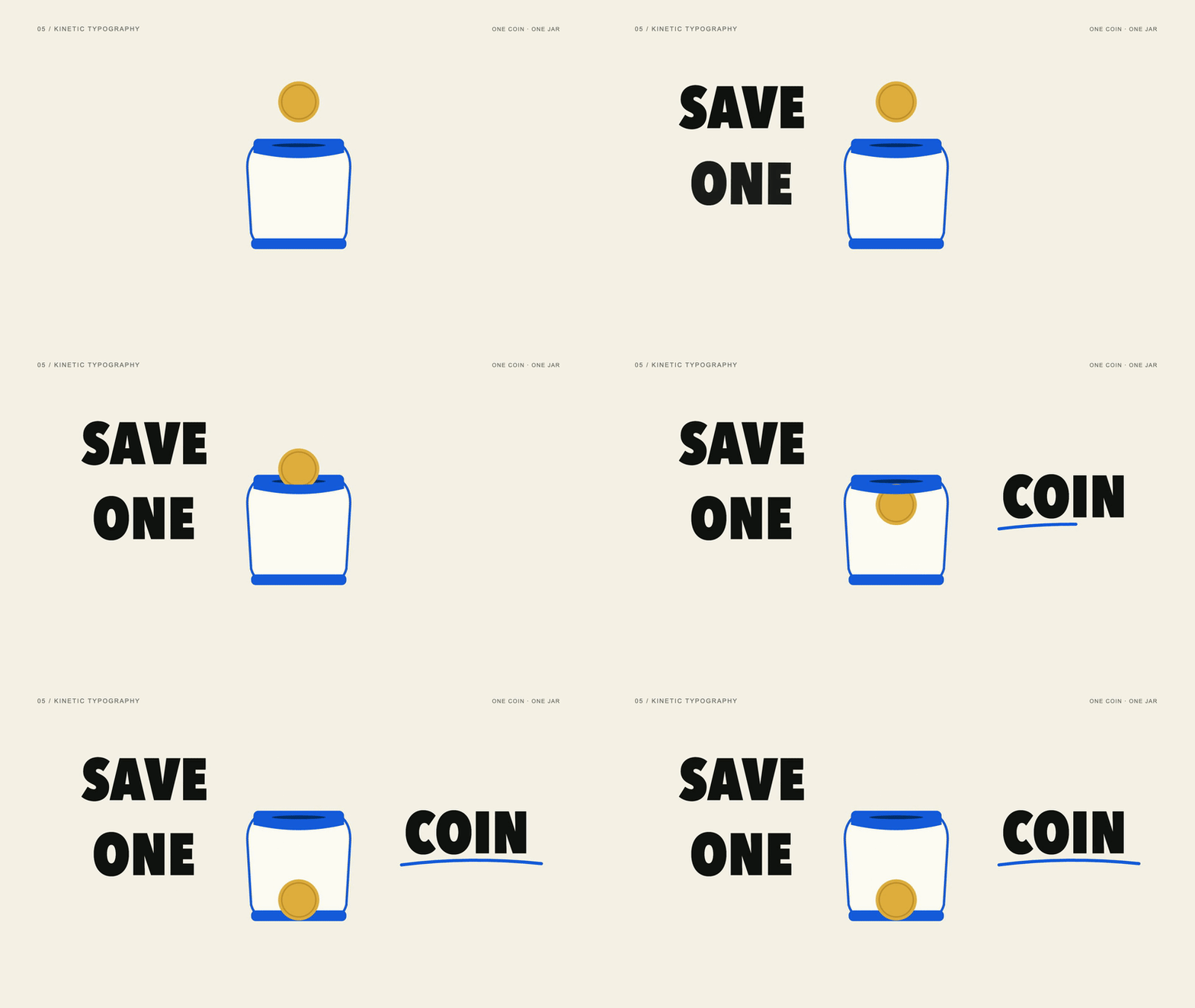
Kinetic typography makes animated words and letters the main visual event. Text can slide, scale, rotate or change spacing to emphasize a phrase. The animation should reinforce the meaning and rhythm of the copy while leaving enough time for people to read the completed message.
View the original AI-generated concept image

SAVE ONE COIN uses expressive type around the same coin-and-jar scene.
The words SAVE, ONE and COIN enter in sequence around the savings jar. An underline adds emphasis after the final word arrives. The jar supports the phrase, while the timing of the words gives the example its identity. Earlier words remain visible so the message builds instead of restarting.
Choose kinetic typography for short campaign lines, video hooks, quotations and titles. Start with copy that can carry the frame on its own. Use brief entrances and a longer reading hold; complex letter movement can weaken a strong line if it makes the audience work to decipher it.
Further reading: Adobe on kinetic typography.
- Best uses
- Hooks, campaign slogans, quotations, title sequences and speech-led social videos.
- What makes the motion work
- Make the important word arrive on the important beat; keep the completed phrase readable.
- Watch out for
- Letter-by-letter chaos, excessive distortion and text that leaves before anyone can read it.
Read the full production prompt
Create a 5-second Remotion example of kinetic typography using the SAME subject as the other examples: exactly one coin being set aside in one savings jar. This is an illustrative saving action, with no investment return, currency denomination or actual transaction claim.

VISUAL SYSTEM
Use 1920x1080 at 30fps. One plain round gold-colored coin starts at (960,280), about 180px in diameter. One savings jar is centered around (960,650), about 440px wide and 480px high, with a cobalt #165DDE lid/base and visible horizontal slot centered around (960,430). Its front is pale or clear enough to show the coin inside after entry. Adapt these coordinates coherently to the specified projection and style. Use cream, near-black bold condensed type, one gold coin and a simple cobalt jar. Exact phrase: SAVE ONE COIN. Put SAVE above the scene, ONE to its left and COIN to its right; keep all words inside the safe area. The coin and jar remain visible, while the typography carries the main emphasis.

TIMELINE
0-1s: reveal the jar, coin and the word SAVE with an 80px upward entrance. 1-2.5s: introduce ONE with a restrained scale settle, then lower the same coin to the slot. 2.5-4s: reveal COIN as the coin passes inside; finish all word entrances by 3.5s. 4-5s: hold the complete phrase and the coin in the jar.

IMPLEMENTATION
Use editable text and measured widths with a confirmed local heavy sans-serif. Keep the main phrase readable and avoid turning the coin into a letter or hiding the jar. Typography accents should support the shared deposit action.

Read this project's instructions first. Work in a clearly named local project folder and preserve existing files and exports. Reuse a compatible Remotion runtime if present. Keep this example silent unless I supply audio. Do not use the article image as a flattened video: create editable components and expose copy, colors, geometry and timing in configuration.

Drive every animation from useCurrentFrame(), interpolate() or spring(); do not use CSS animation clocks, timers or unseeded randomness. Keep opacity and sizes bounded, and text inside a 120px landscape safe margin. Reuse objects between beats and use a readable final hold.

Deliver editable source, a registered composition, local render instructions and a versioned H.264 MP4 and a looping five-second web GIF (800x450, 20fps, 100 frames). Preserve the MP4 as the source. Use palette generation for GIF conversion, verify its full decode, and confirm that one loop lasts 5.000 seconds. Render the video, extract a contact sheet including transition boundaries, inspect it at full resolution and at phone width, and correct visible defects. Verify dimensions, frame rate, duration and full video decode. Report any unperformed checks or missing dependencies honestly. Follow project permissions for installs, paid tools and publication; do not delete files, change credentials or publish without authorization. Do not claim the video is finished merely because the source compiles.06. What is infographic animation?
Make the comparison visible.
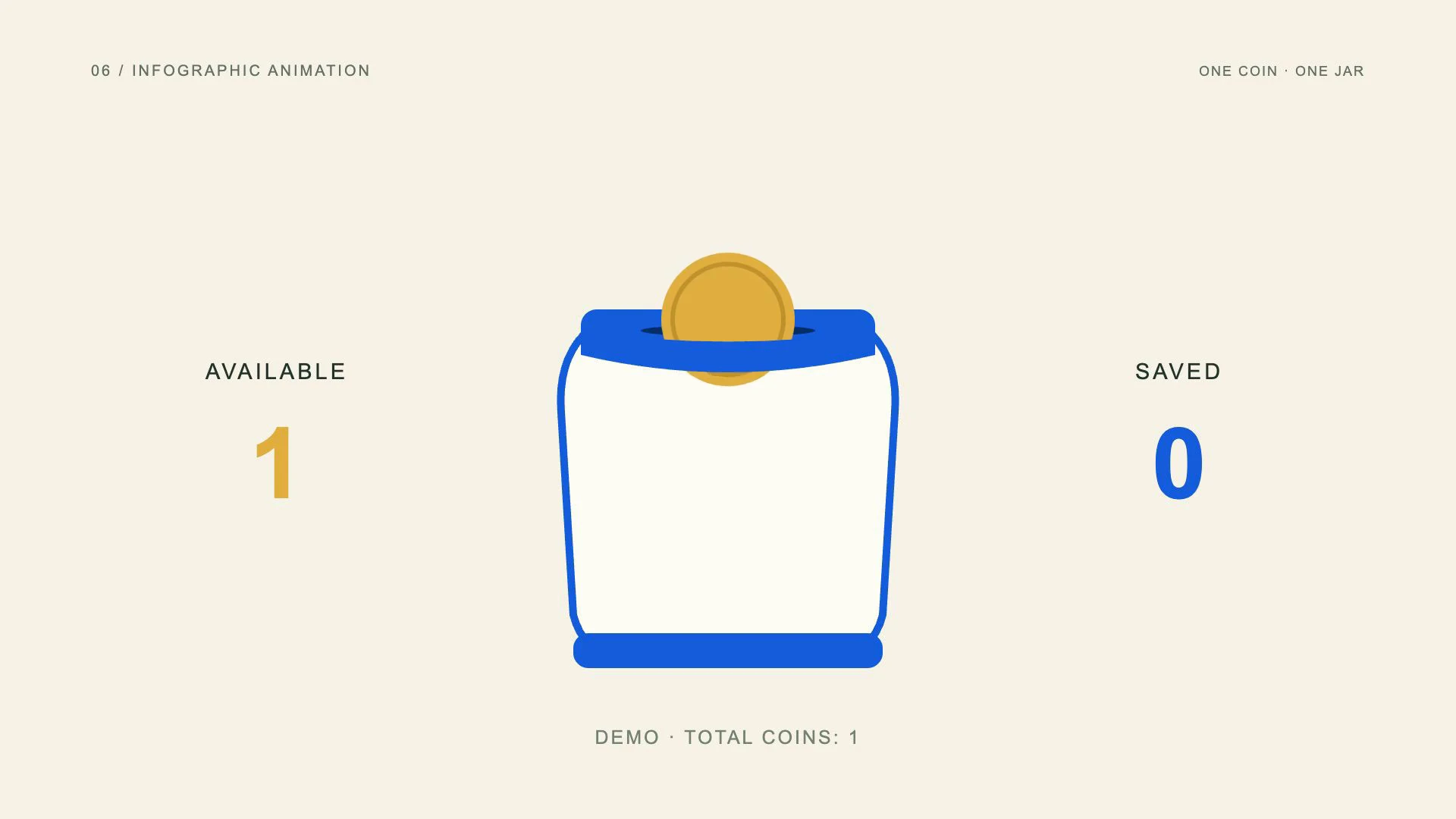
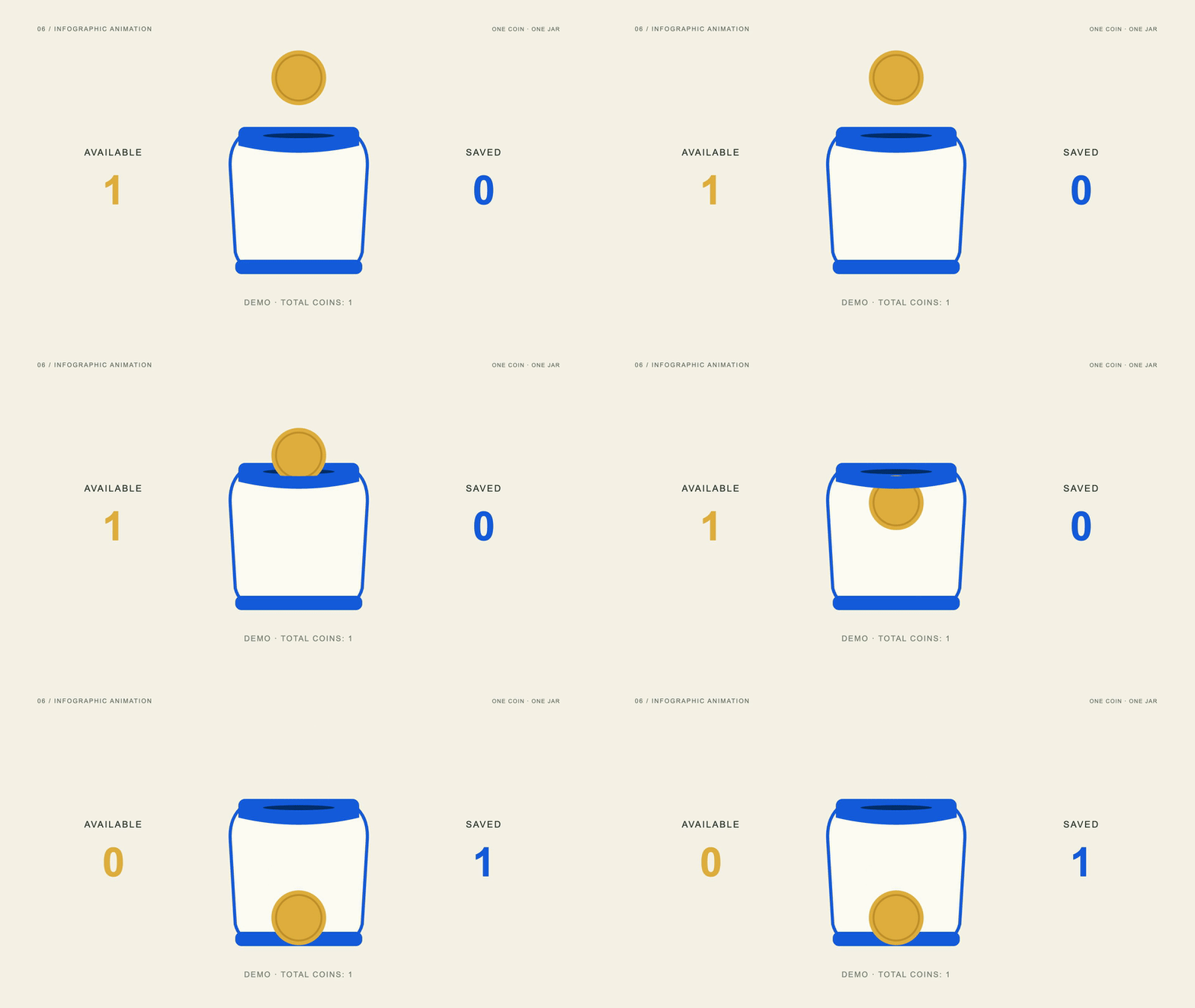
Infographic animation reveals information through moving charts, quantities, maps and diagrams. Its purpose is to make a relationship easier to understand. Visual sizes and counters must agree with the underlying information; motion should guide attention without exaggerating a value or inventing evidence.
View the original AI-generated concept image
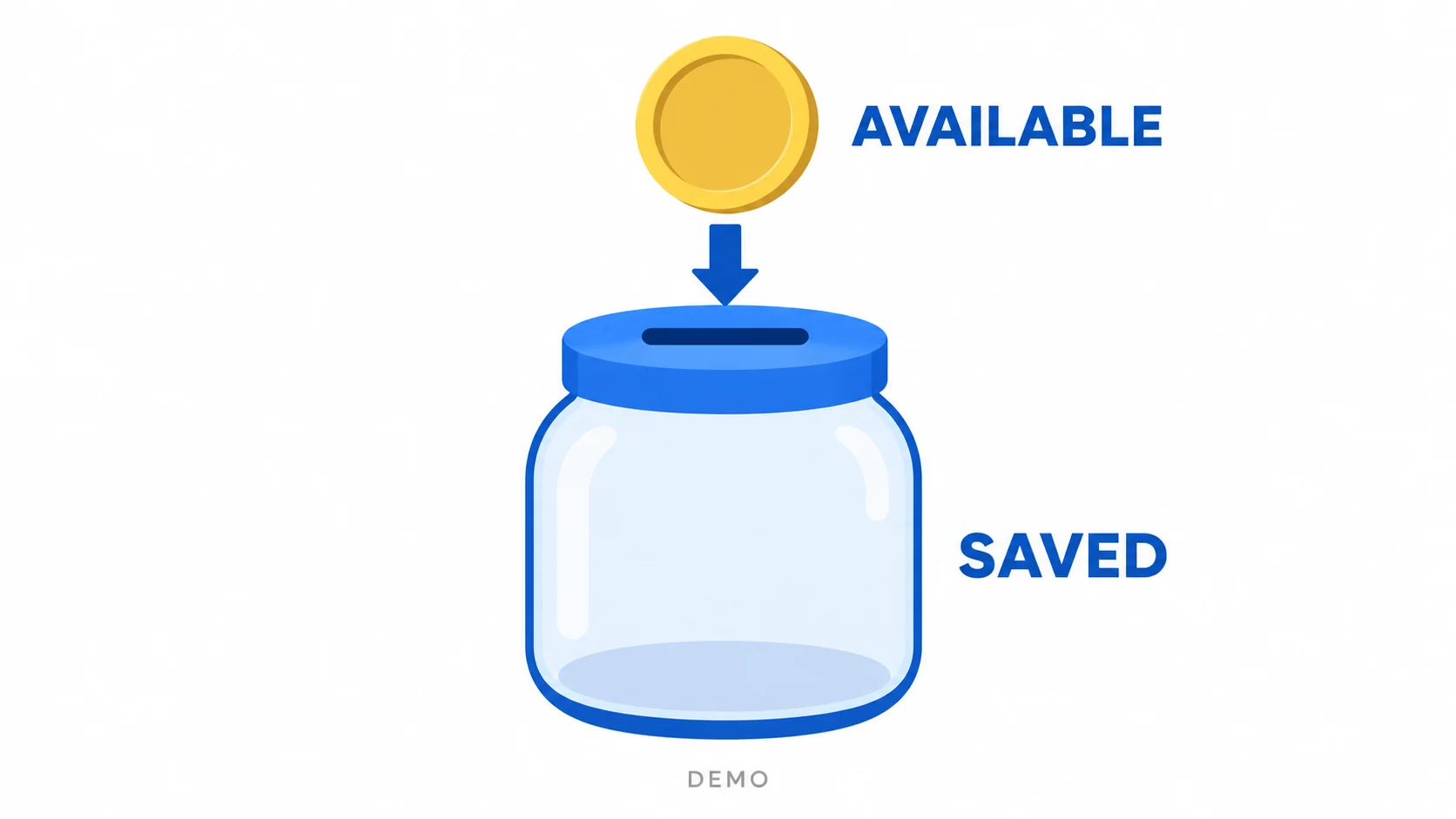
Available-to-saved labels explain the shared coin transfer without implying returns or a monetary amount.
This demonstration tracks exactly one coin. AVAILABLE changes from 1 to 0, while SAVED changes from 0 to 1 as the coin moves inside the jar. The total remains one. A visible demo label makes clear that the sequence illustrates a transfer rather than reporting a real transaction.
Use animated infographics for reports, educational content and research summaries. Establish the labels before changing the numbers so the audience knows what is being counted. When adapting the example to a campaign, replace illustrative data with verified figures and preserve honest proportions throughout the animation.
- Best uses
- Research summaries, reporting, educational content and simple quantitative comparisons.
- What makes the motion work
- Reveal the chart structure first, then its values, then the meaningful comparison.
- Watch out for
- Animating invented metrics as real evidence, truncating axes deceptively or leaving labels too small.
Read the full production prompt
Create a 5-second Remotion example of infographic animation using the SAME subject as the other examples: exactly one coin being set aside in one savings jar. This is an illustrative saving action, with no investment return, currency denomination or actual transaction claim.

VISUAL SYSTEM
Use 1920x1080 at 30fps. One plain round gold-colored coin starts at (960,280), about 180px in diameter. One savings jar is centered around (960,650), about 440px wide and 480px high, with a cobalt #165DDE lid/base and visible horizontal slot centered around (960,430). Its front is pale or clear enough to show the coin inside after entry. Adapt these coordinates coherently to the specified projection and style. Use flat white/cobalt/gold information graphics. Retain one coin and one outlined savings jar. Show two text counters, Available: 1 and Saved: 0, and a persistent DEMO label. Counters represent the location of one illustrative coin, not currency amounts, percentages or real account data.

TIMELINE
0-1s: establish the jar, coin and the initial counters. 1-2.5s: draw a down connector and move the coin to the slot, leaving counters unchanged until entry. 2.5-4s: pass the coin into the jar; update Available to 0 and Saved to 1 at the exact crossing event, then show One coin set aside. 4-5s: hold the final location and both counters.

IMPLEMENTATION
Store one coin identity and a discrete available/saved state in configuration. Total coin count remains 1 at every frame. Do not use the generated image as numerical data or add an investment-growth graph.

Read this project's instructions first. Work in a clearly named local project folder and preserve existing files and exports. Reuse a compatible Remotion runtime if present. Keep this example silent unless I supply audio. Do not use the article image as a flattened video: create editable components and expose copy, colors, geometry and timing in configuration.

Drive every animation from useCurrentFrame(), interpolate() or spring(); do not use CSS animation clocks, timers or unseeded randomness. Keep opacity and sizes bounded, and text inside a 120px landscape safe margin. Reuse objects between beats and use a readable final hold.

Deliver editable source, a registered composition, local render instructions and a versioned H.264 MP4 and a looping five-second web GIF (800x450, 20fps, 100 frames). Preserve the MP4 as the source. Use palette generation for GIF conversion, verify its full decode, and confirm that one loop lasts 5.000 seconds. Render the video, extract a contact sheet including transition boundaries, inspect it at full resolution and at phone width, and correct visible defects. Verify dimensions, frame rate, duration and full video decode. Report any unperformed checks or missing dependencies honestly. Follow project permissions for installs, paid tools and publication; do not delete files, change credentials or publish without authorization. Do not claim the video is finished merely because the source compiles.07. What is explainer animation?
Tell the process, not just the topic.
Explainer animation breaks an idea or process into a sequence the audience can follow. It is a communication format rather than a single visual style. An explainer may use 2D illustration, dimensional objects, typography or a combination of techniques to connect an action with its result.
View the original AI-generated concept image
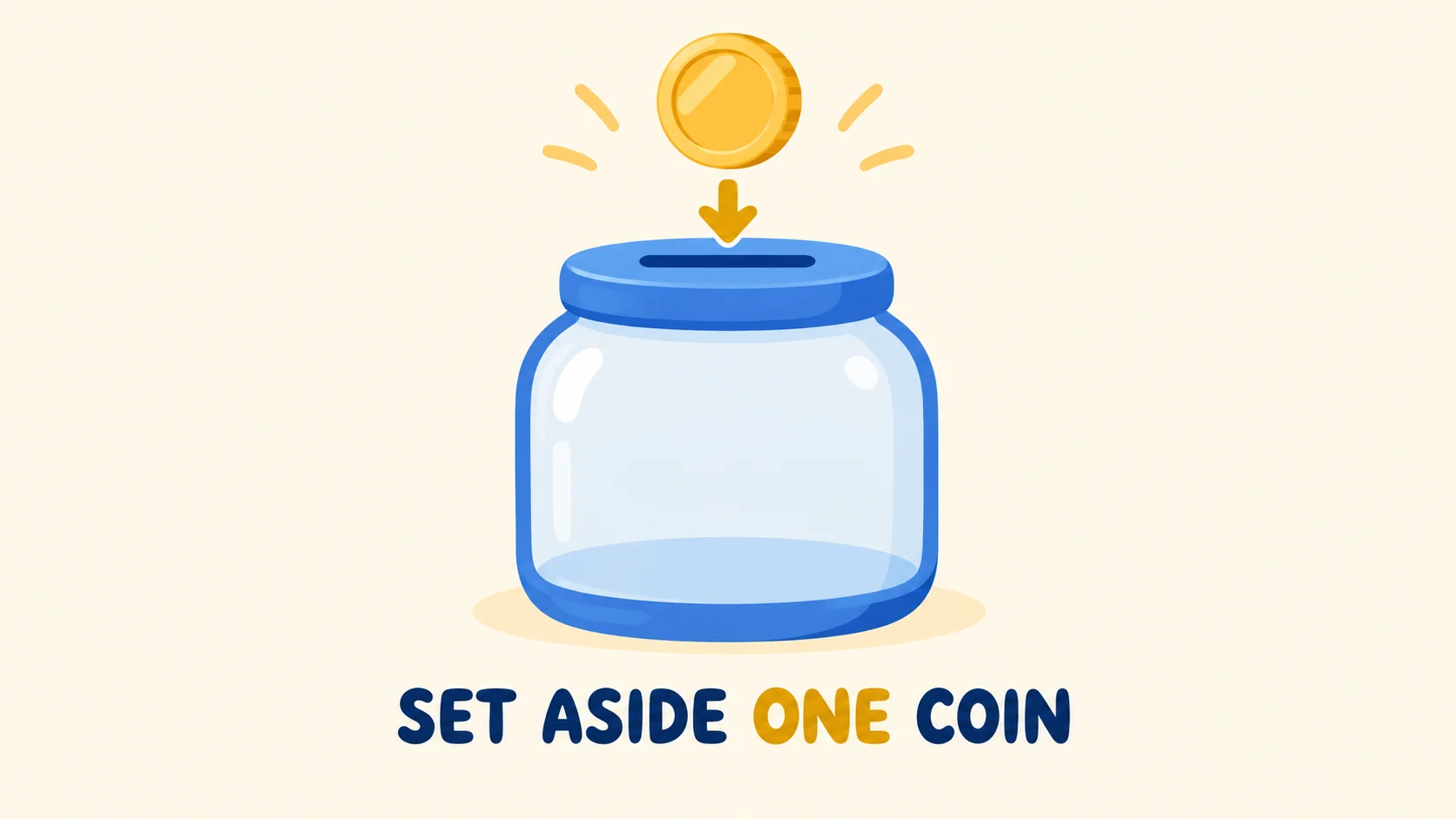
A friendly illustrated coin and jar show the simple saving action as a process.
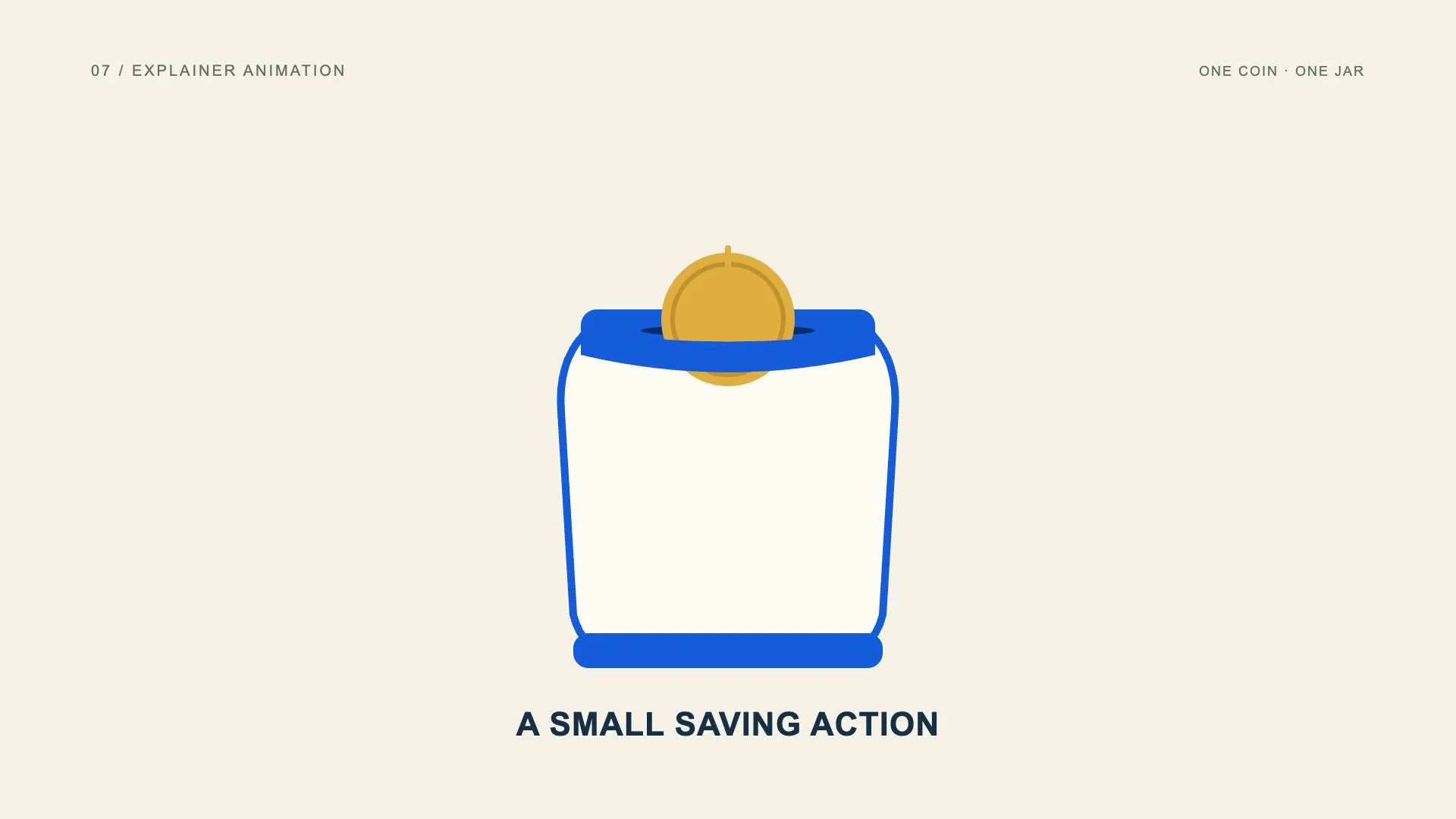
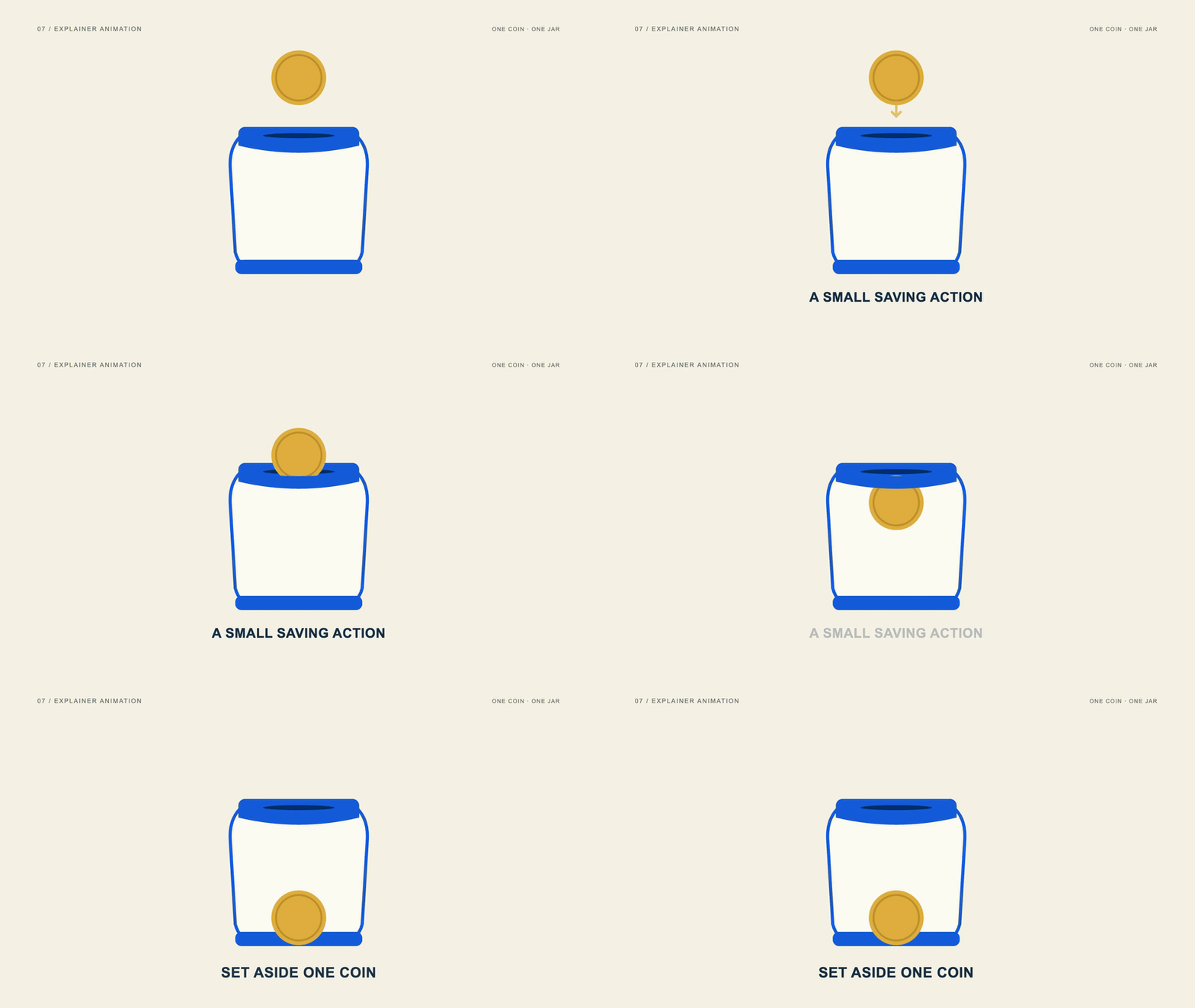
The money example introduces a small saving action, guides the coin toward the opening and finishes with SET ASIDE ONE COIN. The same coin remains present through the sequence. That continuity connects the instruction to the visible result rather than asking the viewer to infer a story from unrelated scenes.
Choose an explainer when your audience needs to understand how something works. Begin with one question and show the action that answers it. A five-second sample can demonstrate a simple step; a longer service explanation needs a fuller script, but the same rule applies: each scene should make the next scene easier to understand.
- Best uses
- Service introductions, product education, onboarding and process explanations.
- What makes the motion work
- Show a problem, a useful action and an understandable new state using connected objects.
- Watch out for
- Replacing a story with a list of unrelated icons or announcing benefits without showing how they arise.
Read the full production prompt
Create a 5-second Remotion example of explainer animation using the SAME subject as the other examples: exactly one coin being set aside in one savings jar. This is an illustrative saving action, with no investment return, currency denomination or actual transaction claim.

VISUAL SYSTEM
Use 1920x1080 at 30fps. One plain round gold-colored coin starts at (960,280), about 180px in diameter. One savings jar is centered around (960,650), about 440px wide and 480px high, with a cobalt #165DDE lid/base and visible horizontal slot centered around (960,430). Its front is pale or clear enough to show the coin inside after entry. Adapt these coordinates coherently to the specified projection and style. Use a friendly rounded illustration of the same gold coin and blue savings jar on cream. A short down arrow can clarify the action. Exact final copy: SET ASIDE ONE COIN. Keep the coin identity and jar silhouette stable through the sequence.

TIMELINE
0-1s: establish the coin and an empty savings jar; show A small saving action. 1-2.5s: reveal the down arrow and move the coin toward the slot. 2.5-4s: follow the same coin through the lid into the jar, then reveal SET ASIDE ONE COIN once it settles. 4-5s: hold the completed action without adding another coin.

IMPLEMENTATION
Use reusable editable Coin and SavingsJar components. Preserve the same objects between beats and make the explanation understandable without narration. Do not imply a quantified habit outcome or a financial product benefit.

Read this project's instructions first. Work in a clearly named local project folder and preserve existing files and exports. Reuse a compatible Remotion runtime if present. Keep this example silent unless I supply audio. Do not use the article image as a flattened video: create editable components and expose copy, colors, geometry and timing in configuration.

Drive every animation from useCurrentFrame(), interpolate() or spring(); do not use CSS animation clocks, timers or unseeded randomness. Keep opacity and sizes bounded, and text inside a 120px landscape safe margin. Reuse objects between beats and use a readable final hold.

Deliver editable source, a registered composition, local render instructions and a versioned H.264 MP4 and a looping five-second web GIF (800x450, 20fps, 100 frames). Preserve the MP4 as the source. Use palette generation for GIF conversion, verify its full decode, and confirm that one loop lasts 5.000 seconds. Render the video, extract a contact sheet including transition boundaries, inspect it at full resolution and at phone width, and correct visible defects. Verify dimensions, frame rate, duration and full video decode. Report any unperformed checks or missing dependencies honestly. Follow project permissions for installs, paid tools and publication; do not delete files, change credentials or publish without authorization. Do not claim the video is finished merely because the source compiles.08. What is logo animation?
Give the identity a memorable entrance.
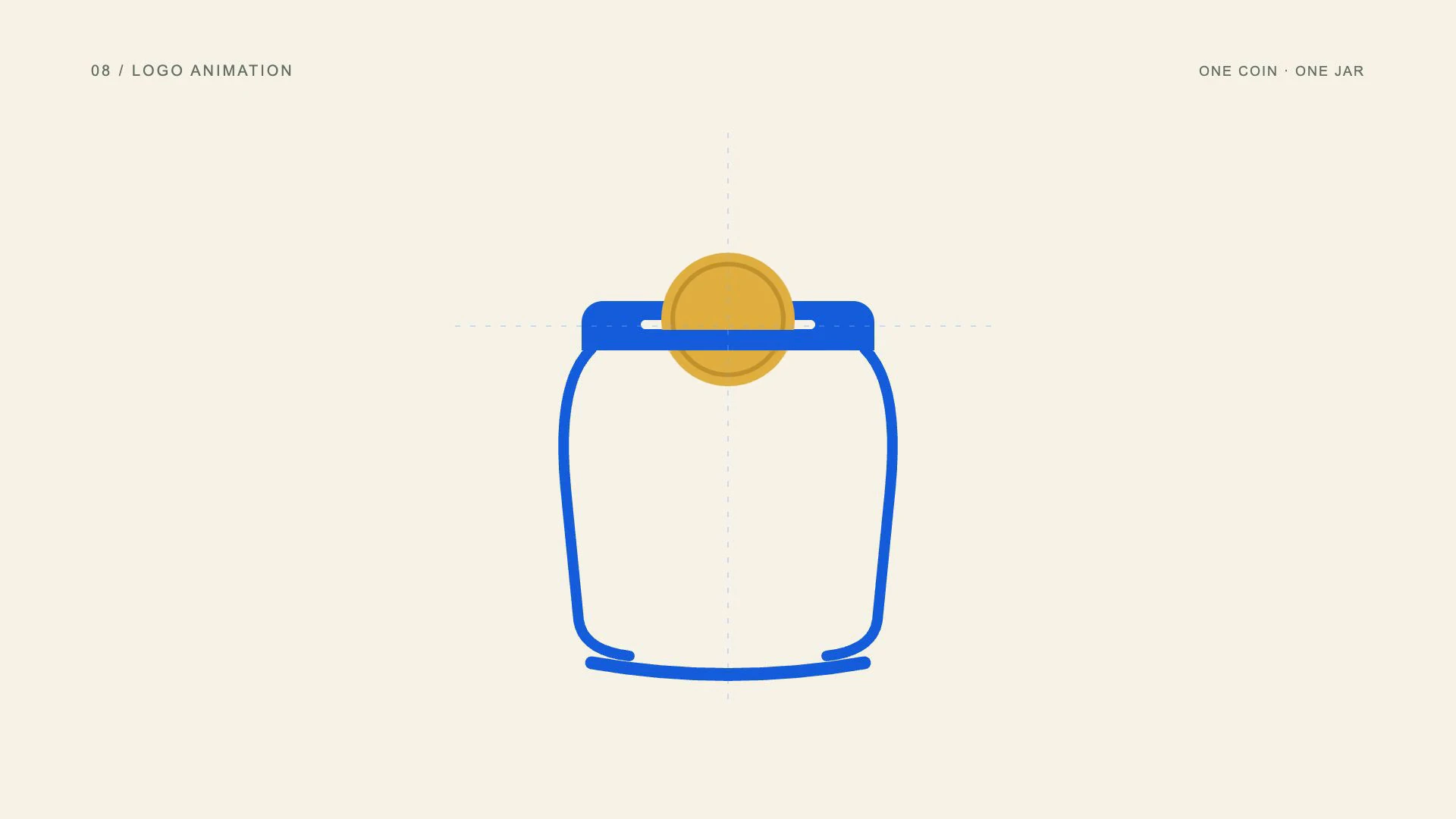
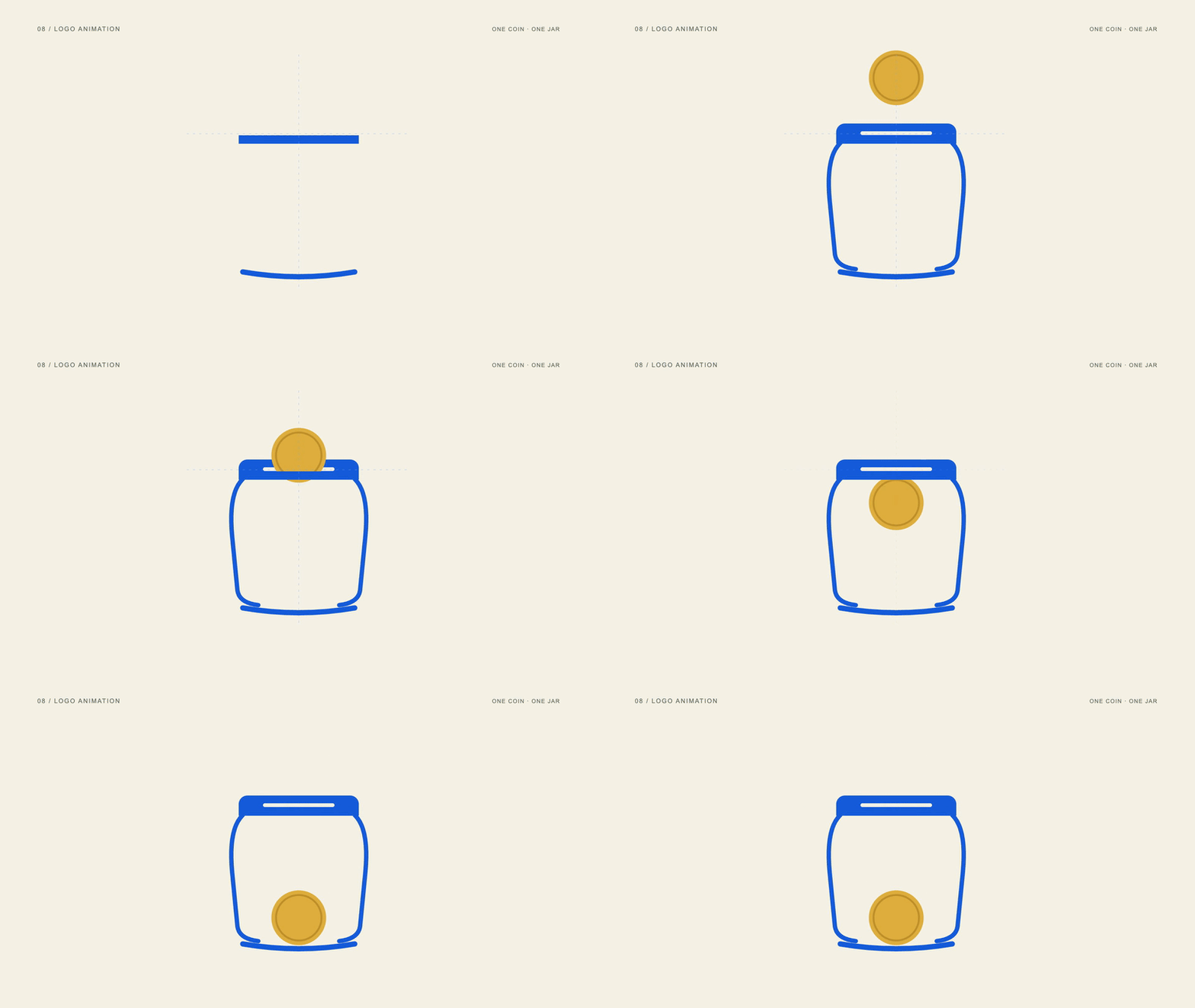
Logo animation reveals or assembles a brand mark through movement. Its job is to make the finished identity recognizable and memorable. The reveal can use strokes, fragments or negative space, but the final shape should match the approved logo and remain visible long enough to register.
View the original AI-generated concept image
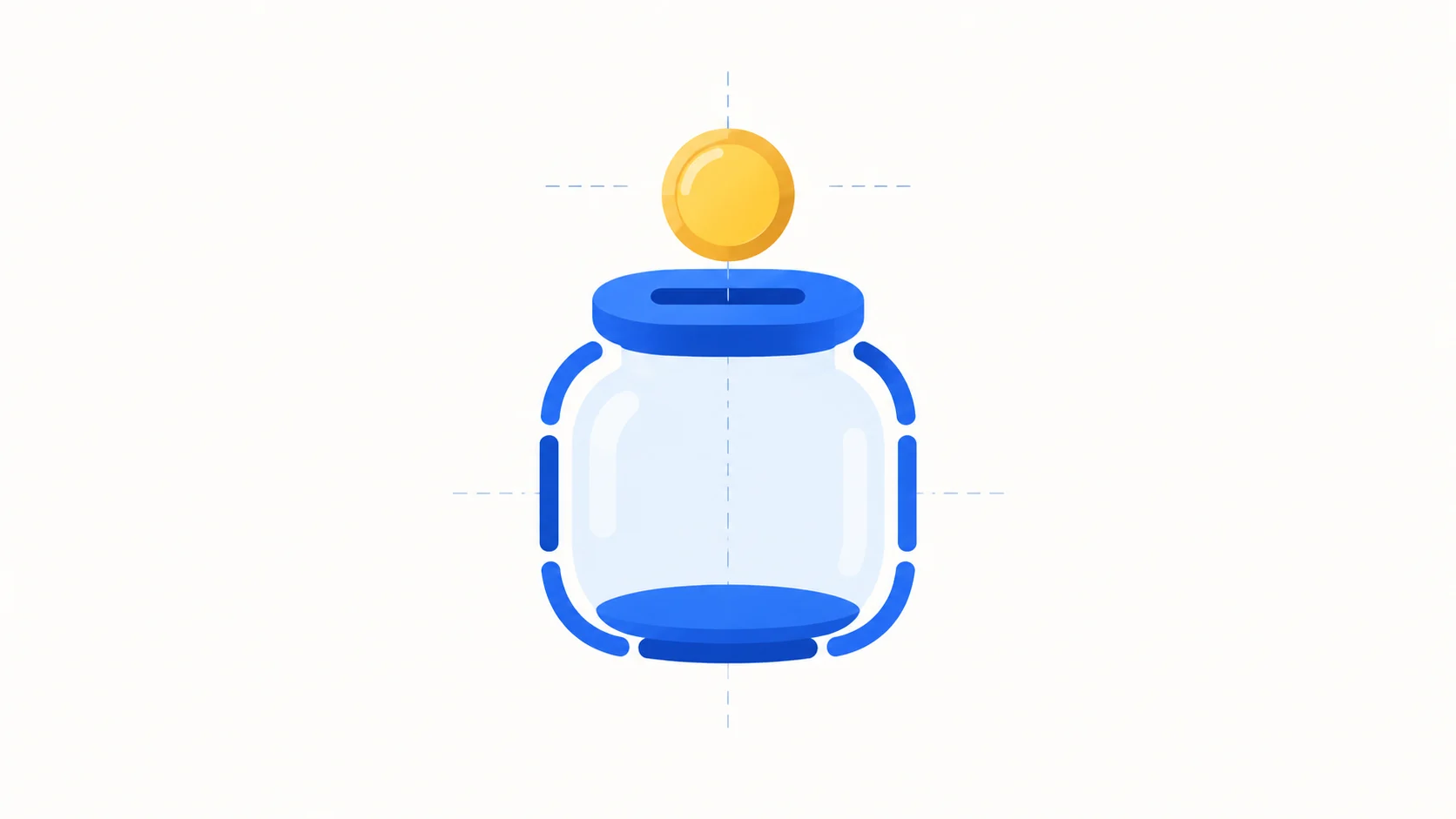
Jar-outline fragments and a single gold coin demonstrate a fictional saving-emblem reveal.
This example assembles a fictional savings-jar emblem before the coin settles inside it. Alignment guides fade away as the mark resolves. It demonstrates an identity reveal without suggesting that the jar is an existing client logo. The final silhouette remains intact rather than continuing to stretch or spin.
Use logo animation for channel openings, end cards and brand transitions. For client work, supply the approved vector artwork and preserve its proportions. Keep the reveal proportionate to the content: an elaborate introduction can consume too much of a short advertisement before the actual message begins.
- Best uses
- Video openings, end cards, channel identity and brand transitions.
- What makes the motion work
- Resolve fragments into the exact approved mark, remove construction guides and hold.
- Watch out for
- Stretching the final logo, excessive particles or a reveal longer than the content it introduces.
Read the full production prompt
Create a 5-second Remotion example of logo animation using the SAME subject as the other examples: exactly one coin being set aside in one savings jar. This is an illustrative saving action, with no investment return, currency denomination or actual transaction claim.

VISUAL SYSTEM
Use 1920x1080 at 30fps. One plain round gold-colored coin starts at (960,280), about 180px in diameter. One savings jar is centered around (960,650), about 440px wide and 480px high, with a cobalt #165DDE lid/base and visible horizontal slot centered around (960,430). Its front is pale or clear enough to show the coin inside after entry. Adapt these coordinates coherently to the specified projection and style. Create an original fictional saving emblem from the same blue jar outline and one gold coin. The jar outline consists of three editable vector fragments that join accurately. Keep the coin directly over the slot. Tiny construction guides may appear during assembly and disappear afterward. No existing brand logo or unrequested brand name.

TIMELINE
0-1s: introduce the coin and the three nearby jar fragments. 1-2.5s: assemble the jar with 0.12s fragment stagger, then move the coin to the slot. 2.5-4s: let the coin settle inside and resolve the final fictional jar-and-coin emblem; remove guides. 4-5s: hold the exact resolved mark.

IMPLEMENTATION
Keep emblem parts vector and editable. This is an original demonstration emblem, not permission to redraw a supplied client logo. Preserve an actual approved logo when adapting the exercise to client work.

Read this project's instructions first. Work in a clearly named local project folder and preserve existing files and exports. Reuse a compatible Remotion runtime if present. Keep this example silent unless I supply audio. Do not use the article image as a flattened video: create editable components and expose copy, colors, geometry and timing in configuration.

Drive every animation from useCurrentFrame(), interpolate() or spring(); do not use CSS animation clocks, timers or unseeded randomness. Keep opacity and sizes bounded, and text inside a 120px landscape safe margin. Reuse objects between beats and use a readable final hold.

Deliver editable source, a registered composition, local render instructions and a versioned H.264 MP4 and a looping five-second web GIF (800x450, 20fps, 100 frames). Preserve the MP4 as the source. Use palette generation for GIF conversion, verify its full decode, and confirm that one loop lasts 5.000 seconds. Render the video, extract a contact sheet including transition boundaries, inspect it at full resolution and at phone width, and correct visible defects. Verify dimensions, frame rate, duration and full video decode. Report any unperformed checks or missing dependencies honestly. Follow project permissions for installs, paid tools and publication; do not delete files, change credentials or publish without authorization. Do not claim the video is finished merely because the source compiles.09. What is UI or product animation?
Demonstrate the action that matters.
UI animation demonstrates how a digital interface responds to an action. A cursor, button, panel or status change shows the relationship between input and result. Product animation can explain a feature, but a fictional interface should be labeled so viewers do not mistake it for a working product.
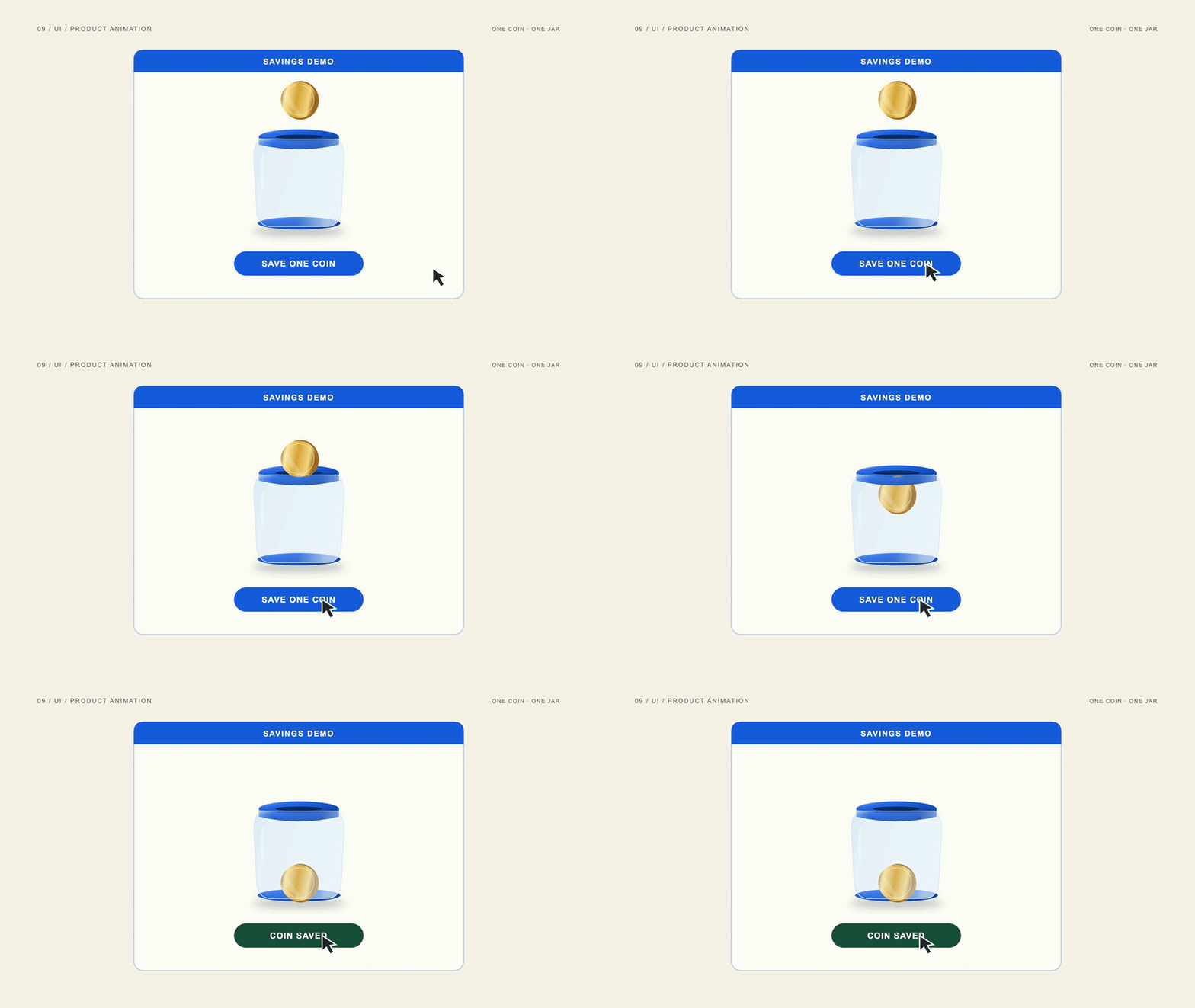
View the original AI-generated concept image
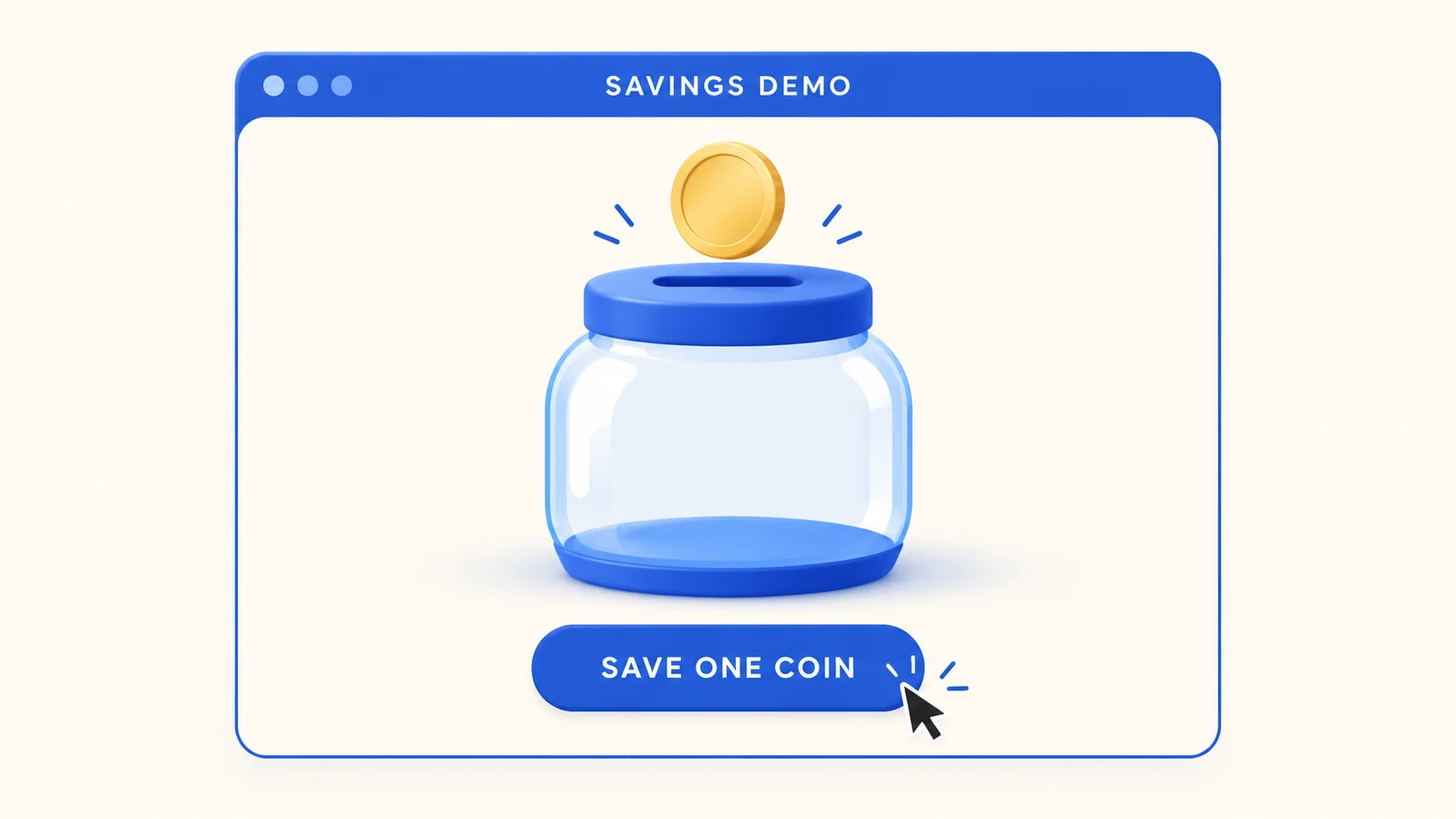
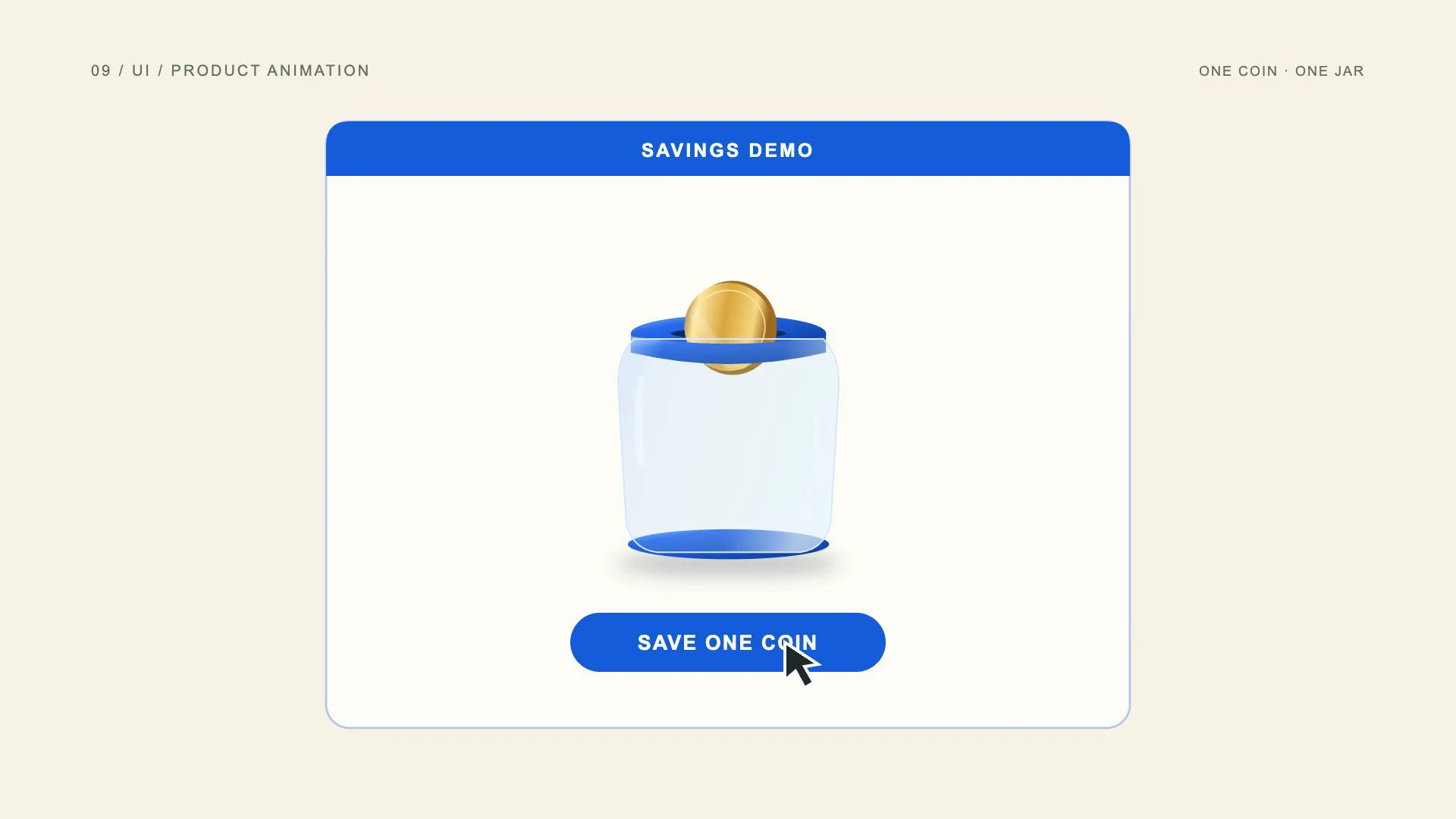
A fictional SAVE ONE COIN interface uses the same coin and jar to demonstrate a UI response.
A cursor presses SAVE ONE COIN in a labeled savings demo. The coin then moves into the jar and the button changes to COIN SAVED. The action and result share one timeline, which makes the interaction understandable. This is an illustrative interface, not a recording of a real account.
Choose UI or product animation for feature announcements, onboarding and software tutorials. Demonstrate one useful interaction before adding another. If the animation represents a real product, use current screenshots or accurate components and verify the behavior; polished movement should not advertise a capability the product does not have.
- Best uses
- Software demos, feature announcements, tutorials and onboarding videos.
- What makes the motion work
- Establish the interface, perform one action, show its result and give the viewer a readable hold.
- Watch out for
- An implausible cursor, tiny interface text or a made-up feature presented as a working product.
Read the full production prompt
Create a 5-second Remotion example of UI/product animation using the SAME subject as the other examples: exactly one coin being set aside in one savings jar. This is an illustrative saving action, with no investment return, currency denomination or actual transaction claim.

VISUAL SYSTEM
Use 1920x1080 at 30fps. One plain round gold-colored coin starts at (960,280), about 180px in diameter. One savings jar is centered around (960,650), about 440px wide and 480px high, with a cobalt #165DDE lid/base and visible horizontal slot centered around (960,430). Its front is pale or clear enough to show the coin inside after entry. Adapt these coordinates coherently to the specified projection and style. Build a fictional savings interface with the same coin and cobalt jar as its central hero. Use cream background and editable React UI. Exact top label: SAVINGS DEMO. Exact button: SAVE ONE COIN. No balances, bank names, money amounts or actual transactions.

TIMELINE
0-1s: establish the interface, empty jar and coin. 1-2.5s: move a cursor to SAVE ONE COIN, press once and start the same coin downward toward the slot. 2.5-4s: pass the coin into the jar, then change the button state to COIN SAVED; preserve its size and layout. 4-5s: hold the finished fictional interface.

IMPLEMENTATION
Keep cursor, press state and coin movement on one frame timeline. Use no real account APIs or transactions. Identify the scene as a fictional demo and do not claim the demonstrated feature belongs to a real app.

Read this project's instructions first. Work in a clearly named local project folder and preserve existing files and exports. Reuse a compatible Remotion runtime if present. Keep this example silent unless I supply audio. Do not use the article image as a flattened video: create editable components and expose copy, colors, geometry and timing in configuration.

Drive every animation from useCurrentFrame(), interpolate() or spring(); do not use CSS animation clocks, timers or unseeded randomness. Keep opacity and sizes bounded, and text inside a 120px landscape safe margin. Reuse objects between beats and use a readable final hold.

Deliver editable source, a registered composition, local render instructions and a versioned H.264 MP4 and a looping five-second web GIF (800x450, 20fps, 100 frames). Preserve the MP4 as the source. Use palette generation for GIF conversion, verify its full decode, and confirm that one loop lasts 5.000 seconds. Render the video, extract a contact sheet including transition boundaries, inspect it at full resolution and at phone width, and correct visible defects. Verify dimensions, frame rate, duration and full video decode. Report any unperformed checks or missing dependencies honestly. Follow project permissions for installs, paid tools and publication; do not delete files, change credentials or publish without authorization. Do not claim the video is finished merely because the source compiles.10. What are HUD motion graphics?
Make technology feel precise.
HUD motion graphics use the visual language of heads-up displays: scanning rings, reticles, calibration marks and compact status labels. They suggest a technical system observing or controlling something. In marketing, this appearance is a design treatment unless the display is connected to real measurements.
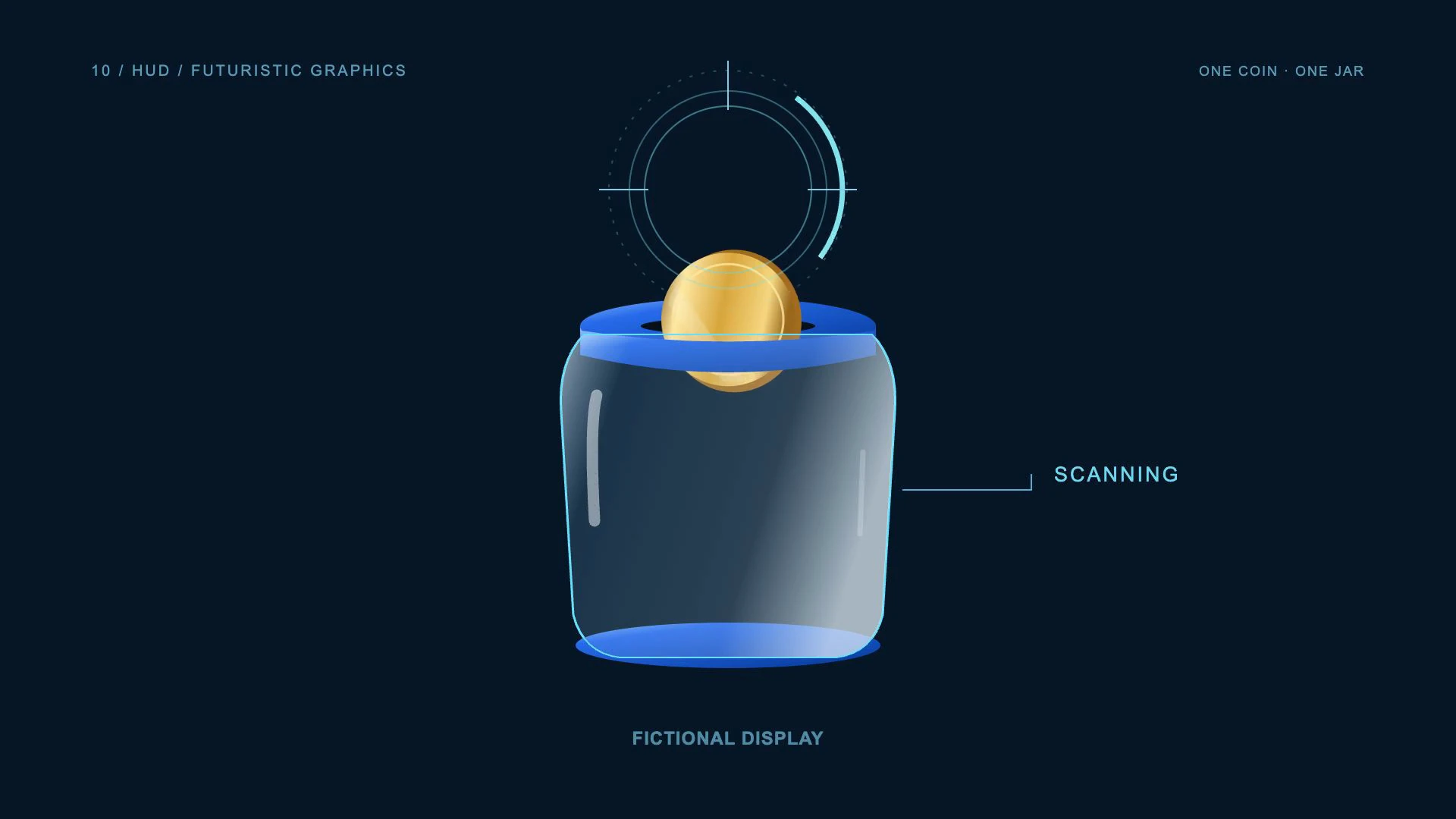
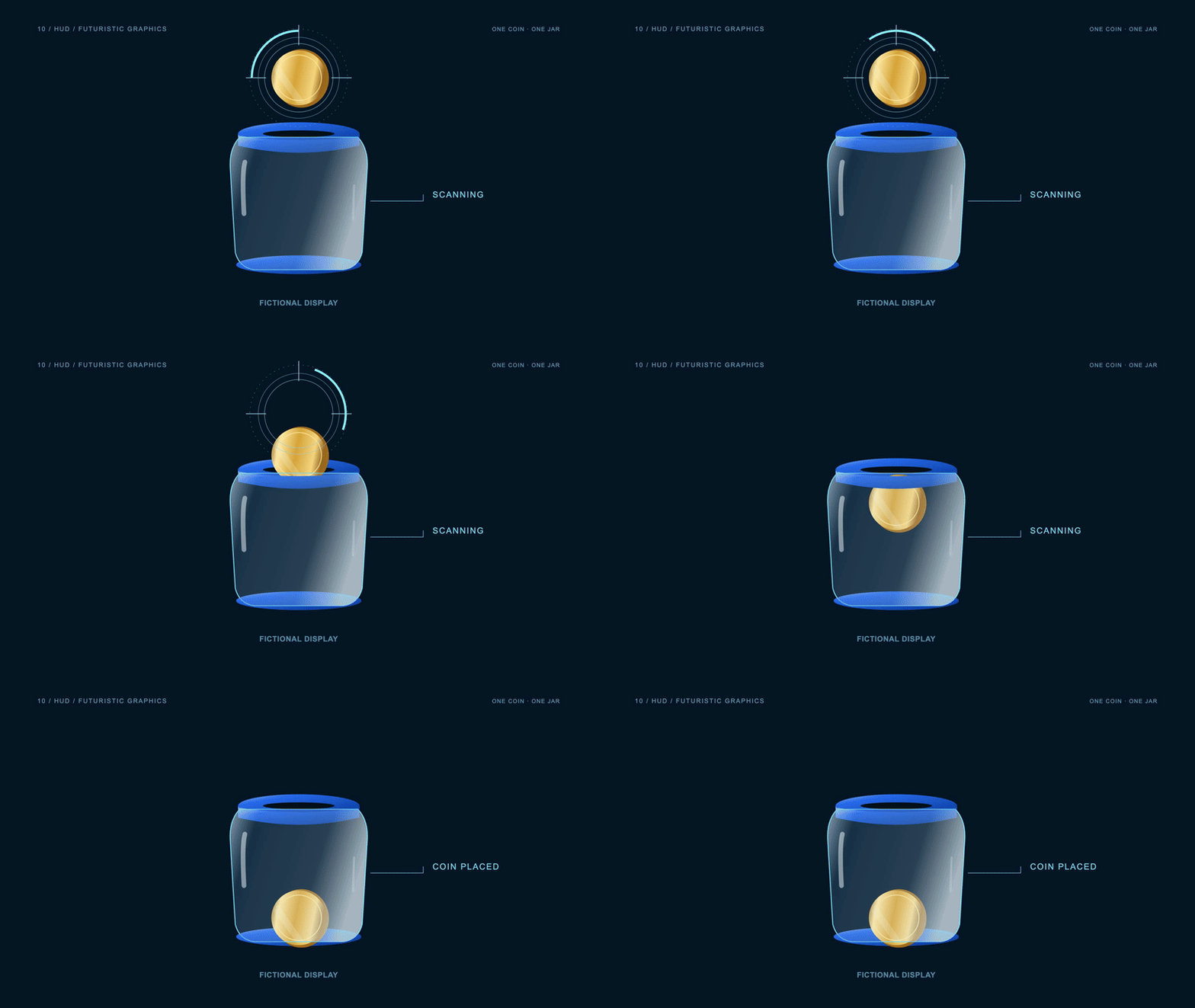
View the original AI-generated concept image
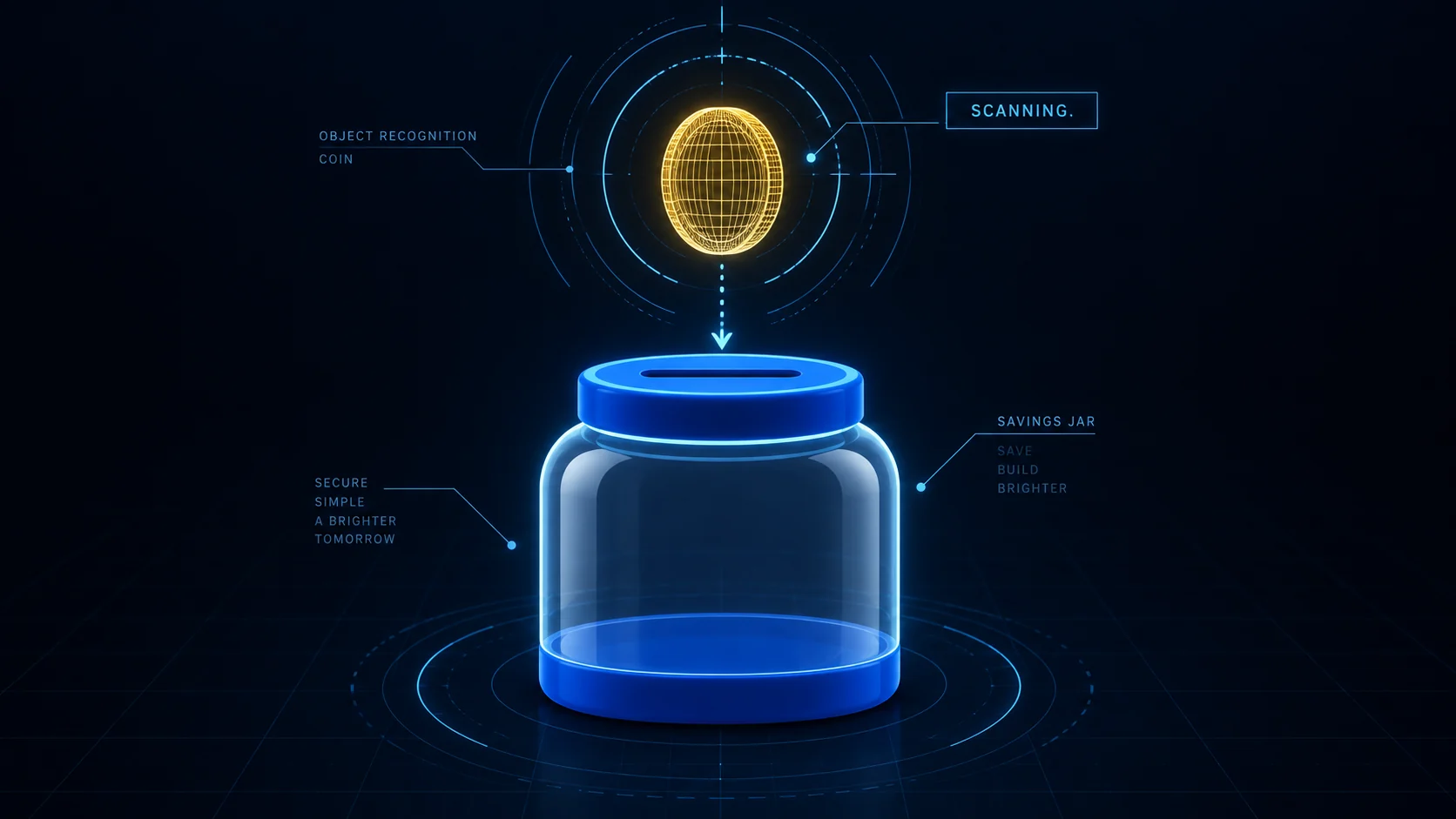
Technical rings and wireframe-like graphics restyle the same coin and savings jar as a fictional HUD.
The gold coin appears inside scanning rings above a dark blue jar. The status changes from SCANNING to COIN PLACED after insertion. A fictional-display label gives the technical overlay a clear context. The design communicates precision through alignment and timing rather than fabricated financial data.
Use HUD graphics for technology teasers, engineering visuals and fictional science-fiction sequences. Keep the information sparse and readable. Avoid meaningless percentages or charts that appear authoritative: the audience should be able to distinguish a decorative interface from an actual measurement or verified product feature.
- Best uses
- Technology teasers, engineering visuals, gaming and fictional sci-fi environments.
- What makes the motion work
- Draw the structure, perform one scan, then show a clear status change.
- Watch out for
- Unreadable microtext, aggressive flashing and fabricated diagnostic data.
Read the full production prompt
Create a 5-second Remotion example of HUD graphics using the SAME subject as the other examples: exactly one coin being set aside in one savings jar. This is an illustrative saving action, with no investment return, currency denomination or actual transaction claim.

VISUAL SYSTEM
Use 1920x1080 at 30fps. One plain round gold-colored coin starts at (960,280), about 180px in diameter. One savings jar is centered around (960,650), about 440px wide and 480px high, with a cobalt #165DDE lid/base and visible horizontal slot centered around (960,430). Its front is pale or clear enough to show the coin inside after entry. Adapt these coordinates coherently to the specified projection and style. Use a navy background, a gold wireframe coin and cyan/cobalt outline of the jar. Scan rings surround only the coin; sparse guide marks trace its path to the slot. Exact status states: SCANNING, then COIN PLACED. Keep a small FICTIONAL DISPLAY label and no diagnostic, security or financial claims.

TIMELINE
0-1s: draw the jar outline and establish the coin inside one scan ring. 1-2.5s: show SCANNING, rotate one arc through 90 degrees and lower the retained coin to the slot. 2.5-4s: follow the coin inside the jar and update the status to COIN PLACED. 4-5s: hold the resolved object positions and status.

IMPLEMENTATION
Use deterministic SVG rings and wireframe-style linework, with glow weaker than text contrast. Avoid fake metrics, aggressive flashing or a claim that the system has verified a real deposit.

Read this project's instructions first. Work in a clearly named local project folder and preserve existing files and exports. Reuse a compatible Remotion runtime if present. Keep this example silent unless I supply audio. Do not use the article image as a flattened video: create editable components and expose copy, colors, geometry and timing in configuration.

Drive every animation from useCurrentFrame(), interpolate() or spring(); do not use CSS animation clocks, timers or unseeded randomness. Keep opacity and sizes bounded, and text inside a 120px landscape safe margin. Reuse objects between beats and use a readable final hold.

Deliver editable source, a registered composition, local render instructions and a versioned H.264 MP4 and a looping five-second web GIF (800x450, 20fps, 100 frames). Preserve the MP4 as the source. Use palette generation for GIF conversion, verify its full decode, and confirm that one loop lasts 5.000 seconds. Render the video, extract a contact sheet including transition boundaries, inspect it at full resolution and at phone width, and correct visible defects. Verify dimensions, frame rate, duration and full video decode. Report any unperformed checks or missing dependencies honestly. Follow project permissions for installs, paid tools and publication; do not delete files, change credentials or publish without authorization. Do not claim the video is finished merely because the source compiles.11. What is collage or mixed-media animation?
Combine textures into a story.
Collage animation combines different visual materials, such as photographs, paper textures, cutouts and graphic shapes. Its character comes from the contrast between those materials and the way separate pieces move. It can feel tactile and editorial while still following a precise timeline.
View the original AI-generated concept image
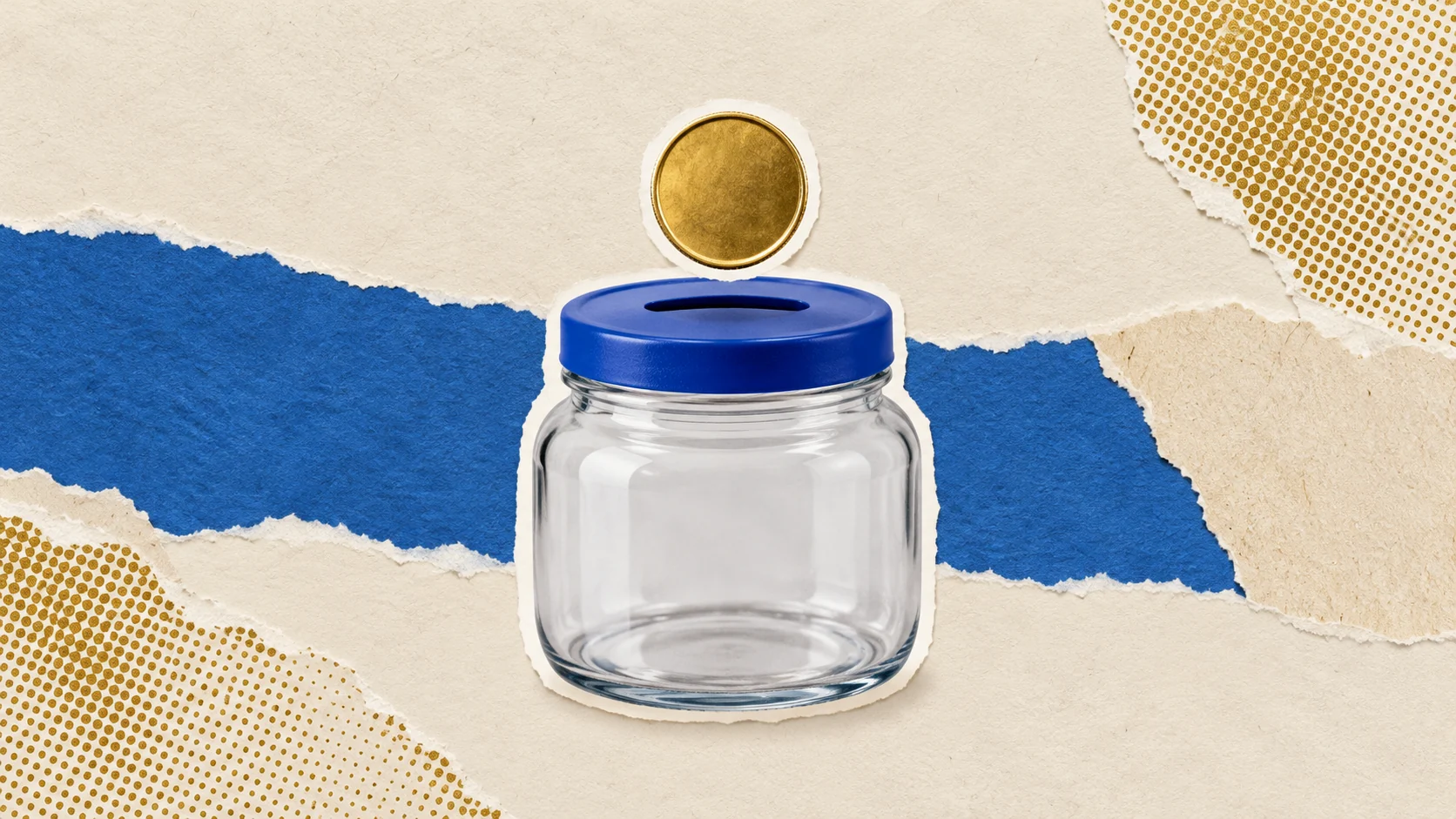
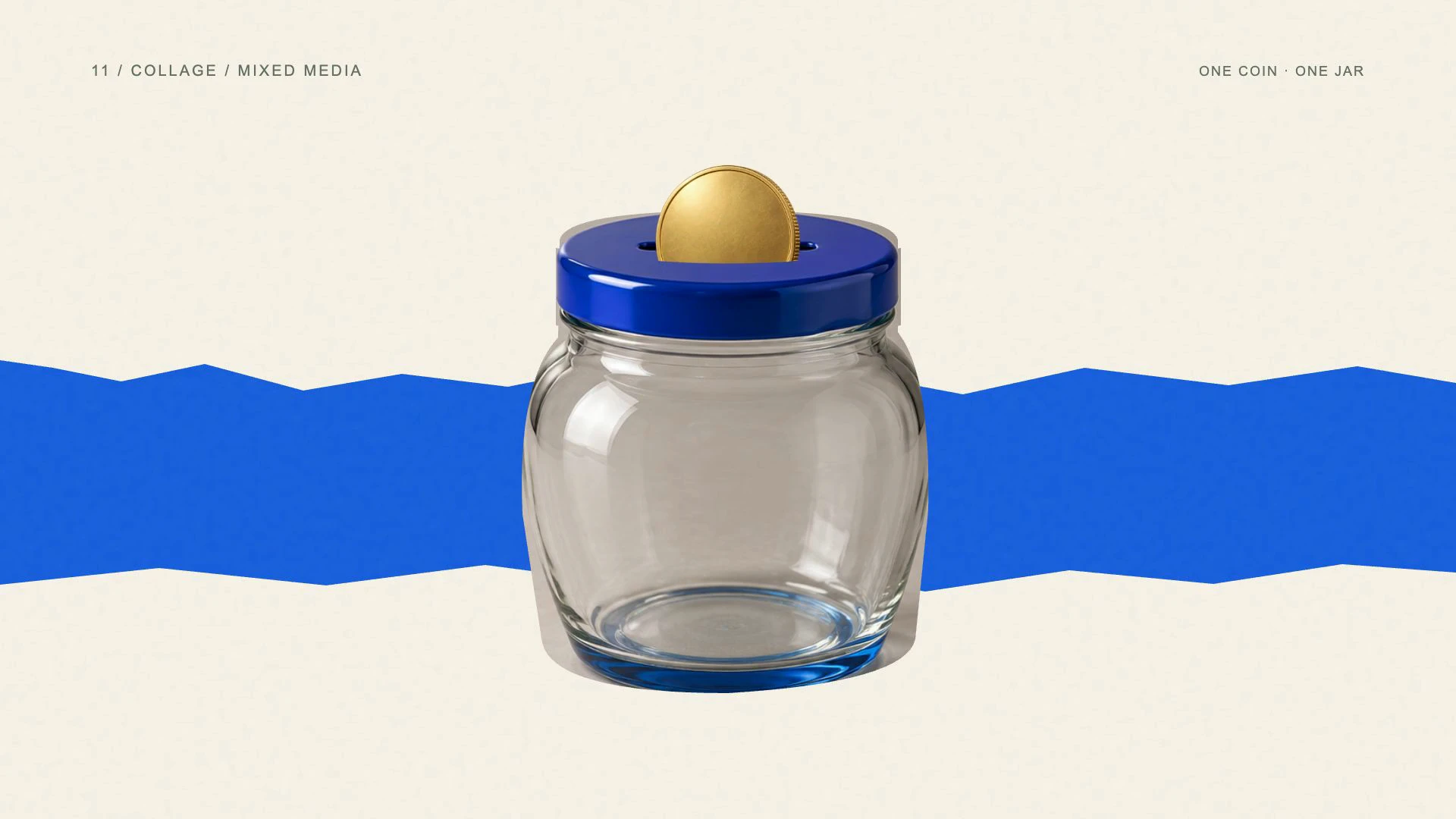
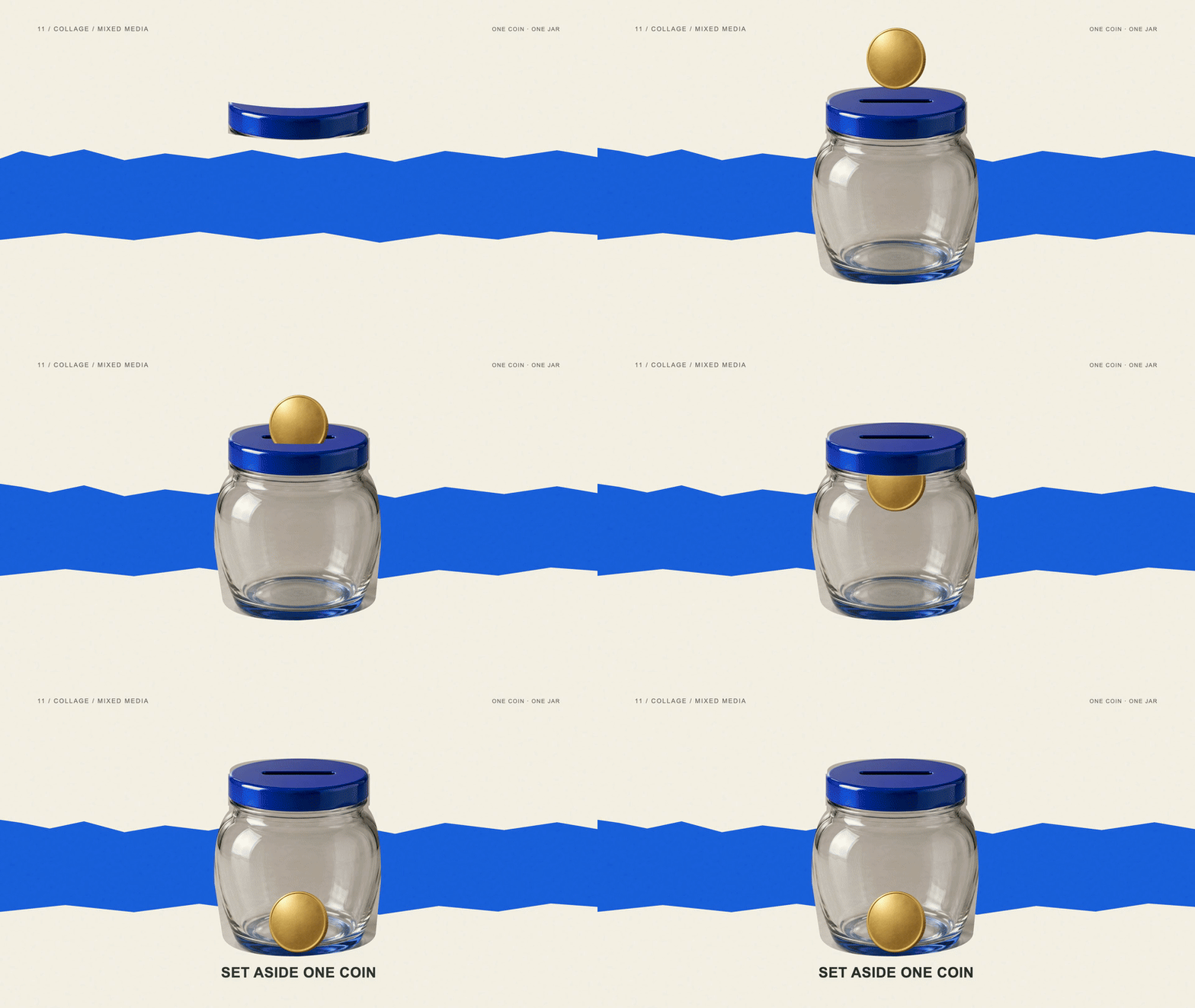
Coin and jar cutouts sit over torn paper and halftone textures in a mixed-media treatment.
A photographic jar sits over a torn blue paper band, and a separate coin cutout moves through the lid. The photographic edges and paper texture distinguish the collage treatment from the clean vector examples. Layered masks let the same coin pass behind the front rim instead of floating over the entire image.
Choose mixed-media animation for cultural campaigns, editorial content and brands that benefit from a handmade visual personality. Separate the moving assets before editing. A single flattened collage limits the animation to moving the whole picture; individual cutouts let you choreograph the object, texture and text independently.
- Best uses
- Lifestyle campaigns, editorial stories, food, fashion and cultural content.
- What makes the motion work
- Stage the layers in a deliberate order, then move related pieces together.
- Watch out for
- A cluttered mood board, inconsistent cutout edges or flattening every element into one unmoving bitmap.
Read the full production prompt
Create a 5-second Remotion example of mixed-media animation using the SAME subject as the other examples: exactly one coin being set aside in one savings jar. This is an illustrative saving action, with no investment return, currency denomination or actual transaction claim.

VISUAL SYSTEM
Use 1920x1080 at 30fps. One plain round gold-colored coin starts at (960,280), about 180px in diameter. One savings jar is centered around (960,650), about 440px wide and 480px high, with a cobalt #165DDE lid/base and visible horizontal slot centered around (960,430). Its front is pale or clear enough to show the coin inside after entry. Adapt these coordinates coherently to the specified projection and style. Combine one coin cutout, one blue-lidded jar cutout, torn cream paper, a blue paper strip and restrained gold halftone texture. Keep these as independent layers. Use licensed local photos if supplied; otherwise create original illustrated cutouts and disclose that substitution. Do not purchase or fetch assets without authorization.

TIMELINE
0-1s: stage the paper background and jar cutout. 1-2.5s: introduce the single coin cutout and move it down toward the slot with a deliberate short paper-like settle. 2.5-4s: pass that cutout behind an exact front-rim mask and into the jar; show Set aside one coin on the blue strip. 4-5s: hold all layers with subtle texture still visible.

IMPLEMENTATION
Keep coin, jar, masks, paper and text separate; do not zoom a flattened collage. Use seeded texture variation and shallow paper shadows. Make the coin visible through the jar front without introducing a second copy.

Read this project's instructions first. Work in a clearly named local project folder and preserve existing files and exports. Reuse a compatible Remotion runtime if present. Keep this example silent unless I supply audio. Do not use the article image as a flattened video: create editable components and expose copy, colors, geometry and timing in configuration.

Drive every animation from useCurrentFrame(), interpolate() or spring(); do not use CSS animation clocks, timers or unseeded randomness. Keep opacity and sizes bounded, and text inside a 120px landscape safe margin. Reuse objects between beats and use a readable final hold.

Deliver editable source, a registered composition, local render instructions and a versioned H.264 MP4 and a looping five-second web GIF (800x450, 20fps, 100 frames). Preserve the MP4 as the source. Use palette generation for GIF conversion, verify its full decode, and confirm that one loop lasts 5.000 seconds. Render the video, extract a contact sheet including transition boundaries, inspect it at full resolution and at phone width, and correct visible defects. Verify dimensions, frame rate, duration and full video decode. Report any unperformed checks or missing dependencies honestly. Follow project permissions for installs, paid tools and publication; do not delete files, change credentials or publish without authorization. Do not claim the video is finished merely because the source compiles.12. What is hand-drawn animation?
Make the explanation feel human.
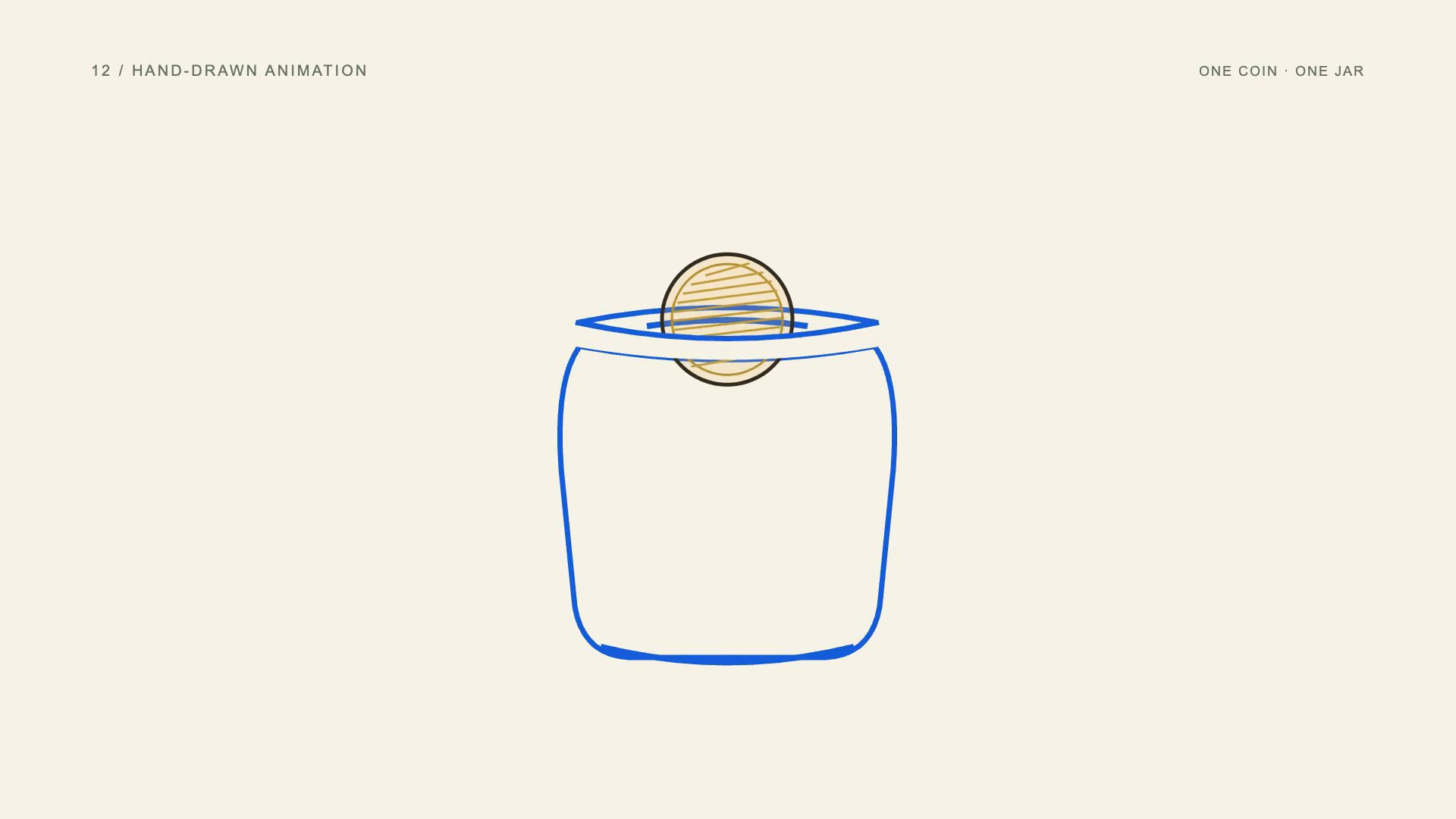
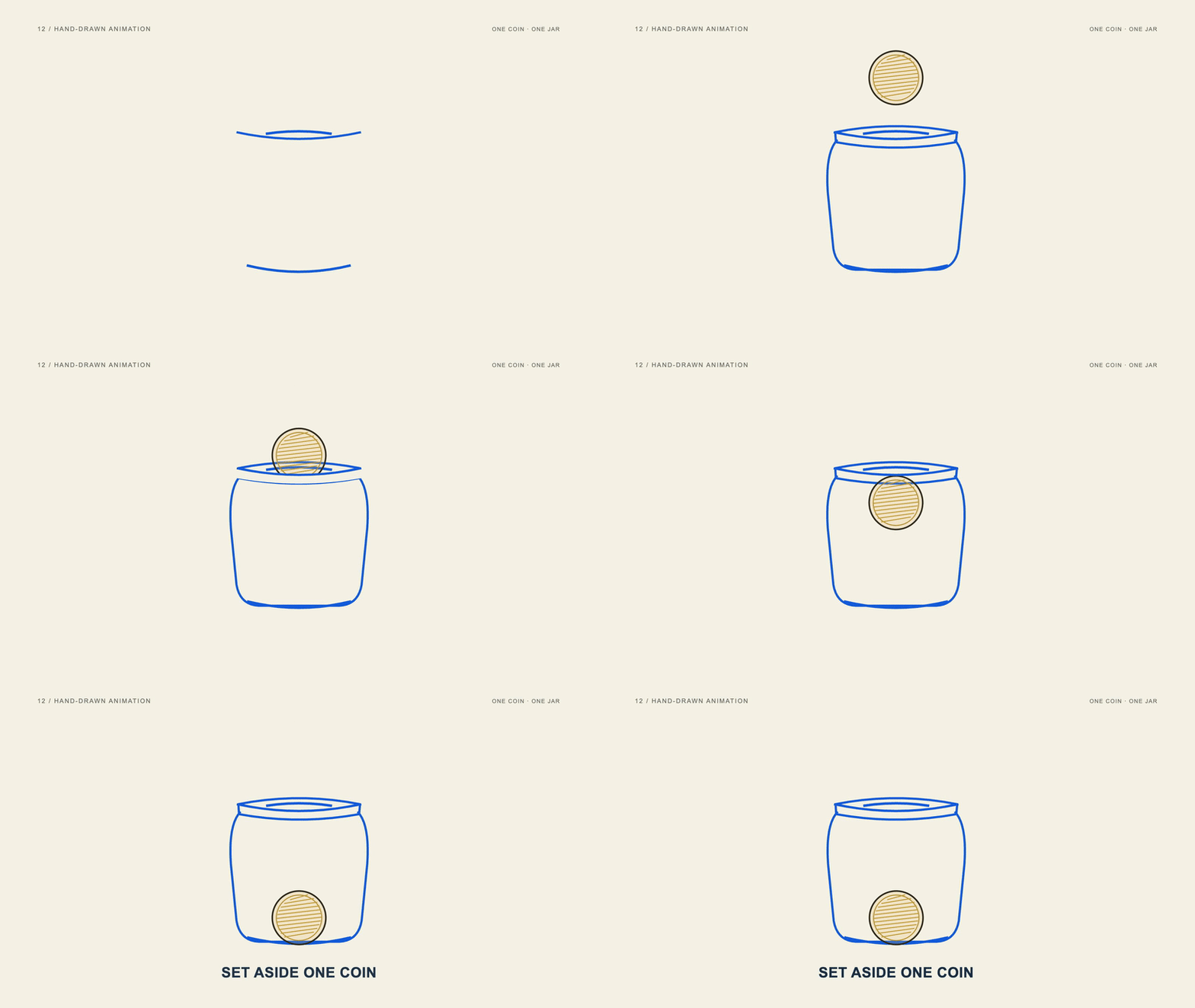
Hand-drawn motion graphics use illustrated lines, sketch textures and small drawing variations to create a human, informal appearance. The artwork may be drawn by hand or built digitally. The defining quality is its line language and movement, rather than a requirement to redraw every frame manually.
View the original AI-generated concept image
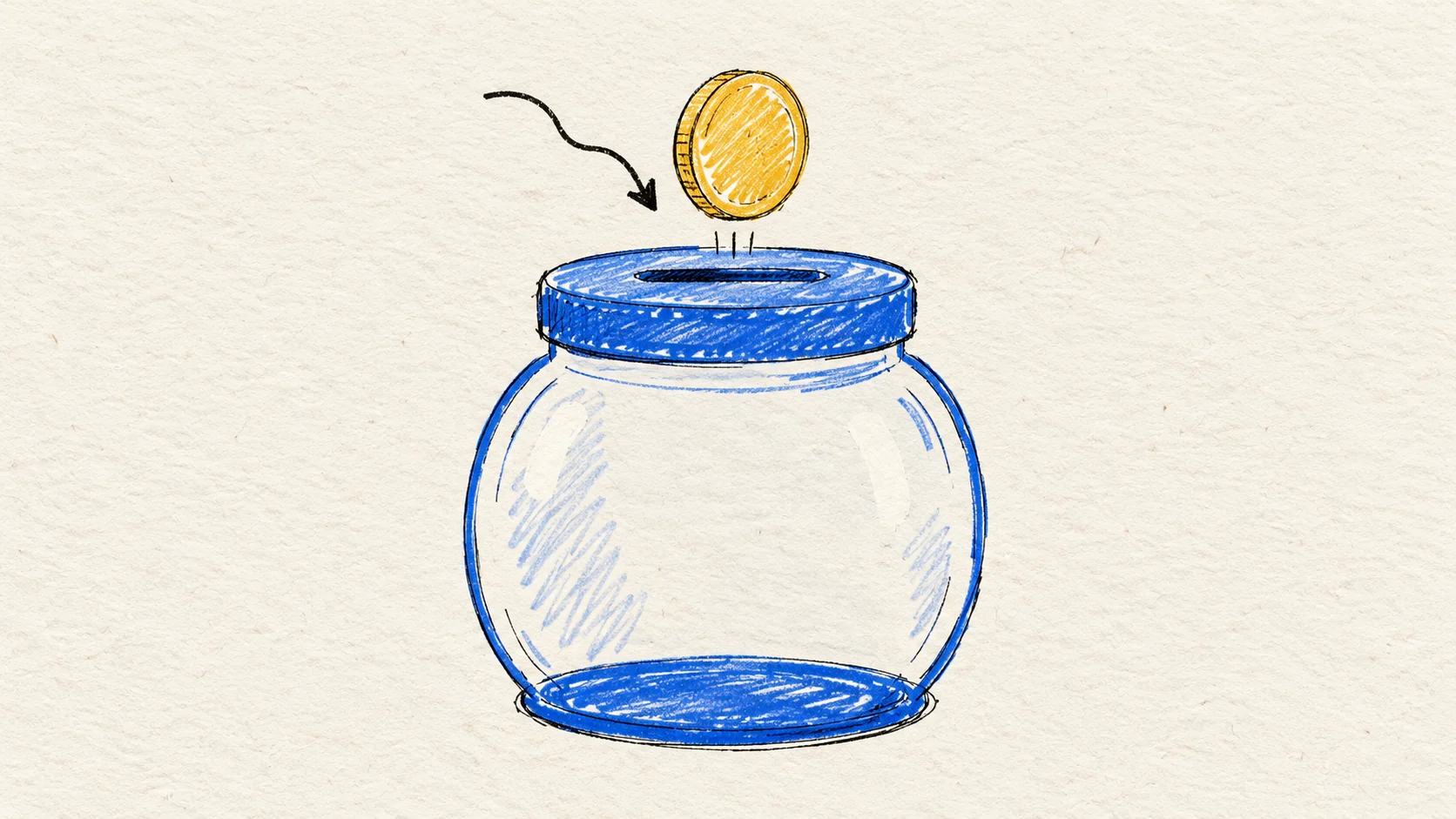
Mustard and cobalt marker strokes draw the same coin and jar on textured paper.
The jar outline draws onto the page, while the coin uses ink-like hatching. Small line variations add a sketchbook feel during the movement, then settle for the final hold. The coin remains recognizable and follows the same route into the jar, so the drawing treatment supports a clear saving action.
Use hand-drawn animation for approachable education, personal-brand content and explanations that benefit from warmth. Keep line variation restrained enough to preserve readable edges. A loose illustration still needs consistent object identity and timing; excessive wobble can distract from the instruction.
- Best uses
- Workshops, educational explainers, creative services and friendly brand stories.
- What makes the motion work
- Draw a path in the order the idea develops; add small variations only after the drawing is legible.
- Watch out for
- Making the whole scene jitter or using a clean geometric font that fights the illustration.
Read the full production prompt
Create a 5-second Remotion example of hand-drawn animation using the SAME subject as the other examples: exactly one coin being set aside in one savings jar. This is an illustrative saving action, with no investment return, currency denomination or actual transaction claim.

VISUAL SYSTEM
Use 1920x1080 at 30fps. One plain round gold-colored coin starts at (960,280), about 180px in diameter. One savings jar is centered around (960,650), about 440px wide and 480px high, with a cobalt #165DDE lid/base and visible horizontal slot centered around (960,430). Its front is pale or clear enough to show the coin inside after entry. Adapt these coordinates coherently to the specified projection and style. Sketch the same coin in mustard and the savings jar in cobalt on textured ivory paper. Use imperfect 5-8px marker strokes, small seeded stroke variants and gentle crosshatching. One drawn arrow may lead into the slot. Exact final copy: SET ASIDE ONE COIN.

TIMELINE
0-1s: draw the jar outline and one coin contour in a deliberate stroke order. 1-2.5s: draw the arrow toward the slot and move the retained coin down along it. 2.5-4s: redraw only the necessary occluded edge as the coin enters, then show SET ASIDE ONE COIN once it settles. 4-5s: hold the completed drawing with subtle, controlled line variation.

IMPLEMENTATION
Use frame-driven stroke-dash lengths and a fixed set of seeded variants for any hand-drawn boil. Keep the paper stationary and avoid randomly shaking the full scene. Preserve exactly one coin.

Read this project's instructions first. Work in a clearly named local project folder and preserve existing files and exports. Reuse a compatible Remotion runtime if present. Keep this example silent unless I supply audio. Do not use the article image as a flattened video: create editable components and expose copy, colors, geometry and timing in configuration.

Drive every animation from useCurrentFrame(), interpolate() or spring(); do not use CSS animation clocks, timers or unseeded randomness. Keep opacity and sizes bounded, and text inside a 120px landscape safe margin. Reuse objects between beats and use a readable final hold.

Deliver editable source, a registered composition, local render instructions and a versioned H.264 MP4 and a looping five-second web GIF (800x450, 20fps, 100 frames). Preserve the MP4 as the source. Use palette generation for GIF conversion, verify its full decode, and confirm that one loop lasts 5.000 seconds. Render the video, extract a contact sheet including transition boundaries, inspect it at full resolution and at phone width, and correct visible defects. Verify dimensions, frame rate, duration and full video decode. Report any unperformed checks or missing dependencies honestly. Follow project permissions for installs, paid tools and publication; do not delete files, change credentials or publish without authorization. Do not claim the video is finished merely because the source compiles.13. What is liquid or morphing animation?
Make one shape become another.
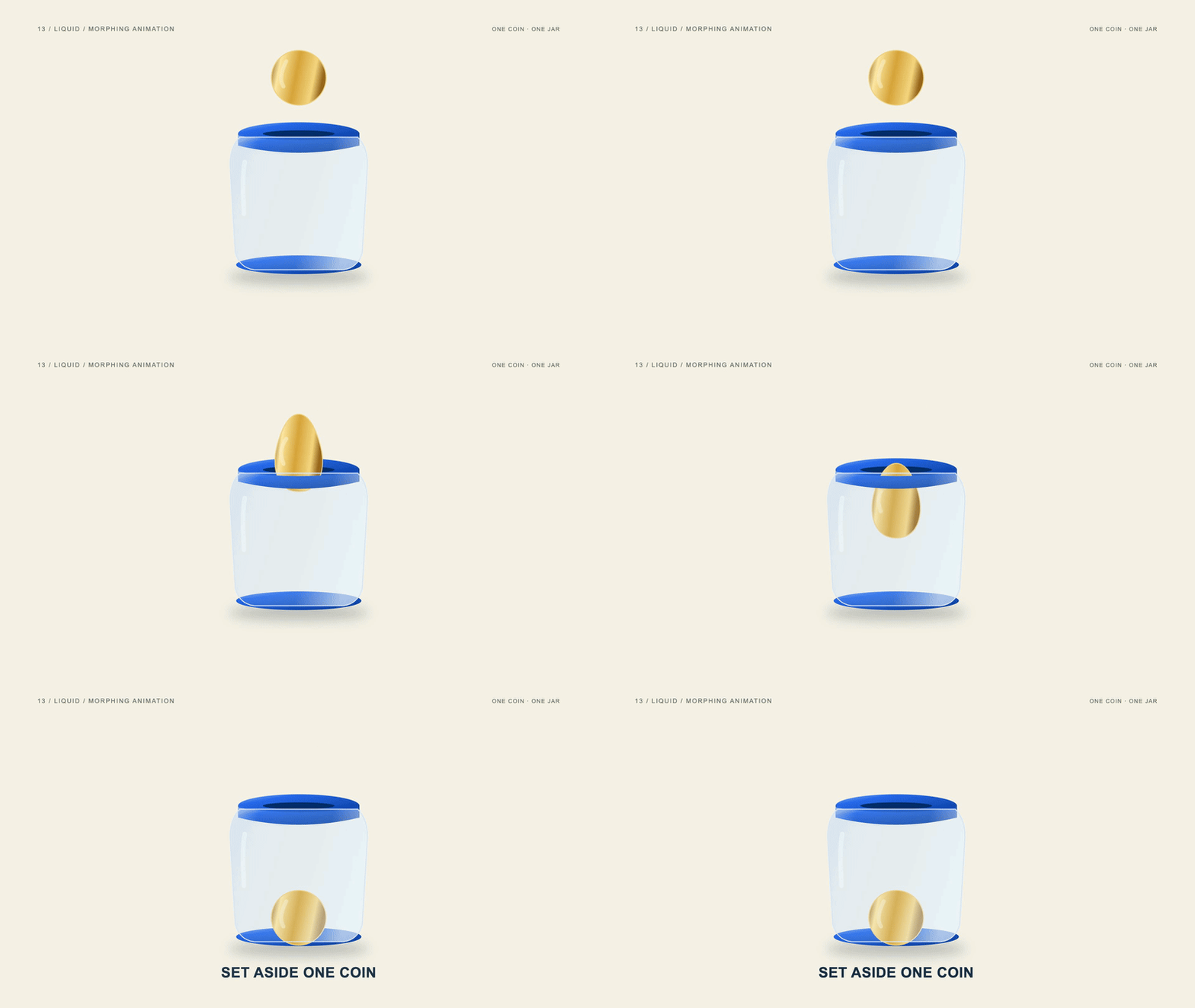
Liquid and morphing animation change the contour of a shape through a continuous transformation. One form can stretch, soften or resolve into another without a hard cut. Smooth transitions require compatible geometry and a readable final state so the viewer can follow what has changed.
View the original AI-generated concept image
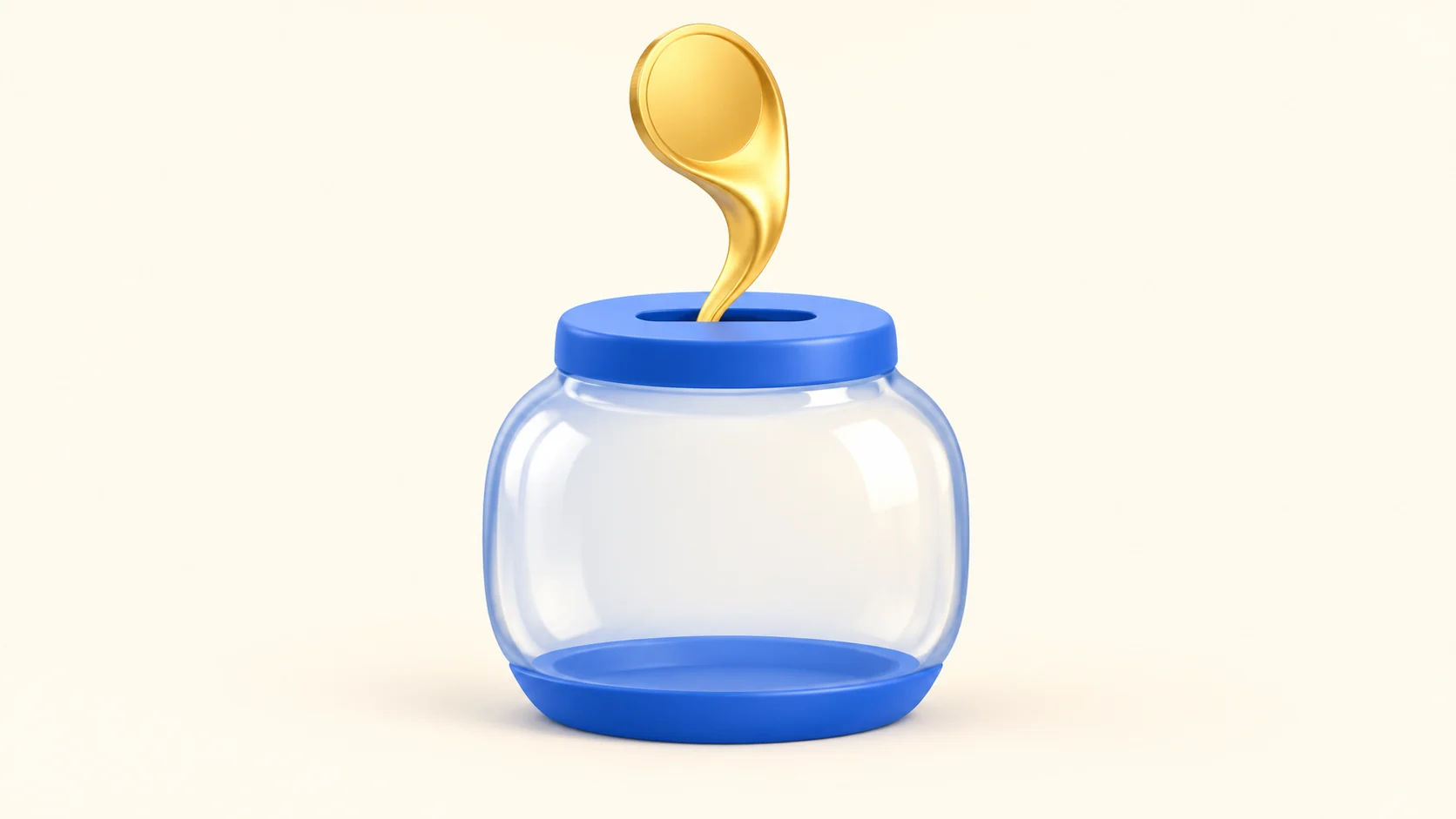
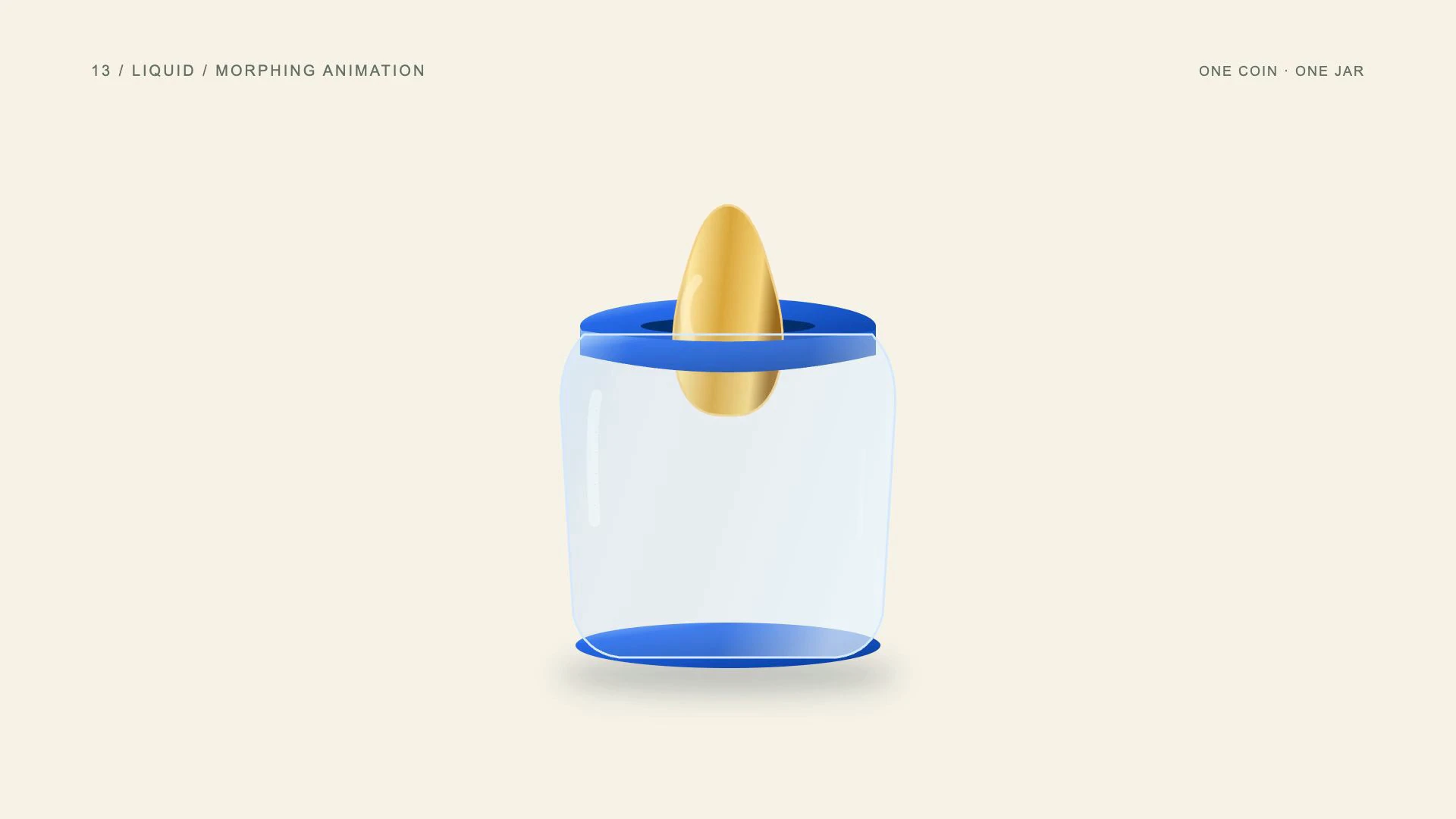
The same coin stretches into a fluid form as it approaches the stable savings jar.
The gold coin stretches into an organic form as it approaches the slot, then returns to a recognizable circle inside the stable jar. This is an expressive metaphor rather than a depiction of real metal behavior. Keeping the jar unchanged gives the viewer a visual reference during the transformation.
Choose morphing for expressive transitions, shape-based branding and short visual metaphors. Decide what identity must survive the change before animating. Check the intermediate frames for accidental extra droplets, clipping or self-intersections; a smooth start and finish can conceal an unclear transition in the middle.
- Best uses
- Playful transitions, app teasers, identity systems and stories about transformation.
- What makes the motion work
- Preserve a continuous silhouette through the morph and hold both recognizable endpoints.
- Watch out for
- Abruptly crossfading two objects and calling it a morph, or creating self-intersecting shapes.
Read the full production prompt
Create a 5-second Remotion example of liquid/morphing animation using the SAME subject as the other examples: exactly one coin being set aside in one savings jar. This is an illustrative saving action, with no investment return, currency denomination or actual transaction claim.

VISUAL SYSTEM
Use 1920x1080 at 30fps. One plain round gold-colored coin starts at (960,280), about 180px in diameter. One savings jar is centered around (960,650), about 440px wide and 480px high, with a cobalt #165DDE lid/base and visible horizontal slot centered around (960,430). Its front is pale or clear enough to show the coin inside after entry. Adapt these coordinates coherently to the specified projection and style. Use the same gold coin and stable blue jar on cream. Give the coin an organic, fluid intermediate silhouette while retaining its identity; the jar does not morph. This is a stylized metaphor, not a literal physical coin melting. Exact final copy: SET ASIDE ONE COIN.

TIMELINE
0-1s: establish a round coin above the jar. 1-2.5s: stretch that coin downward into a smooth connected shape while moving it to the slot; preserve one continuous path. 2.5-4s: pass the entire retained shape inside and resolve it back into a recognizable round coin at the jar base; reveal SET ASIDE ONE COIN. 4-5s: hold the round coin and jar.

IMPLEMENTATION
Interpolate compatible SVG control points with consistent topology. Check intermediate paths for self-intersection, clipping and unwanted extra droplets. No crossfade between two different coins or fluid simulator driven by real time.

Read this project's instructions first. Work in a clearly named local project folder and preserve existing files and exports. Reuse a compatible Remotion runtime if present. Keep this example silent unless I supply audio. Do not use the article image as a flattened video: create editable components and expose copy, colors, geometry and timing in configuration.

Drive every animation from useCurrentFrame(), interpolate() or spring(); do not use CSS animation clocks, timers or unseeded randomness. Keep opacity and sizes bounded, and text inside a 120px landscape safe margin. Reuse objects between beats and use a readable final hold.

Deliver editable source, a registered composition, local render instructions and a versioned H.264 MP4 and a looping five-second web GIF (800x450, 20fps, 100 frames). Preserve the MP4 as the source. Use palette generation for GIF conversion, verify its full decode, and confirm that one loop lasts 5.000 seconds. Render the video, extract a contact sheet including transition boundaries, inspect it at full resolution and at phone width, and correct visible defects. Verify dimensions, frame rate, duration and full video decode. Report any unperformed checks or missing dependencies honestly. Follow project permissions for installs, paid tools and publication; do not delete files, change credentials or publish without authorization. Do not claim the video is finished merely because the source compiles.14. What is abstract or generative motion?
Build rhythm from a rule.
Abstract motion graphics organize shapes, lines and patterns into movement that may not depict a literal scene. Generative motion uses rules or algorithms to create those elements. A design can combine both approaches, using repeated structures to produce rhythm, texture and recognizable forms.
View the original AI-generated concept image
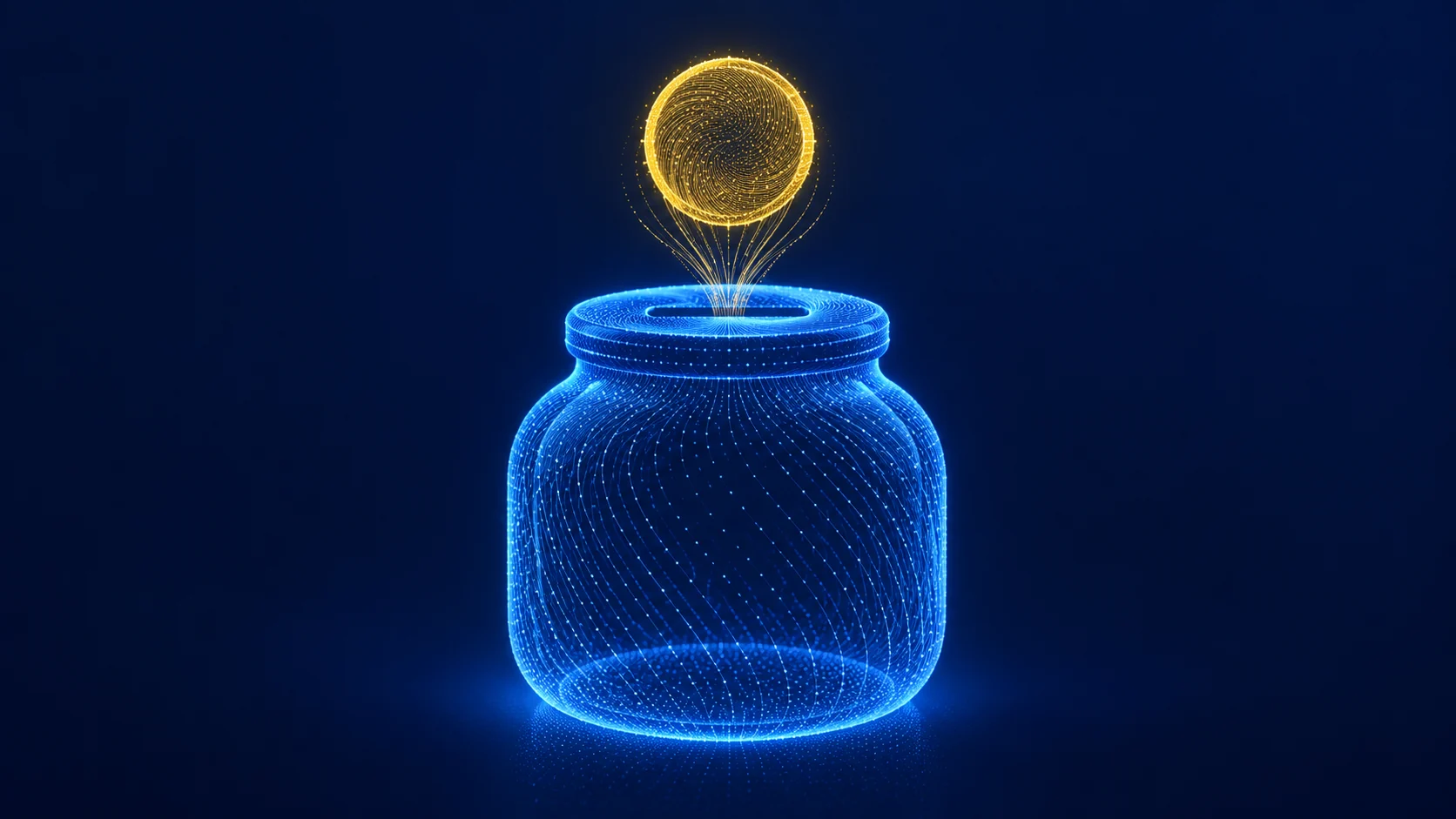
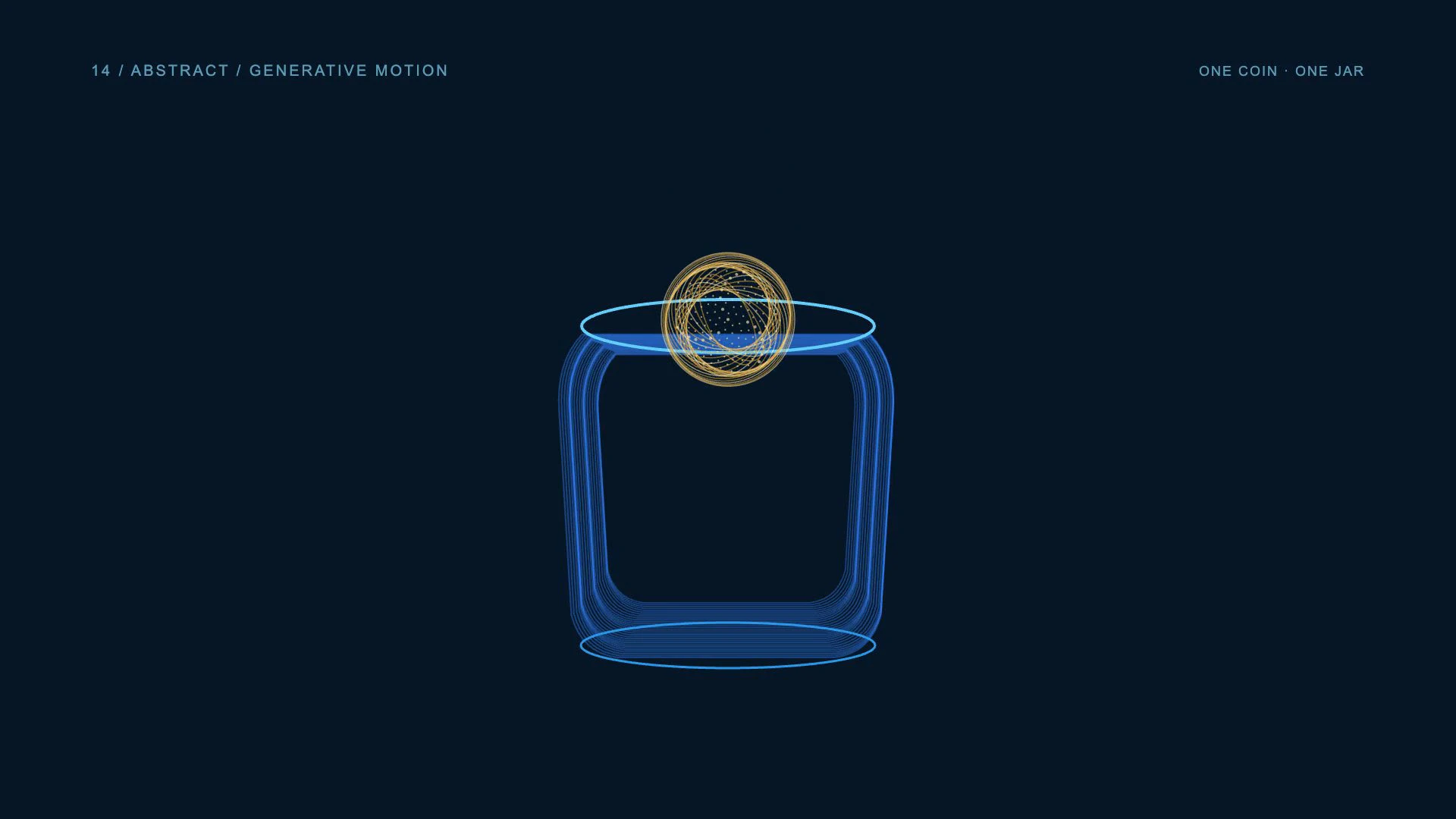
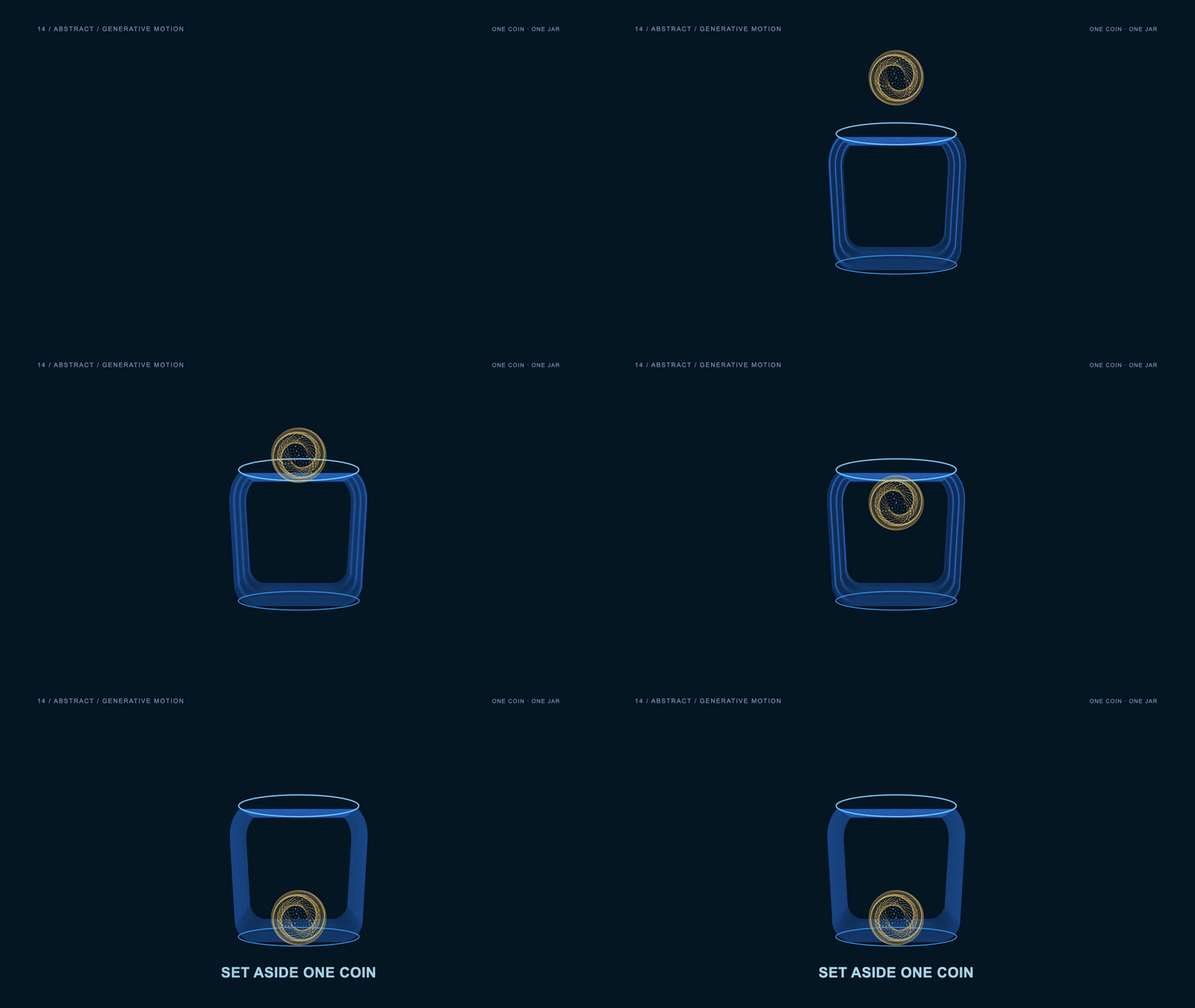
Procedural gold and blue curves build the same coin-and-jar silhouettes.
Here, gold curves form the coin and blue curves define the jar. The coin field moves as one group into the opening instead of scattering into unrelated particles. The final outlines remain recognizable, so the procedural surface treatment changes the look while preserving the shared money subject.
Use abstract or generative animation for visual identities, technology themes and atmospheric transitions. Give the pattern a clear role in the message. Reproducible rules help when a brand needs variations across a series, but a decorative field should not be presented as a visualization of financial data unless it actually encodes that data.
- Best uses
- Event screens, branded backdrops, launch atmospheres and music-oriented visuals.
- What makes the motion work
- Develop one repeatable rule and shape its energy into a clear beginning, peak and resolution.
- Watch out for
- Random movement without structure or a background that overwhelms the message.
Read the full production prompt
Create a 5-second Remotion example of generative motion using the SAME subject as the other examples: exactly one coin being set aside in one savings jar. This is an illustrative saving action, with no investment return, currency denomination or actual transaction claim.

VISUAL SYSTEM
Use 1920x1080 at 30fps. One plain round gold-colored coin starts at (960,280), about 180px in diameter. One savings jar is centered around (960,650), about 440px wide and 480px high, with a cobalt #165DDE lid/base and visible horizontal slot centered around (960,430). Its front is pale or clear enough to show the coin inside after entry. Adapt these coordinates coherently to the specified projection and style. Define the recognizable coin and jar silhouettes using thin gold and cobalt curves and seeded points on navy. Keep jar lid and slot legible. The object outlines remain the subject; abstract motion provides their surface language. Use no more than 120 curves and 200 low-opacity points.

TIMELINE
0-1s: organize the seeded curves into one coin and one empty jar. 1-2.5s: move the entire coin field coherently toward the slot while the jar field stays anchored. 2.5-4s: carry the same coin field into the jar; retain a clear circular coin silhouette and reveal Set aside one coin in a calm area. 4-5s: reduce field amplitude and hold both recognizable forms.

IMPLEMENTATION
Generate paths and points from frame plus a fixed seed. Move the coin group as one entity rather than spawning unrelated particles. Keep the final contour and text clear; decorative flow does not encode actual financial data.

Read this project's instructions first. Work in a clearly named local project folder and preserve existing files and exports. Reuse a compatible Remotion runtime if present. Keep this example silent unless I supply audio. Do not use the article image as a flattened video: create editable components and expose copy, colors, geometry and timing in configuration.

Drive every animation from useCurrentFrame(), interpolate() or spring(); do not use CSS animation clocks, timers or unseeded randomness. Keep opacity and sizes bounded, and text inside a 120px landscape safe margin. Reuse objects between beats and use a readable final hold.

Deliver editable source, a registered composition, local render instructions and a versioned H.264 MP4 and a looping five-second web GIF (800x450, 20fps, 100 frames). Preserve the MP4 as the source. Use palette generation for GIF conversion, verify its full decode, and confirm that one loop lasts 5.000 seconds. Render the video, extract a contact sheet including transition boundaries, inspect it at full resolution and at phone width, and correct visible defects. Verify dimensions, frame rate, duration and full video decode. Report any unperformed checks or missing dependencies honestly. Follow project permissions for installs, paid tools and publication; do not delete files, change credentials or publish without authorization. Do not claim the video is finished merely because the source compiles.15. What are broadcast motion graphics?
Give information a clear place.
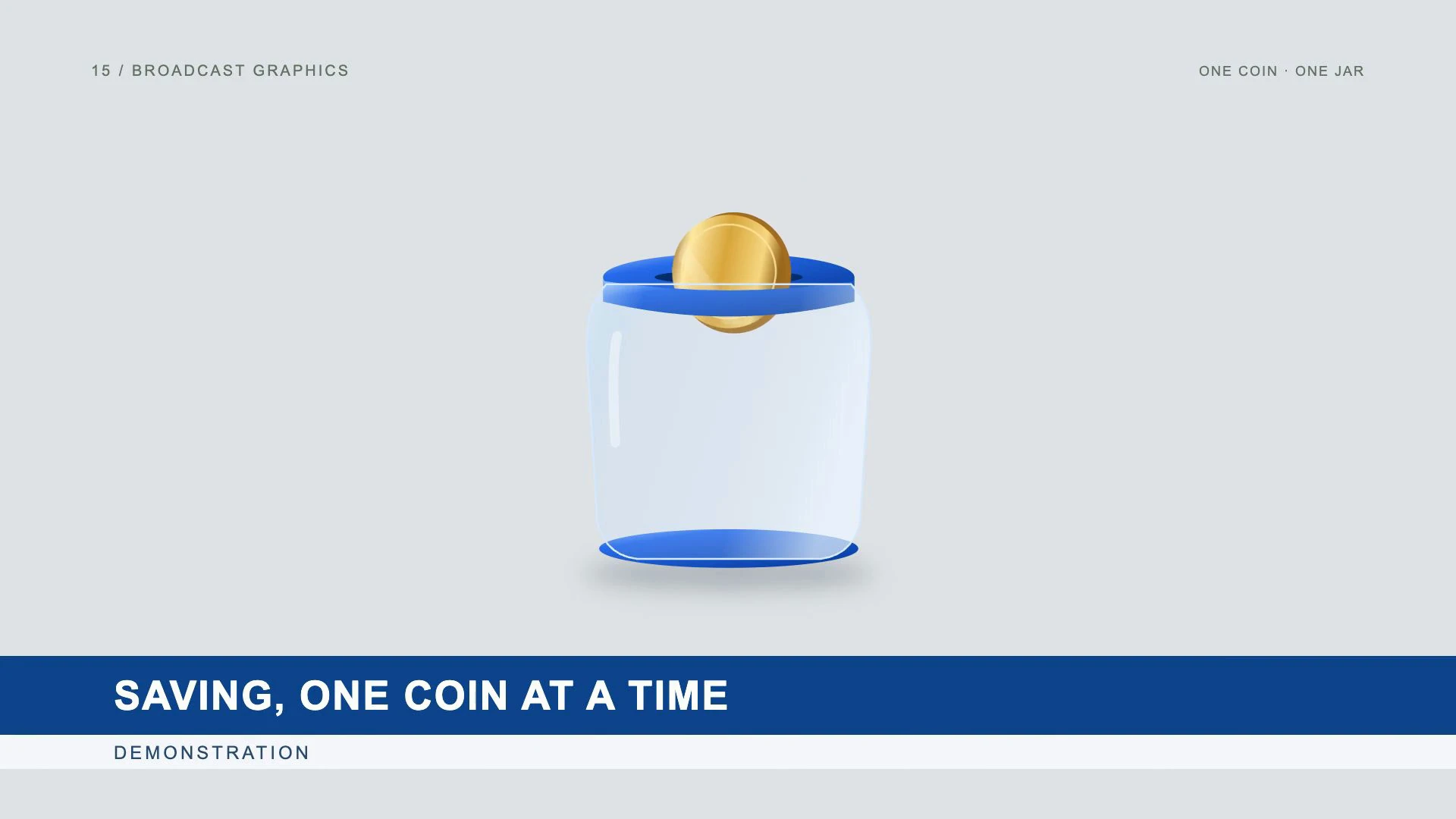
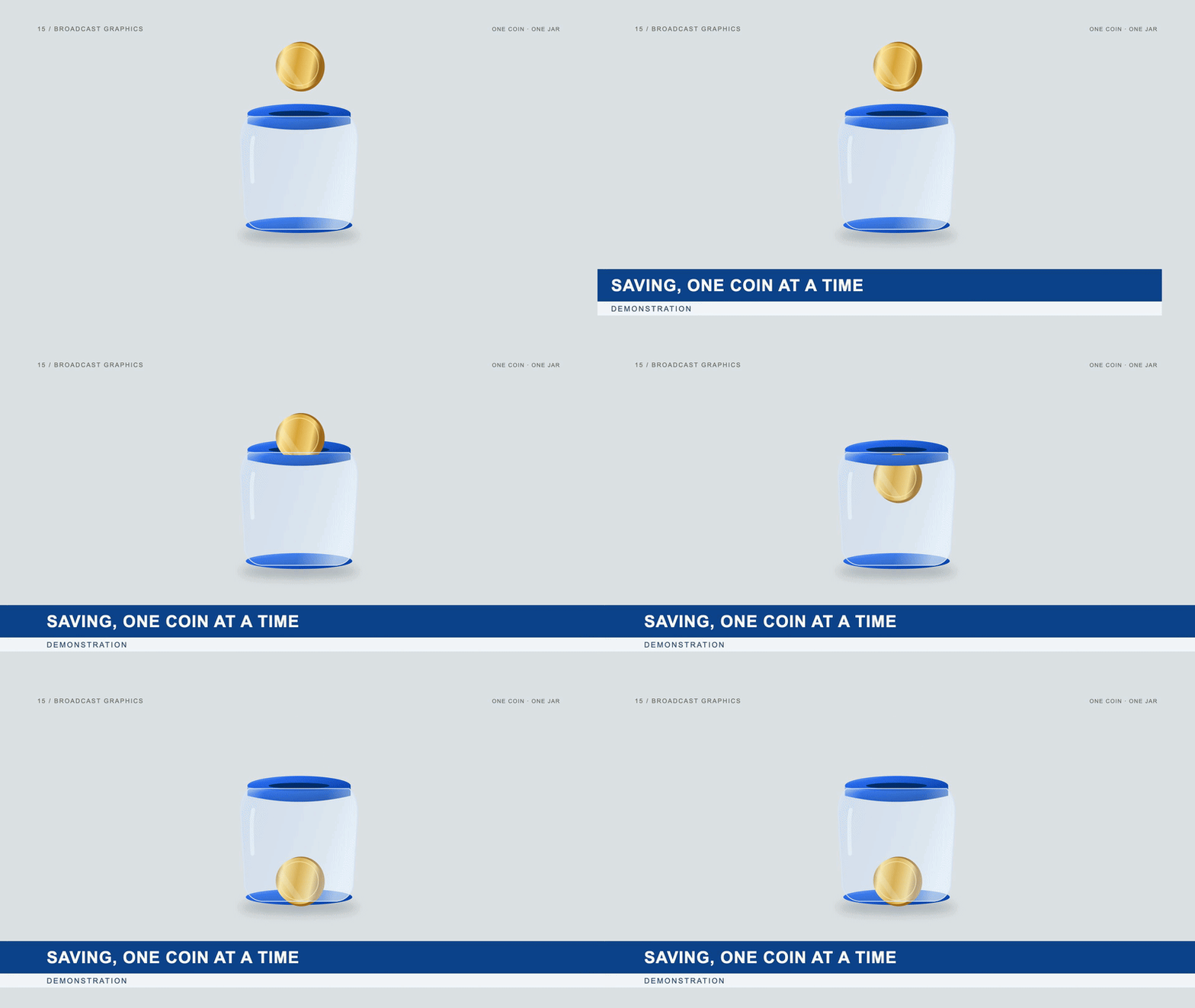
Broadcast motion graphics package information for a segment through titles, lower thirds, labels, transitions and other on-screen elements. Their value is clarity and consistency: viewers can identify the topic while the main footage or animation continues. They are a presentation system rather than a single illustration style.
View the original AI-generated concept image
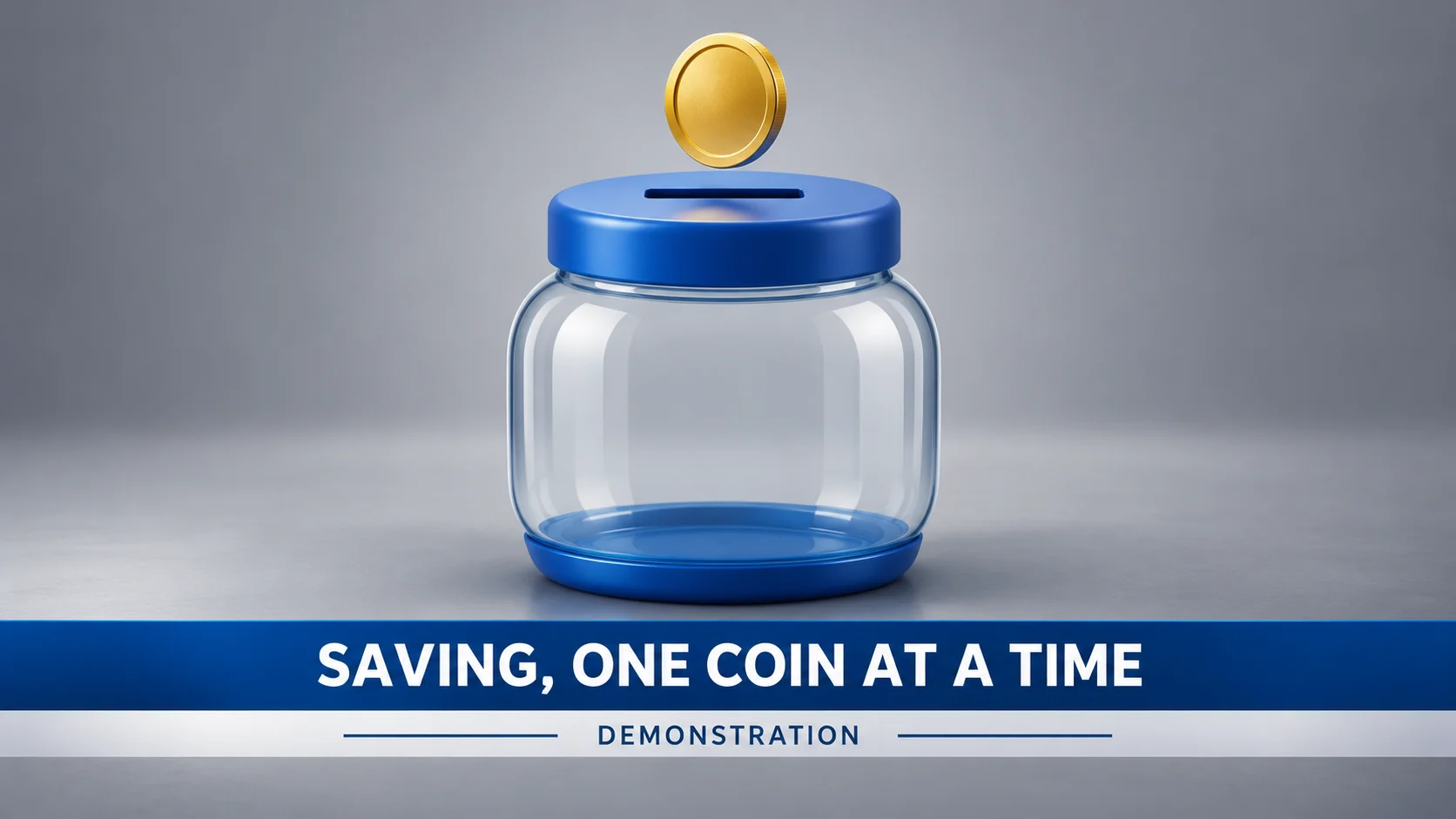
A broadcast lower third frames the same coin-and-jar demonstration without a presenter or live-news claim.
A lower third identifies the segment as SAVING, ONE COIN AT A TIME while the coin enters the jar. A DEMONSTRATION label explains the context. The title band stays readable and leaves enough space for the main action, without adding a fabricated ticker or live-news claim.
Use broadcast graphics for interviews, webinars, recurring series and financial-education content. Build a repeatable layout with stable text hierarchy and safe margins. The viewer should understand the title quickly; avoid covering the speaker, product or data that the segment is supposed to explain.
- Best uses
- Interviews, webinars, event coverage and recurring editorial video series.
- What makes the motion work
- Reveal the identifying information once, hold it long enough to read, then exit cleanly.
- Watch out for
- Covering faces, overusing ticks and labels, or falsely implying a live broadcast.
Read the full production prompt
Create a 5-second Remotion example of broadcast graphics using the SAME subject as the other examples: exactly one coin being set aside in one savings jar. This is an illustrative saving action, with no investment return, currency denomination or actual transaction claim.

VISUAL SYSTEM
Use 1920x1080 at 30fps. One plain round gold-colored coin starts at (960,280), about 180px in diameter. One savings jar is centered around (960,650), about 440px wide and 480px high, with a cobalt #165DDE lid/base and visible horizontal slot centered around (960,430). Its front is pale or clear enough to show the coin inside after entry. Adapt these coordinates coherently to the specified projection and style. Place the same coin and blue-lidded jar at the center of a quiet studio-gray plate. Add an editable professional lower third with exact title SAVING, ONE COIN AT A TIME and smaller DEMONSTRATION tag. No host, real broadcaster, LIVE label, ticker or numerical claims.

TIMELINE
0-1s: establish the coin and empty jar with no lower third. 1-2.5s: reveal the lower-third band and title while the coin moves to the slot. 2.5-4s: keep the title steady as the coin enters and settles inside the jar; maintain clearance around both objects. 4-5s: hold the completed demonstration with the lower third readable.

IMPLEMENTATION
Use reusable broadcast plate and text components. The lower third identifies this illustrative saving segment, not a real news event. Keep the coin movement secondary to readable information rather than hiding the objects behind the band.

Read this project's instructions first. Work in a clearly named local project folder and preserve existing files and exports. Reuse a compatible Remotion runtime if present. Keep this example silent unless I supply audio. Do not use the article image as a flattened video: create editable components and expose copy, colors, geometry and timing in configuration.

Drive every animation from useCurrentFrame(), interpolate() or spring(); do not use CSS animation clocks, timers or unseeded randomness. Keep opacity and sizes bounded, and text inside a 120px landscape safe margin. Reuse objects between beats and use a readable final hold.

Deliver editable source, a registered composition, local render instructions and a versioned H.264 MP4 and a looping five-second web GIF (800x450, 20fps, 100 frames). Preserve the MP4 as the source. Use palette generation for GIF conversion, verify its full decode, and confirm that one loop lasts 5.000 seconds. Render the video, extract a contact sheet including transition boundaries, inspect it at full resolution and at phone width, and correct visible defects. Verify dimensions, frame rate, duration and full video decode. Report any unperformed checks or missing dependencies honestly. Follow project permissions for installs, paid tools and publication; do not delete files, change credentials or publish without authorization. Do not claim the video is finished merely because the source compiles.16. What are VFX and compositing?
Make graphics belong in the scene.
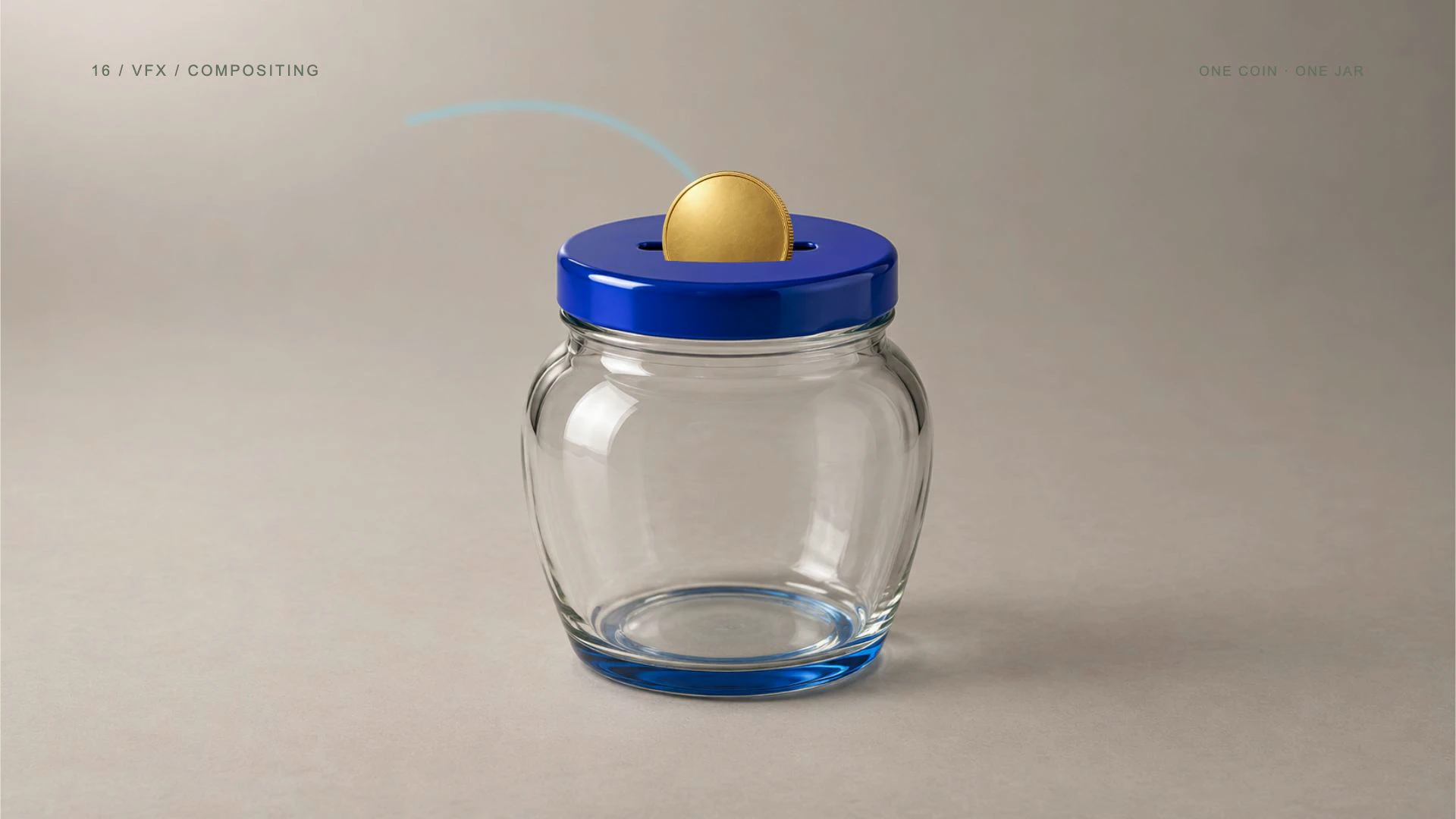
Visual effects and compositing combine separately created elements into one coherent scene. Masks, layer order, lighting and contact cues determine whether an added object appears to belong in the image. Compositing may use a static photograph or moving footage; moving shots can require tracking and matching mattes.
View the original AI-generated concept image
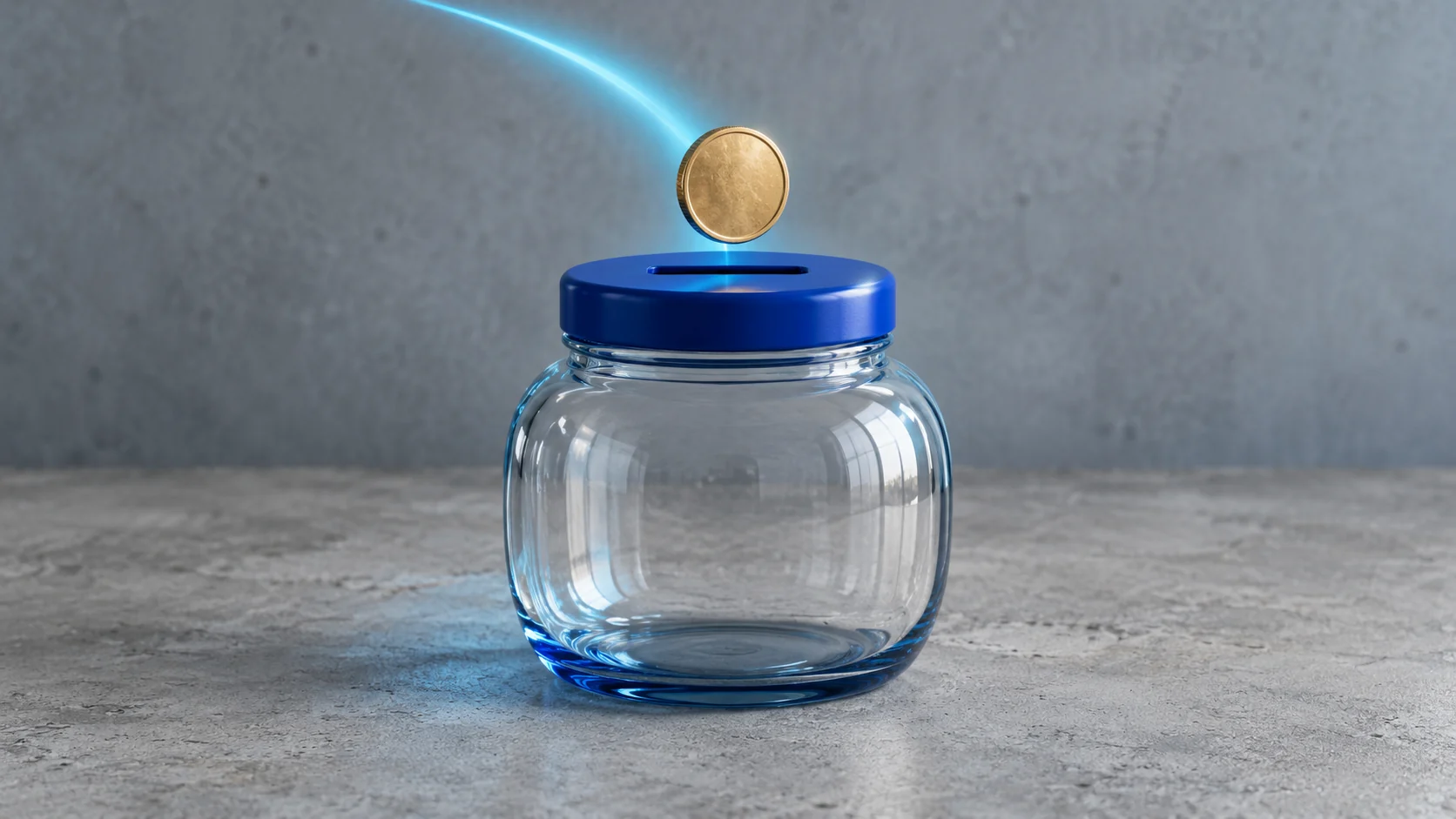
A photographic-style coin and jar integrate a cyan path with coherent lighting and occlusion.
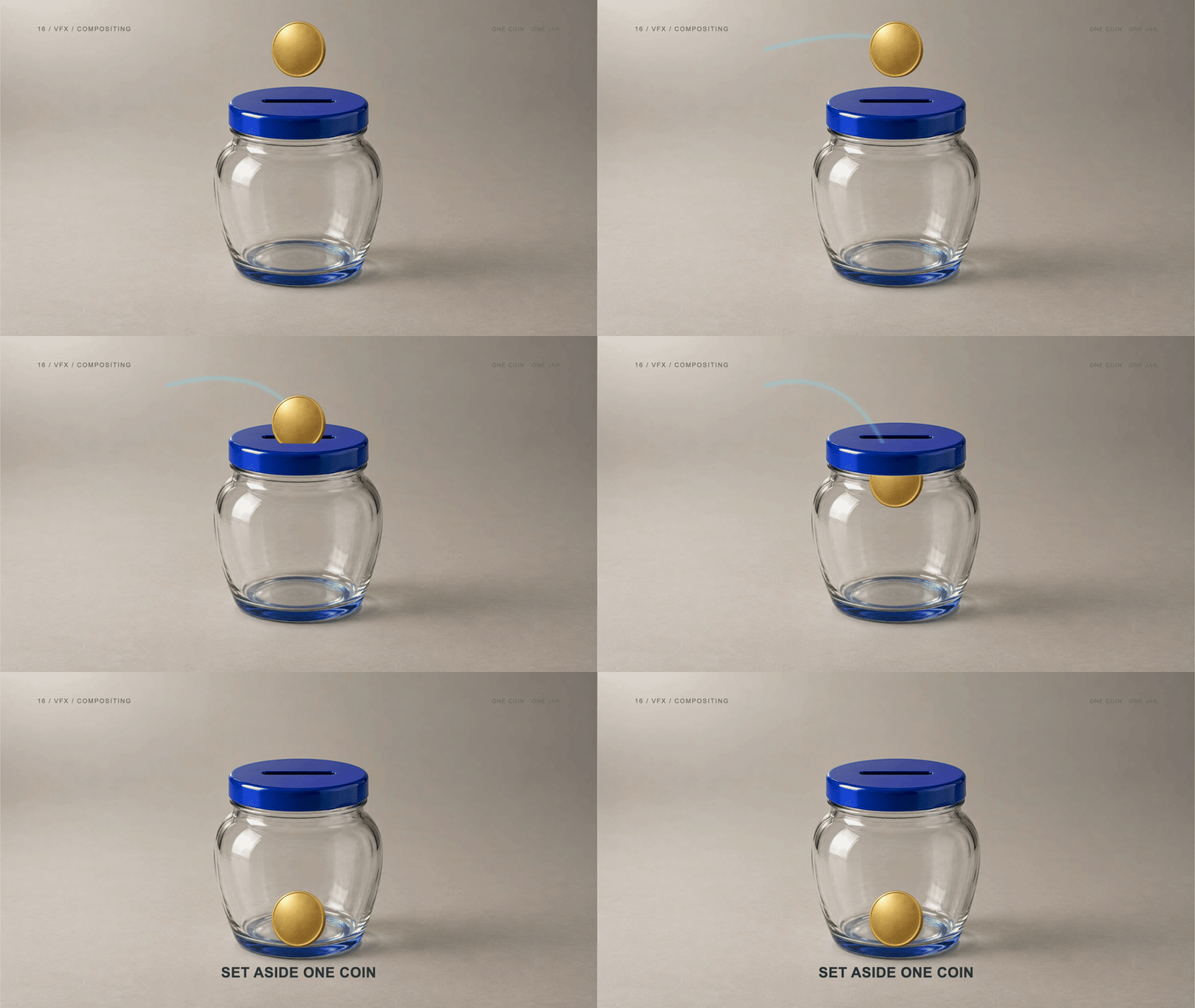
A separate coin cutout moves into a photographed jar while a subtle cyan path follows behind it. An exact front-rim mask controls when the lid hides part of the coin. The example uses a static base photograph, so it demonstrates layered integration without claiming to track a moving camera.
Choose compositing when a graphic needs to interact with filmed or photographed material. Supply separate assets and plan the occlusion before adding effects. Check edges, scale and light direction at full resolution; an attractive glow cannot repair a mask that places an object on the wrong side of the scene.
- Best uses
- Product advertising, presenter overlays, visual emphasis and effects integrated into footage.
- What makes the motion work
- Respect the scene geometry: move the effect through foreground and background layers deliberately.
- Watch out for
- Changing the product or face unintentionally, rough mask edges and graphics that ignore occlusion.
Read the full production prompt
Create a 5-second Remotion example of VFX/compositing using the SAME subject as the other examples: exactly one coin being set aside in one savings jar. This is an illustrative saving action, with no investment return, currency denomination or actual transaction claim.

VISUAL SYSTEM
Use 1920x1080 at 30fps. One plain round gold-colored coin starts at (960,280), about 180px in diameter. One savings jar is centered around (960,650), about 440px wide and 480px high, with a cobalt #165DDE lid/base and visible horizontal slot centered around (960,430). Its front is pale or clear enough to show the coin inside after entry. Adapt these coordinates coherently to the specified projection and style. Use a supplied local photograph of an empty blue-lidded savings jar and one separate coin cutout, or an explicitly authorized original generated base with no coin already embedded. Preserve the jar photo. If the required separated assets are absent, ask for them while preparing the effect layer. Cyan trajectory, neutral tabletop, real contact shadows and an exact front-rim matte.

TIMELINE
0-1s: establish the static jar photograph and one coin cutout above the lid. 1-2.5s: move that cutout to the slot while a subtle cyan path follows behind it. 2.5-4s: pass the same coin behind the exact photographed front rim, then composite it visibly inside; terminate the path as it settles. 4-5s: hold the final composite with exactly one coin.

IMPLEMENTATION
Layer the unchanged jar base, rear trajectory/coin, exact front-rim matte, and restrained front effect deliberately. Do not use a complete coin-and-jar composite as the base and then duplicate its coin. Inspect matte edges and believable occlusion; no claim of tracking a moving shot without actual tracking data.

Read this project's instructions first. Work in a clearly named local project folder and preserve existing files and exports. Reuse a compatible Remotion runtime if present. Keep this example silent unless I supply audio. Do not use the article image as a flattened video: create editable components and expose copy, colors, geometry and timing in configuration.

Drive every animation from useCurrentFrame(), interpolate() or spring(); do not use CSS animation clocks, timers or unseeded randomness. Keep opacity and sizes bounded, and text inside a 120px landscape safe margin. Reuse objects between beats and use a readable final hold.

Deliver editable source, a registered composition, local render instructions and a versioned H.264 MP4 and a looping five-second web GIF (800x450, 20fps, 100 frames). Preserve the MP4 as the source. Use palette generation for GIF conversion, verify its full decode, and confirm that one loop lasts 5.000 seconds. Render the video, extract a contact sheet including transition boundaries, inspect it at full resolution and at phone width, and correct visible defects. Verify dimensions, frame rate, duration and full video decode. Report any unperformed checks or missing dependencies honestly. Follow project permissions for installs, paid tools and publication; do not delete files, change credentials or publish without authorization. Do not claim the video is finished merely because the source compiles.By Marketinq.ai · Explore Video Editing